




CLX-3306WN
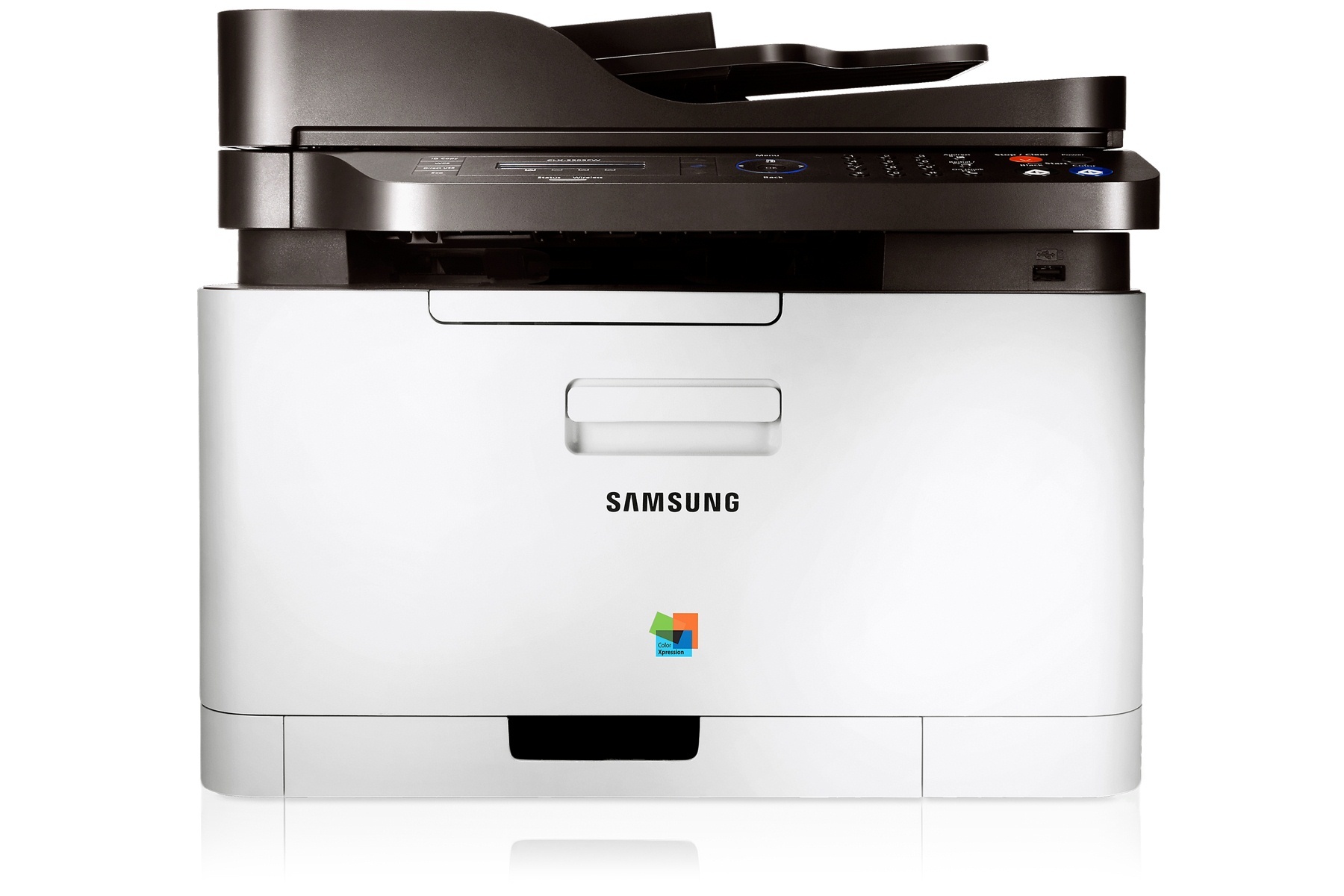
The Samsung CLX-3306WN is a color laser multifunction from the early-to-mid 2010s, part of the CLP/CLX and Xpress generation. It shares its engine and toner system with the rest of the CLX-3306 family, so its consumables are the family set: CLT-K406S for black, CLT-C406S for cyan, CLT-M406S for magenta and CLT-Y406S for yellow. This page stocks the black cartridge as a single and in a 3-pack, plus the complete 4 Color Set.
The CLX-3306WN was aimed at personal users and small offices that printed in color regularly but in modest volumes — the household that wants flyers and school projects to look right, the two-desk office that sends color proposals without living at a print shop. That profile shapes sensible buying: none of the four cartridges is under departmental strain, but color work nibbles at all four, and the machine that sits idle for a fortnight still notices the day a slot runs dry. Buying by cartridge code, and keeping the black slot ahead of demand, is the whole management strategy a machine like this needs.
Toner Cartridges for CLX-3306WN
| Cartridge | Color | Page Yield |
| CLT-K406S (single cartridge) | Black | See product page |
| CLT-K406S (3-pack) | Black | See product page |
| CLT-K406S, CLT-C406S, CLT-M406S, CLT-Y406S (4 Color Set) | Black, Cyan, Magenta, Yellow | See product page |
Which cartridge should you buy?
For this machine's typical workload, black leads and colors follow. Restock black with the single CLT-K406S when the warning appears, or keep the 3-pack if the printer supports a small business and downtime is annoying. The colors empty slowly and unevenly — a logo-heavy month drains cyan and magenta faster than yellow — and when one of them finishes, the 4 Color Set on this page renews every slot together, black included. That set is also the tidy choice after a long stretch on the original cartridges, when all four are aging at once and replacing them together resets the clock in one visit.
Chip, toner and everyday use
Eco printing deserves an honest word on this model: it does not harm the printer or the cartridge, it simply puts less toner on each page, which makes it free savings on internal documents — and easy to measure if you track one cartridge with Eco always on. Take the same practical approach to storage: cartridges waiting their turn should stay sealed, flat and somewhere cool, away from radiators and sunny windowsills. The printer reads each cartridge's chip for identification and level estimates; if a fresh one is not recognized, reseating it almost always settles the matter.
Frequently Asked Questions
Is there a downside to Eco printing on the CLX-3306WN?
Only lighter output. Eco mode changes how much toner lands on the page, nothing mechanical, so drafts and internal documents are fair game and the savings are real. Keep it off for anything a customer will judge you by. If you want proof it works, run one cartridge with Eco permanently on and compare its lifespan with the previous one.
Can I mix cartridges of different ages in the CLX-3306WN at the same time?
Yes. Each slot minds its own cartridge, so a fresh black alongside older colors is perfectly normal — most owners live in exactly that state. What you cannot mix is families: a cartridge from a different Samsung line will not seat properly, so match the full CLT code, letter included, every time you order.
My CLX-3306WN is listed under cartridges named for the CLP-360 — is that right?
It is. The shelf for this cartridge family is filed under the CLP-360, a single-function sibling that uses the identical toner system. Your multifunction takes the same four cartridges; the naming is a filing habit, not a compatibility warning.
Which color empties first, and can I plan for it?
It follows your documents, not a schedule. Text-heavy work drains black; photo- and logo-heavy work leans on cyan and magenta. The printer reports each slot's level separately, so glance at the levels when you replace black and you will see a dry color coming long before it stops a job.
More printers that use the same cartridges
Every model in this list runs on the same four cartridges:
Xpress C460FW, Xpress C460, Xpress C416FW, Xpress C416, Xpress C410W, Xpress C410, Samsung-CLT406S, SL-C460FW, SL-C460, SL-C410W, SL-C410, CLX-3307W, CLX-3307GOV, CLX-3307FW, CLX-3307, CLX-3306W, CLX-3306FN, CLX-3306, CLX-3305W, CLX-3305W, CLX-3305GOV, CLX-3305FW, CLX-3305FS, CLX-3305FN, CLX-3305, CLX-3304, CLX-3303FW, CLX-3303, CLX-3302, CLX-3300, CLP-368, CLP-367W, CLP-367, CLP-366W, CLP-366, CLP-365W, CLP-365EXP, CLP-365, CLP-364, CLP-363, CLP-362, CLP-360