




CLX-3302
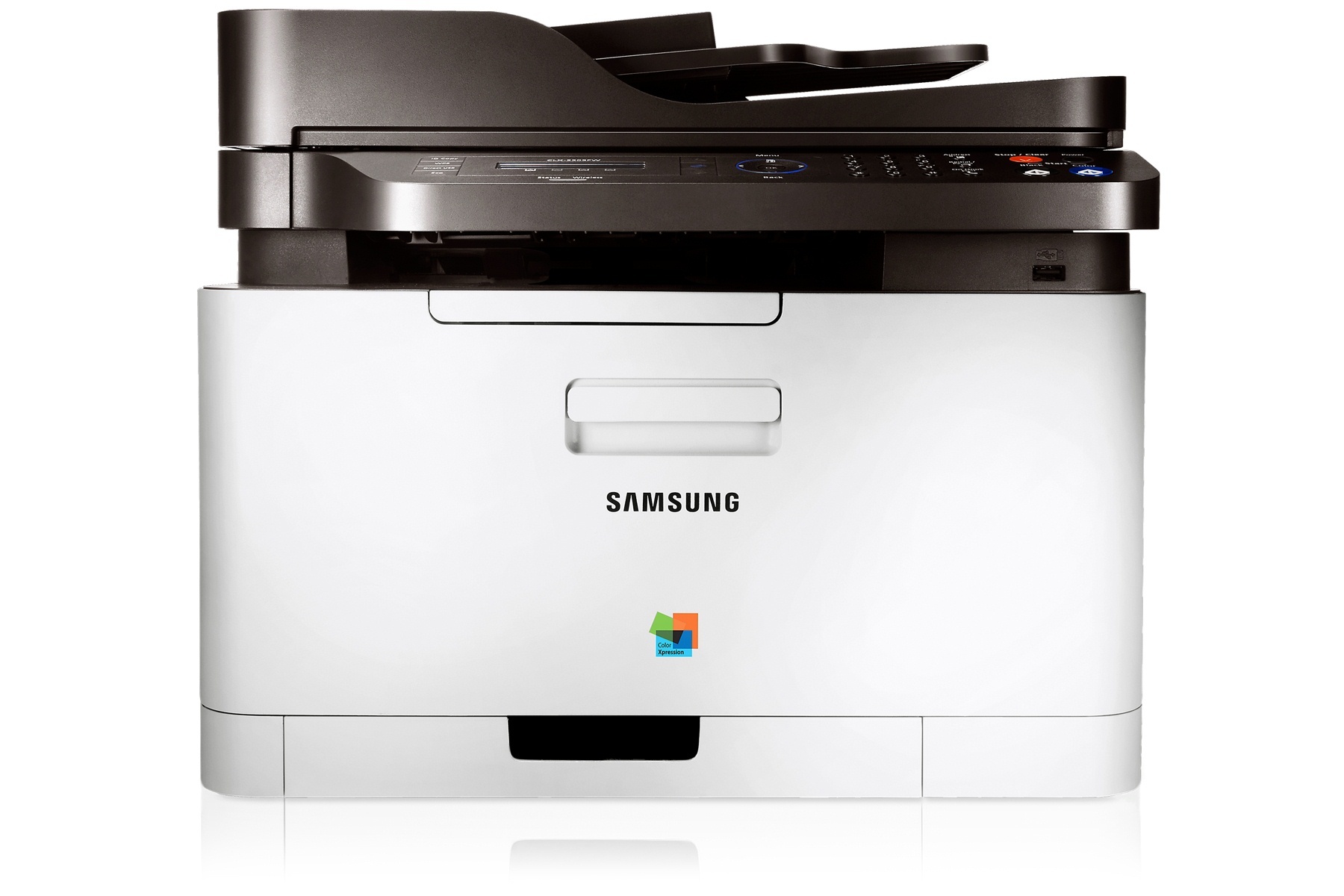
The Samsung CLX-3302 is a color laser multifunction printer from Samsung's early-to-mid 2010s CLP/CLX and Xpress lineup. Samsung sold it as a configuration variant of the CLX-3302 line for specific channel needs. The machine suited personal users and small offices that printed in color regularly but in modest volumes well.
Its consumable is the CLT-K406S set — CLT-K406S in black, CLT-C406S in magenta, with cyan and yellow to complete the quartet. Compatible CLT-K406S toner and genuine Samsung OEM cartridges are both in stock, with fast Clever Supplies shipping.
Toner Cartridges for CLX-3302
This printer works with the following toner cartridges:
- Samsung CLT-K406S
- Samsung CLT-C406S
- Samsung CLT-M406S
- Samsung CLT-Y406S
More Samsung Printers
- CLP-360
- CLP-362
- CLP-363
- CLP-364
- CLP-365
- CLP-365EXP
- CLP-365W
- CLP-366
- CLP-366W
- CLP-367
- CLP-367W
- CLP-368
- CLX-3300
- CLX-3303
- CLX-3303FW
- CLX-3304
- CLX-3305
- CLX-3305FN
- CLX-3305FS
- CLX-3305FW
- CLX-3305GOV
- CLX-3305W
- CLX-3306
- CLX-3306FN
- CLX-3306W
- CLX-3306WN
- CLX-3307
- CLX-3307FW
- CLX-3307GOV
- CLX-3307W
- SL-C410
- SL-C410W
- SL-C460
- SL-C460FW
- Xpress C410
- Xpress C410W
- Xpress C416
- Xpress C416FW
- Xpress C460
- Xpress C460FW
Frequently Asked Questions
New owner here — my CLX-3302 prints have streaks — is it the toner or something else?
Low toner in the CLX-3302 fades everything evenly; a damaged imaging unit leaves sharp, repeating marks in the same spot. Measure the distance between repeating marks; a consistent interval on the CLX-3302 confirms the imaging unit or a roller. A clean CLX-3302 with a fresh CLT-K406S prints like new; maintenance is mostly about the consumables.
Quick question: my CLX-3302 will not show up on the network — where do I start?
Router reboots and password changes silently break the CLX-3302's connection, so re-run wireless setup after either. Assign the CLX-3302 a DHCP reservation in the router so its address never shifts unexpectedly. Wireless convenience is real, but Ethernet reliability wins for a shared CLX-3302.
Need some guidance — how do I make a copy on the CLX-3302?
Copying on the CLX-3302 is straightforward: place the original on the glass or in the feeder, press Copy, and adjust quantity on the panel. Choose PDF for documents and JPEG for photos when scanning from the CLX-3302. The CLX-3302's scan features reward a few minutes of setup with years of convenience.