




CLP-362
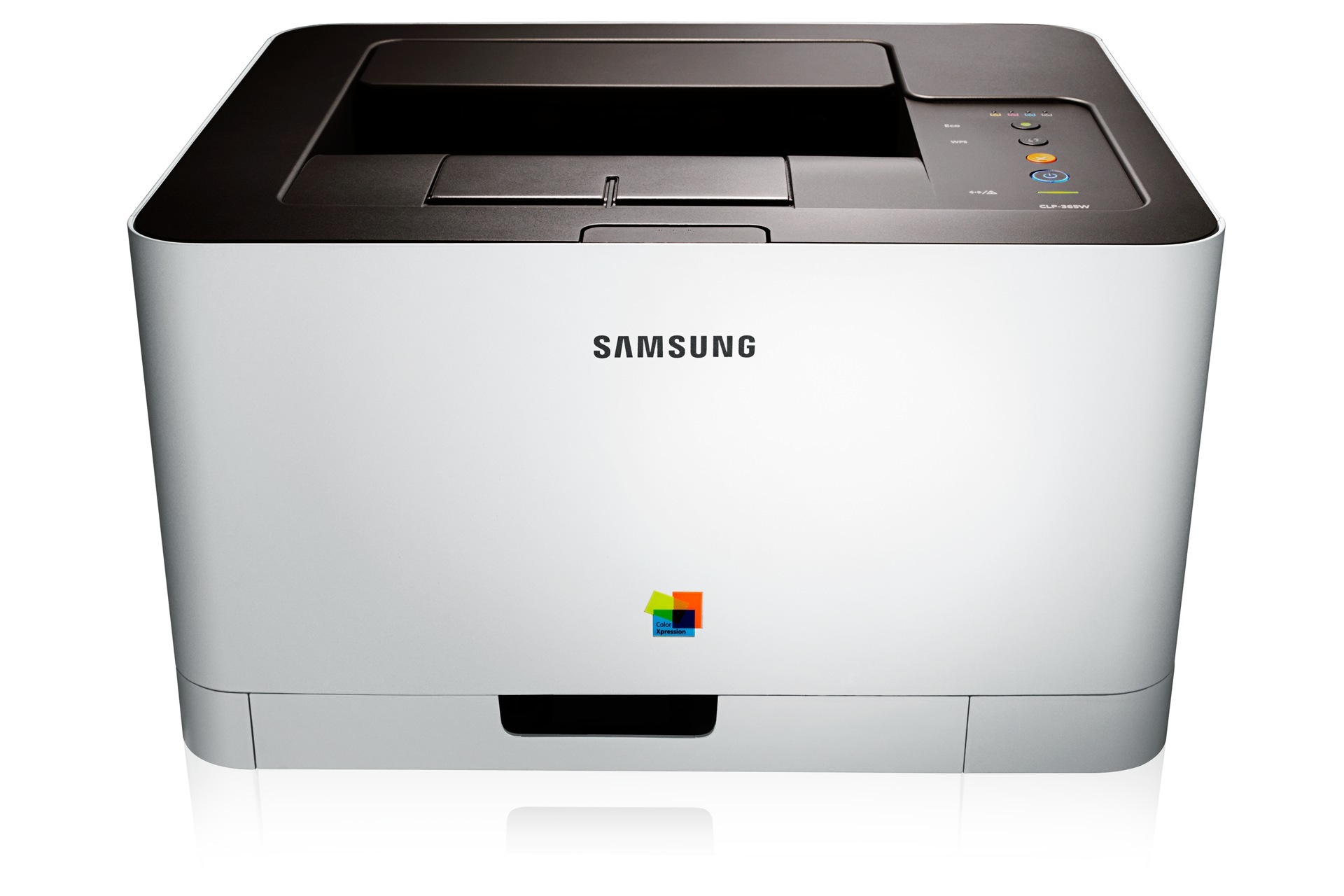
As a color laser printer, the Samsung CLP-362 represented the CLP/CLX and Xpress line in the early-to-mid 2010s, and it sits in a generation that shares consumables across the whole group. Its buyers were typically personal users and small offices that printed in color regularly but in modest volumes. The consumable is the CLT-406S set — CLT-K406S in black, CLT-C406S in cyan, with CLT-M406S and CLT-Y406S completing the quartet. Everything this machine eats is gathered on this page, in compatible and genuine Samsung form.
Belonging to a shared-consumable generation is a quiet financial advantage. An office running two or three Samsung machines from this era often feeds all of them from one shelf of cartridges, which simplifies ordering and makes multipacks genuinely useful instead of speculative. The CLP-362's own appetite follows the usual color-laser pattern: steady black consumption for documents, slower and uneven color use, and long calm stretches where the supply question simply does not come up.
Toner Cartridges for CLP-362
Which cartridge should you buy?
Order by code and the CLP-362 cannot be fed wrong: its shelf is the CLT-406S family, four cartridges, one yield per color. Within that shelf, quantities are the lever. A home user replacing a single faded color should buy that single and nothing else — the other cartridges keep their remaining life. A small office printing documents all week should look at the black multipacks, because black is where this printer's money goes, and at a 4 color set when several slots are fading together and one combined order beats four separate ones. Keep the imaging unit out of this decision: it is a separate, much rarer purchase, and stockpiling one only makes sense at genuinely high volume. All toner here carries a 1-year warranty and 1-year returns.
Chip, toner and everyday use
Two habits trim this printer's running costs more than any coupon. The first is toner-save mode, which is ideal for emails, drafts and internal copies — anything whose reader will never judge the density — and should be switched off only for client-facing pages. The second is keeping the printer's firmware current, since manufacturers occasionally improve toner efficiency in updates. Even a modest office feels the difference inside a single cartridge cycle. When a cartridge does go in, seat it firmly and keep its chip contacts clean; the chip is how the machine reads levels, and a dusty contact is the usual culprit behind a cartridge the printer pretends not to see.
Frequently Asked Questions
My CLP-362 says it needs an imaging unit. Is that the same as toner?
No — they are two different consumables. Toner cartridges deliver the colored powder; the imaging unit is the drum assembly the toner works against, and it wears on a much longer cycle. An imaging-unit warning means quality will degrade gradually, so you can usually finish the work in front of you before acting. Most owners buy the unit on demand rather than storing one, and a CLP-362 with fresh toner and a healthy imaging unit prints the way it did when it was unboxed.
How can a small office trim its CLP-362 printing bill?
Start with toner-save as the default for everyday documents and lift it only for pages leaving the building. Keep firmware current for the efficiency fixes Samsung folds into updates. On the buying side, standardize on the multipacks above if your office prints steadily — consolidating into fewer, larger orders is where the quiet savings live for this model.
Which toner cartridges fit the CLP-362?
Compatibility here is decided by the cartridge code, and the code is the CLT-406S family: CLT-K406S black, CLT-C406S cyan, CLT-M406S magenta and CLT-Y406S yellow. Match the full code including its letter, because a cartridge from a different Samsung family will not seat properly. A correct match installs cleanly and shows no error messages on first power-up.
Only the black cartridge is empty. Should I buy a single or a set?
A single — or a black multipack, if your office goes through black quickly. The four cartridges age independently, and replacing healthy colors early spends money for no print-quality gain. Sets justify themselves when two or more colors are genuinely near the end, or when you are setting up a machine you have just acquired and want every slot fresh at once.
More printers that use the same cartridges
Sharing one consumable shelf is the theme of this Samsung generation, which also includes: CLX-3300, CLX-3302, CLX-3303, CLX-3303FW, CLX-3304, CLX-3305, CLX-3305FN, CLX-3305FS, CLX-3305FW, CLX-3305GOV, CLX-3305W, CLX-3305W, CLX-3306, CLX-3306FN, CLX-3306W, CLX-3306WN, CLX-3307, CLX-3307FW, CLX-3307GOV, CLX-3307W, SL-C410, SL-C410W, SL-C460, SL-C460FW, Xpress C410, Xpress C410W, Xpress C416, Xpress C416FW, Xpress C460, Xpress C460FW, Samsung-CLT406S, CLP-360, CLP-363, CLP-364, CLP-365, CLP-365EXP, CLP-365W, CLP-366, CLP-366W, CLP-367, CLP-367W, CLP-368.