




CLX-3304
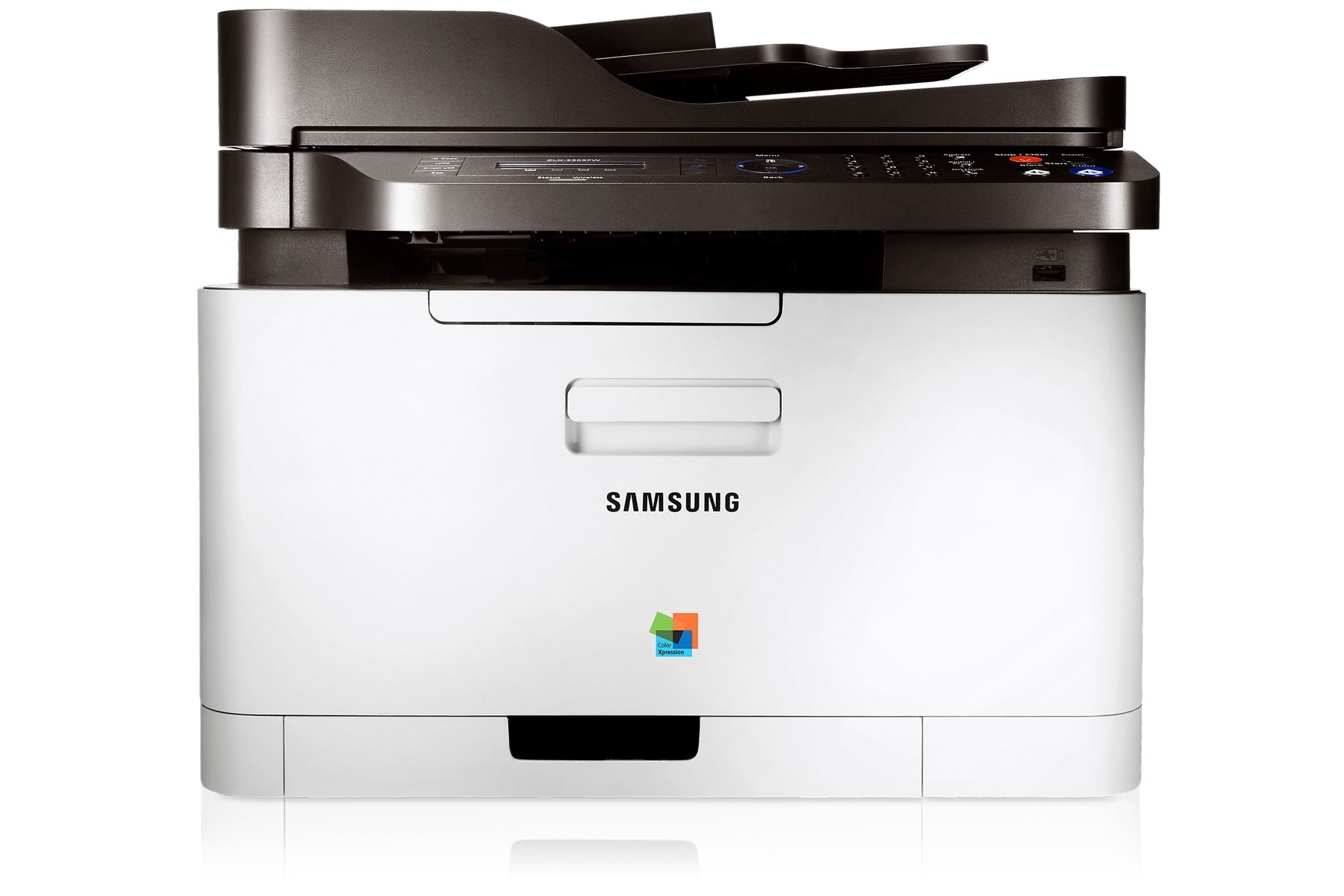
The Samsung CLX-3304 is a color laser multifunction printer from the early-to-mid 2010s CLP/CLX and Xpress generation, built for personal users and small offices that print in color regularly but in modest volumes. It runs on four separate cartridges: CLT-K406S for black, CLT-C406S for cyan, CLT-M406S for magenta and CLT-Y406S for yellow. Because each color lives in its own cartridge, a drained yellow never forces you to throw away healthy black or cyan — you replace the one slot that ran dry and keep printing.
That one-cartridge-at-a-time layout suits the way this machine is actually used: homework and home-office documents one day, a set of color handouts or photos the next. Text pages lean almost entirely on the black cartridge, so black usually empties first, while color-heavy work draws the three color slots down together. Owners who print mostly letters and forms can expect long stretches between color orders, and the shelf below carries the quartet as singles, as full sets, and under this model's own name for anyone who prefers ordering by printer model instead of cartridge code.
Toner Cartridges for CLX-3304
Which cartridge should you buy?
Start with what your printing actually consumes. If the CLX-3304 mostly turns out black text, keep a spare black cartridge on hand and let the colors ride — they will last far longer than you expect. If you print color documents every week, a four-color set is the tidy option: all four slots refresh together, output stays balanced, and you are not caught mid-job by one empty color. Single cartridges make the most sense when the printer itself tells you which color is low; the panel names the slot, and matching it to the code on this page takes seconds. Whichever route you choose, the compatible cartridges here carry a 1-year warranty and 1-year returns.
Chip, toner and everyday use
Each cartridge carries a chip the CLX-3304 reads to track toner levels, so a new cartridge should register as full as soon as it seats. Pull the sealing tape completely before installing, and give the cartridge a gentle side-to-side rock to spread the toner evenly after a long time in storage. Page yields are estimates at 5% coverage, which means dense color pages use toner far faster than plain text — a low-toner warning after a photo-heavy week is normal arithmetic, not a faulty cartridge. Store spares flat, sealed and out of direct sunlight, and the next swap will be a two-minute job.
Frequently Asked Questions
Which cartridge does my CLX-3304 need when only one color looks faded?
Replace only the slot the printer names. Faded blue-green tones point to the cyan cartridge, washed-out reds to magenta and pale yellows to the yellow slot; gray-looking text usually means the black cartridge is nearly empty. The four codes are listed in the table above, each linked to its own cartridge page.
Can I keep printing if one color cartridge is empty?
For black-only documents, generally yes — the CLX-3304 can usually continue with text work while a color slot waits for its replacement. Color pages will be missing that channel, though, so graphics and photos will look wrong until the empty cartridge is swapped.
Are the cartridges sold under the CLX-3304 name the same as the coded ones?
Yes. Some listings on this page carry the printer model in their name instead of the cartridge code, but they are built for the same four slots. Match by code when you can read it off the old cartridge, and by model name when you cannot — both routes land on a cartridge that fits this machine.
What should I check if a new cartridge is not recognized?
Remove the cartridge and look for leftover sealing tape or a protective cover over the chip contacts, then reseat it until it clicks. If the message persists, power the printer off and back on so it re-reads the chip before assuming the cartridge itself is at fault.
More printers that use the same cartridges
The same four cartridges also fit these Samsung models:
CLP-360, CLP-362, CLP-363, CLP-364, CLP-365, CLP-365EXP, CLP-365W, CLP-366, CLP-366W, CLP-367, CLP-367W, CLP-368, CLX-3300, CLX-3302, CLX-3303, CLX-3303FW, CLX-3305, CLX-3305FN, CLX-3305FS, CLX-3305FW, CLX-3305GOV, CLX-3305W, CLX-3305W, CLX-3306, CLX-3306FN, CLX-3306W, CLX-3306WN, CLX-3307, CLX-3307FW, CLX-3307GOV, CLX-3307W, SL-C410, SL-C410W, SL-C460, SL-C460FW, Samsung-CLT406S, Xpress C410, Xpress C410W, Xpress C416, Xpress C416FW, Xpress C460, Xpress C460FW