




CLP-366W
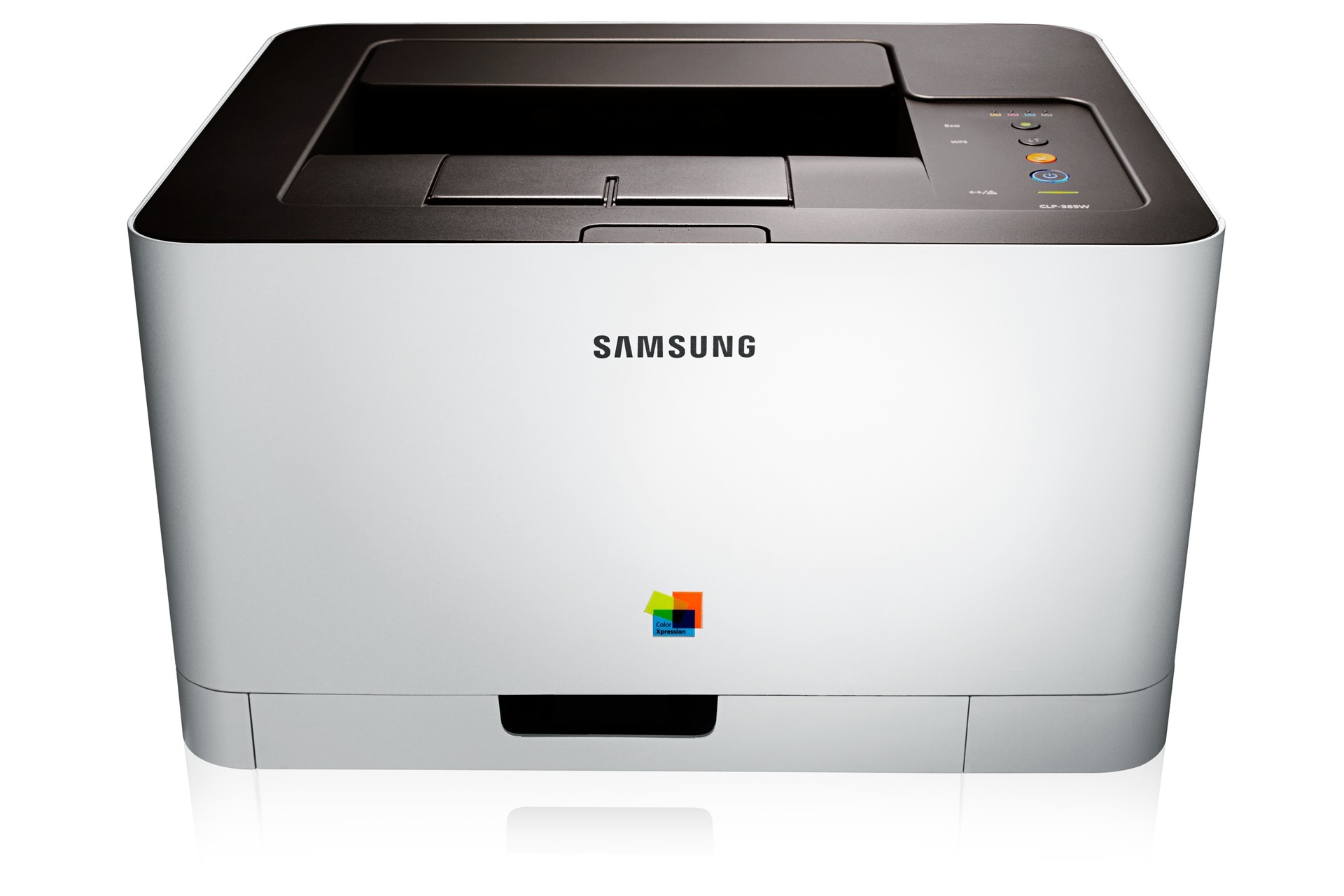
The W in CLP-366W stands for wireless — otherwise this is the same compact color laser as the base CLP-366, freed from the USB cable. That one addition made it the pick for households and micro-offices where the printer sits in a corner and everyone prints over Wi-Fi.
Cartridge-wise nothing changes: the CLP-366W takes the CLT-K406S family, black CLT-K406S plus the three color cartridges CLT-C406S, CLT-M406S and CLT-Y406S. We carry compatible and genuine OEM options for each, with fast shipping on every order.
Toner Cartridges for CLP-366W
This printer works with the following toner cartridges:
- Samsung CLT-K406S
- Samsung CLT-C406S
- Samsung CLT-M406S
- Samsung CLT-Y406S
More Samsung Printers
- CLP-360
- CLP-362
- CLP-363
- CLP-364
- CLP-365
- CLP-365EXP
- CLP-365W
- CLP-366
- CLP-367
- CLP-367W
- CLP-368
- CLX-3300
- CLX-3302
- CLX-3303
- CLX-3303FW
- CLX-3304
- CLX-3305
- CLX-3305FN
- CLX-3305FS
- CLX-3305FW
- CLX-3305GOV
- CLX-3305W
- CLX-3306
- CLX-3306FN
- CLX-3306W
- CLX-3306WN
- CLX-3307
- CLX-3307FW
- CLX-3307GOV
- CLX-3307W
- SL-C410
- SL-C410W
- SL-C460
- SL-C460FW
- Xpress C410
- Xpress C410W
- Xpress C416
- Xpress C416FW
- Xpress C460
- Xpress C460FW
Frequently Asked Questions
Help me decide: what is the biggest waste of toner on a typical CLP-366W?
Duplex printing halves paper cost and does not touch toner, but the CLP-366W's overall cost per document still drops. Enable automatic duplex on the CLP-366W so every print uses both sides unless you say otherwise. A CLP-366W run thoughtfully can cost far less per page than the same printer run carelessly.
Need some guidance — my CLP-366W stopped mid-print with a cartridge error — what happened?
The CLP-366W may still print fine despite the warning — many Samsung printers let you acknowledge it and continue. Do not force the cartridge — the CLP-366W's chip reader aligns only when the CLT-K406S slides in smoothly. Do not let a warning message push you back to overpriced OEM if compatibles serve your CLP-366W well.
Straightforward question: my CLP-366W jammed and now prints with toner smudges — what happened?
A poorly seated CLT-K406S can obstruct the paper path, so reseat the cartridge if jams started right after a change. Remove the CLT-K406S cartridge when fishing out a deep jam so you can see the full paper path. Once the paper path is truly clear, the CLP-366W picks up right where it left off.