




CLX-3307
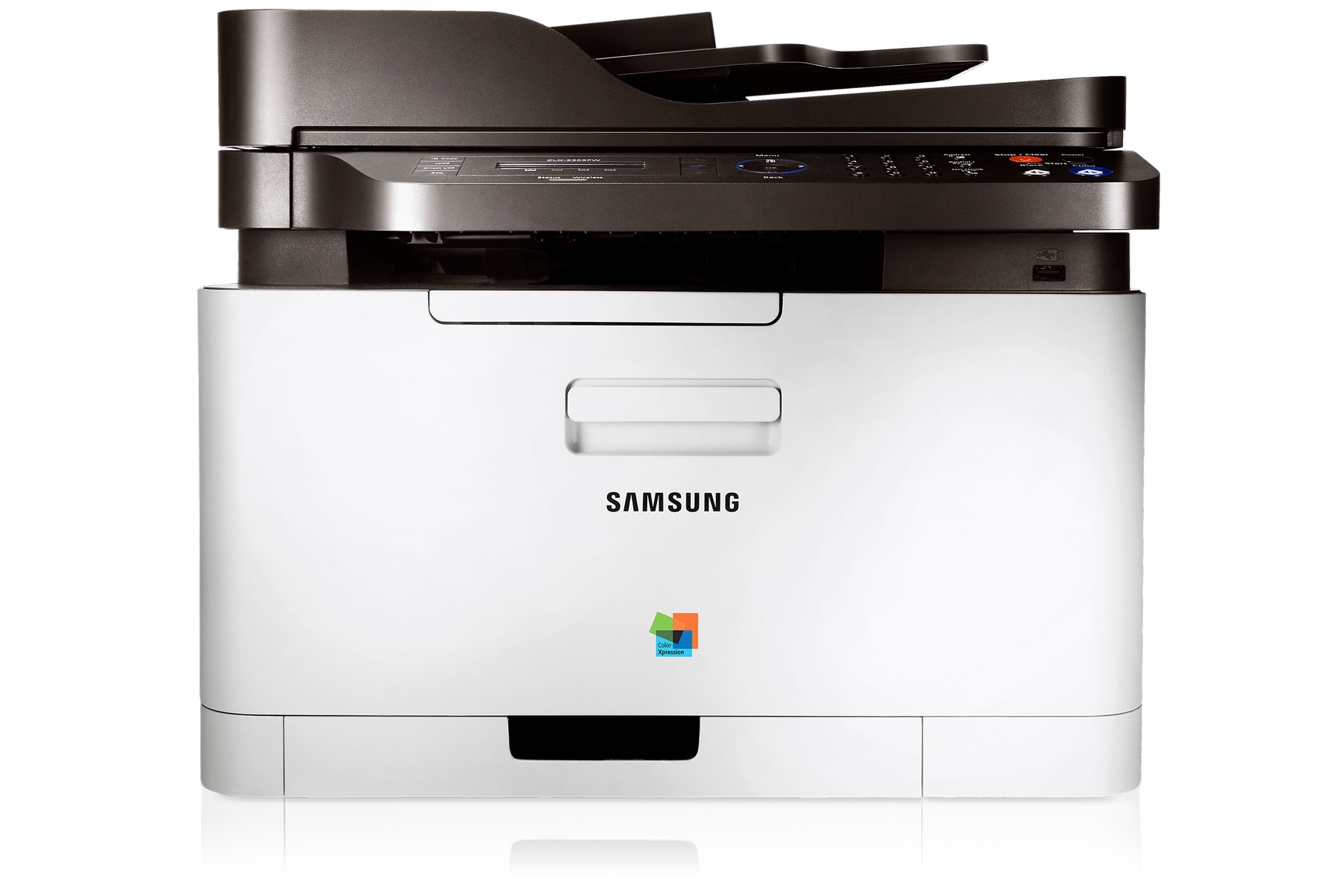
With the CLX-3307, Samsung brought color laser multifunction printing down to smaller budgets in the early-to-mid 2010s, sharing its engine and toner system across the CLX-3307 family. The toner set is the 406S quartet: CLT-K406S in black, CLT-C406S in cyan, CLT-M406S in magenta and CLT-Y406S in yellow — four independent cartridges, one per color channel, so running costs stay tied to what you actually print.
This was a machine for personal users and small offices that printed color regularly but never in bulk: school projects, invoices with a color logo, the occasional brochure draft. That pattern makes cartridge discipline simple. Black does the heavy lifting on everyday pages, and the three colors sip toner until a graphics-heavy job comes along. The listings below cover the quartet as individual cartridges, bundled sets, and model-named options, which makes it easy to restock exactly the slot that is running low.
Toner Cartridges for CLX-3307
Which cartridge should you buy?
On a budget printer, the smart move is buying against the low-toner message rather than on a schedule. The CLX-3307 reports each slot separately, so wait for it to name the color, then order that single cartridge — there is no prize for replacing three healthy cartridges early. Sets earn their keep in two situations: when several slots run low together after a color-heavy stretch, and when you want one spare of everything on the shelf so a deadline never depends on a delivery. Black multi-packs suit text-heavy users who burn through black while the colors barely move. Every compatible cartridge here is covered by a 1-year warranty with 1-year returns.
Chip, toner and everyday use
A compatible cartridge's chip has to shake hands with the CLX-3307 before the printer accepts it, and the usual reason a swap fails is mechanical rather than electronic: tape left over the contacts, or a cartridge pushed in short of its click. Seat it firmly, close the door, and let the machine calibrate. If prints come out light right after an install, rock the cartridge gently to redistribute the toner inside — yields are figured at 5% coverage, so a cartridge that sat in a warehouse can print unevenly for the first pages. Keep the printer's vents clear and the paper dry, and this generation of Samsung color lasers stays trouble-free for years.
Frequently Asked Questions
Is the CLX-3307 expensive to run compared with an inkjet?
For text and everyday color documents, laser toner generally works out cheaper per page than ink, and there is no ink to dry out between uses. Your real cost depends on coverage: full-color pages consume the three color cartridges much faster than letters consume black.
My CLX-3307 says a cartridge is not compatible — what now?
First confirm the code on the cartridge matches one of the four codes for this model, then remove it and check the chip area for tape or packaging film. Reseat it firmly and restart the printer. A cartridge from a different Samsung family will never be accepted, no matter how similar it looks.
Do I have to replace all four cartridges at the same time?
No. Each color is an independent cartridge, and the machine tracks them separately. Replacing only the empty one is the normal, economical way to run this printer; full sets are simply a convenient bundle when several slots are low together.
More printers that use the same cartridges
These Samsung printers share the same four-cartridge set:
- Xpress C460FW
- Xpress C460
- Xpress C416FW
- Xpress C416
- Xpress C410W
- Xpress C410
- Samsung-CLT406S
- SL-C460FW
- SL-C460
- SL-C410W
- SL-C410
- CLX-3307W
- CLX-3307GOV
- CLX-3307FW
- CLX-3306WN
- CLX-3306W
- CLX-3306FN
- CLX-3306
- CLX-3305W
- CLX-3305W
- CLX-3305GOV
- CLX-3305FW
- CLX-3305FS
- CLX-3305FN
- CLX-3305
- CLX-3304
- CLX-3303FW
- CLX-3303
- CLX-3302
- CLX-3300
- CLP-368
- CLP-367W
- CLP-367
- CLP-366W
- CLP-366
- CLP-365W
- CLP-365EXP
- CLP-365
- CLP-364
- CLP-363
- CLP-362
- CLP-360