




CLP-365
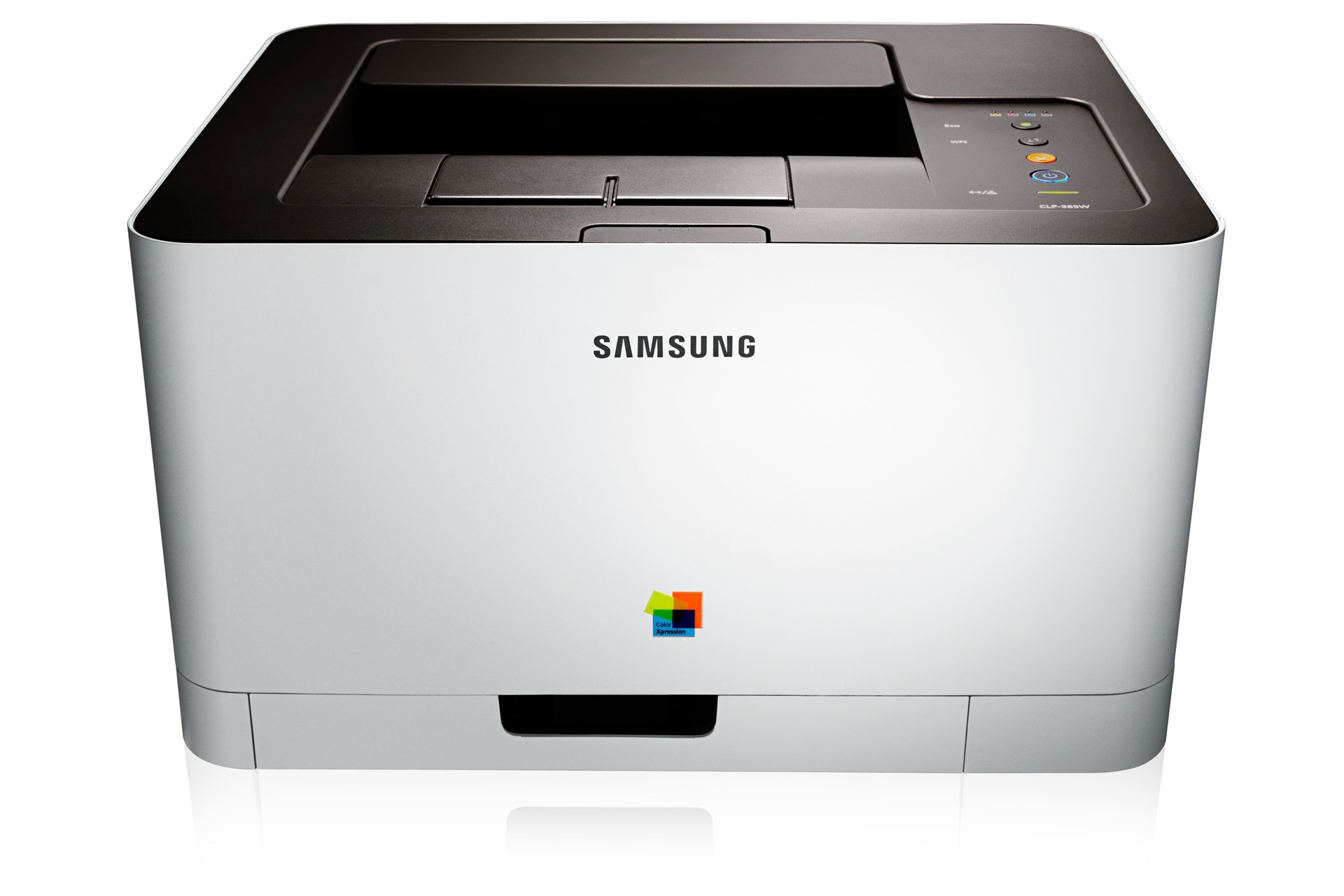
The Samsung CLP-365 is an early-to-mid 2010s color laser printer sold under the CLP/CLX and Xpress banner, pitched at personal users and small offices that print in color regularly but in modest volumes. The model sits in the CLP-365 generation, so its consumables are shared across that whole group. It takes the CLT-406S cartridge family: black from the CLT-K406S, cyan from the CLT-C406S, magenta from the CLT-M406S and yellow from the CLT-Y406S, four separate cartridges that empty at their own pace.
Regular-but-modest is a real printing profile: a few color pages most days — a chart for a meeting, a school handout, a photo or two — rather than a weekly flood. The CLP-365 fits it because its cartridges are sized and priced for that rhythm, and because replacing one color at a time means a quiet month never leaves you holding a half-used set you paid for upfront. Keep one spare black on the shelf and this generation of Samsung color lasers runs for years with minimal fuss.
Toner Cartridges for CLP-365
Which cartridge should you buy?
Samsung sells the 406S family in a single yield, so there is no standard-versus-high-yield puzzle here: the CLT-K406S is the black cartridge, full stop, and its color partners follow the same one-size pattern. Buy singles and swap colors as they fade; step up to a black multipack only if your black cartridge turns over noticeably faster than the colors, which is common when color is the garnish rather than the meal. A four-color set is the right call when the whole machine is due a refresh. Every compatible listing carries a 1-year warranty and 1-year returns.
Chip, toner and everyday use
The panel and Samsung's software both report toner levels for this printer, so a glance tells you where you stand long before print quality suffers. When a cartridge does fade, rock it gently side to side to redistribute the remaining toner and you will usually coax out a good run of extra pages. Store the spare upright, sealed in its packaging, in a climate-controlled room — heat is the enemy, and a garage that bakes in summer can clump the toner inside a stored cartridge.
Frequently Asked Questions
My CLP-365 reports a jam but I cannot find any paper — now what?
Start with the tray: fan the paper stack, load it neatly, and try again, because misaligned sheets cause most phantom jams. If the printer names a location, believe it — its jam messages are quite specific. Jams that cluster in one spot point to that section's rollers or guides needing attention.
Is the low-toner warning on the CLP-365 based on a sensor or a page count?
The printer tracks cartridge levels through the chip and its own counters, and both the panel and the software show where each cartridge stands. Treat the first warning as your reorder signal rather than an emergency: owners who order at the warning, and keep the spare sealed until the old cartridge is truly done, sail through replacements with zero interrupted printing.
Should I open the CLT-K406S box to check the cartridge before storing it?
Leave it sealed. The packaging protects the toner from light, air and knocks, and a cartridge stored properly in a cool room keeps for a long time. A well-stored spare turns a toner emergency into a non-event; an opened one slowly ages on the shelf.
More printers that use the same cartridges
The CLP-365 generation shares its CLT-406S toner across a wide family of Samsung printers: CLP-360, CLP-362, CLP-363, CLP-364, CLP-365EXP, CLP-365W, CLP-366, CLP-366W, CLP-367, CLP-367W, CLP-368, CLX-3300, CLX-3302, CLX-3303, CLX-3303FW, CLX-3304, CLX-3305, CLX-3305FN, CLX-3305FS, CLX-3305FW, CLX-3305GOV, CLX-3305W, CLX-3305W, CLX-3306, CLX-3306FN, CLX-3306W, CLX-3306WN, CLX-3307, CLX-3307FW, CLX-3307GOV, CLX-3307W, SL-C410, SL-C410W, SL-C460, SL-C460FW, Samsung-CLT406S, Xpress C410, Xpress C410W, Xpress C416, Xpress C416FW, Xpress C460, Xpress C460FW.