




CLP-364
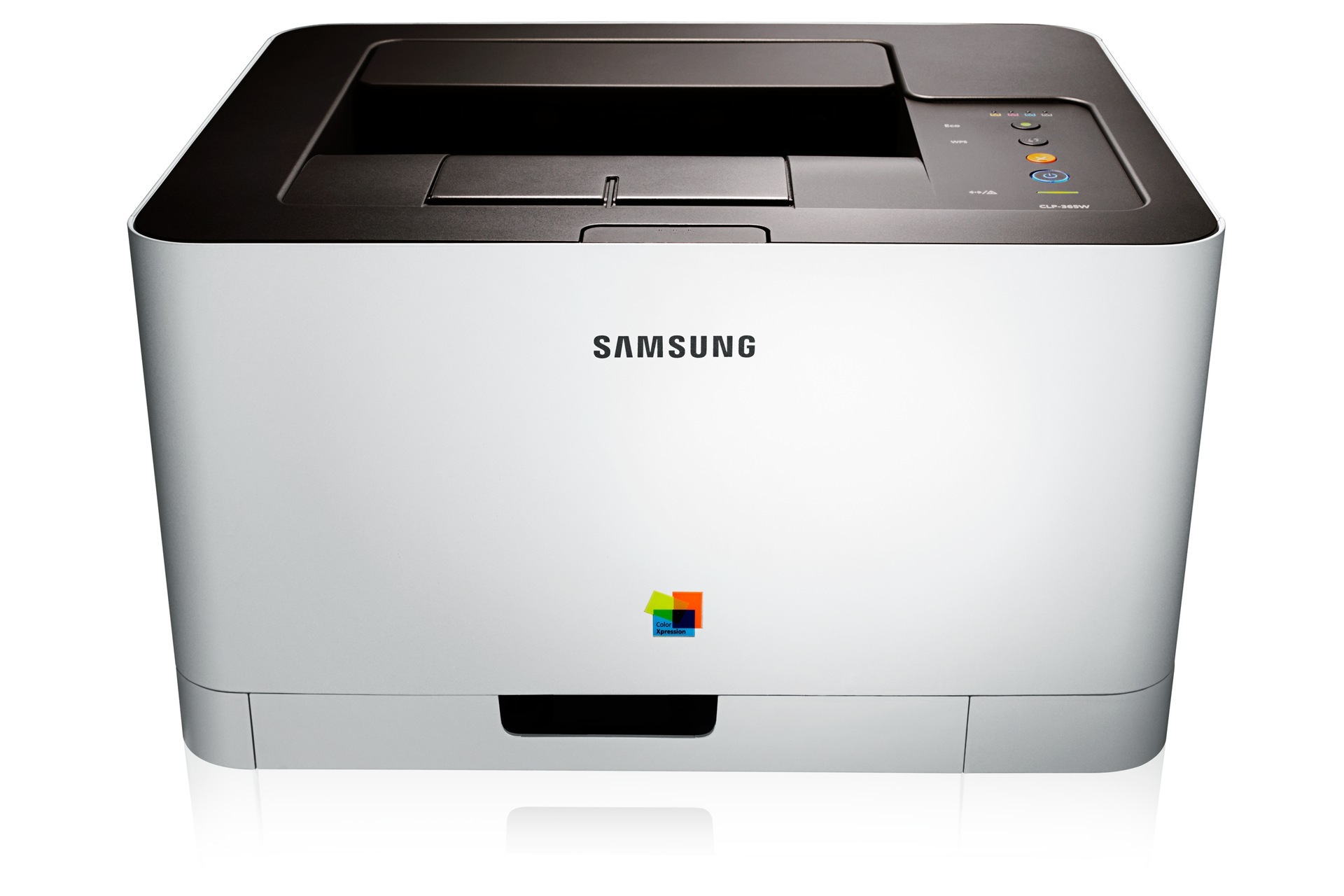
The Samsung CLP-364 is a color laser printer from the early-to-mid 2010s CLP, CLX and Xpress range, built to bring color laser output to smaller budgets. It feeds on Samsung's CLT-406S cartridge family: black comes from the CLT-K406S, while the three color slots take the CLT-C406S in cyan, the CLT-M406S in magenta and the CLT-Y406S in yellow. Each position is its own cartridge with its own level, so the printer reports and replaces the four independently.
This was a machine aimed at personal users and small offices that printed in color regularly but in modest volumes, and that profile still describes most surviving units: a desk-side color laser doing everyday documents, the odd photo handout and short marketing runs rather than departmental throughput. Because the model sits inside a wider generation that shares the same consumables, its cartridges stayed easy to source long after the hardware left the shelves, which is a large part of why these printers are still in daily service.
Toner Cartridges for CLP-364
Which cartridge should you buy?
Start with how this printer actually gets used. Text-heavy printing drains black long before the colors, so if your CLP-364 mostly produces documents, the multi-black listings in the table above are the economical way to stock up, and a single color cartridge can be ordered only when its own level drops. If the machine prints presentations, flyers or schoolwork with plenty of graphics, all four cartridges age together and a 4 Color Set works out simpler than four separate orders. There is no yield ladder to climb on this page: every listing is the same standard-fill family, so the choice is purely about how many cartridges you want on the shelf. Every compatible cartridge sold here is covered by a 1-year warranty and 1-year returns.
Chip, toner and everyday use
Each cartridge carries a chip the printer reads on installation, and most recognition complaints trace back to seating rather than electronics: pull the cartridge out, check that the contacts are clean, and slide it back in firmly until it sits home. Toner that has settled in transit benefits from a gentle side-to-side rock before fitting, which evens out the fill and prevents a pale first page. Keep one black cartridge sealed in reserve; a color laser that stops at an empty black slot stops for every job, not just the color ones. Store spares flat, in their bags, away from heat, and rotate them so the oldest stock is used first.
Frequently Asked Questions
How can I lower the cost per page on my CLP-364?
Coverage drives cost more than any cartridge choice: a page of text sips toner while a full-page graphic gulps it. Set the driver default to draft quality for internal documents and raise it job by job when the output is customer-facing. The printer itself is economical; it is the factory defaults that are not tuned for saving toner.
The printer rejects a new CLT-K406S — what should I check first?
Remove the cartridge, confirm the contacts are clean and reinstall it firmly, since poor seating causes many false errors. If the refusal began right after a firmware update, check whether the update notes mention cartridge authentication. Once the chip handshake succeeds, a good compatible cartridge and this printer work together without further complaints.
Why do gray streaks repeat in the same spot on every page?
Low toner fades output evenly across the page, while a damaged imaging unit leaves sharp marks that repeat at a fixed interval. Measure the distance between the repeating marks: a consistent spacing points to the imaging unit or a roller rather than the toner. Learning that difference keeps you from ordering toner for a hardware symptom.
Can I replace just one color cartridge at a time?
Yes. The four cartridges are independent consumables, and the printer tracks each level separately. When only the magenta runs low, only the magenta needs to change; there is no need to refresh the whole set, and mixing a new cartridge with three part-used ones is normal practice.
More printers that use the same cartridges
The same cartridge family also serves the models below, so owners running more than one of these machines can stock a single set of spares:
CLP-360, CLP-362, CLP-363, CLP-365, CLP-365EXP, CLP-365W, CLP-366, CLP-366W, CLP-367, CLP-367W, CLP-368, CLX-3300, CLX-3302, CLX-3303, CLX-3303FW, CLX-3304, CLX-3305, CLX-3305FN, CLX-3305FS, CLX-3305FW, CLX-3305GOV, CLX-3305W, CLX-3305W, CLX-3306, CLX-3306FN, CLX-3306W, CLX-3306WN, CLX-3307, CLX-3307FW, CLX-3307GOV, CLX-3307W, SL-C410, SL-C410W, SL-C460, SL-C460FW, Samsung-CLT406S, Xpress C410, Xpress C410W, Xpress C416, Xpress C416FW, Xpress C460, Xpress C460FW