




LaserJet M605dn
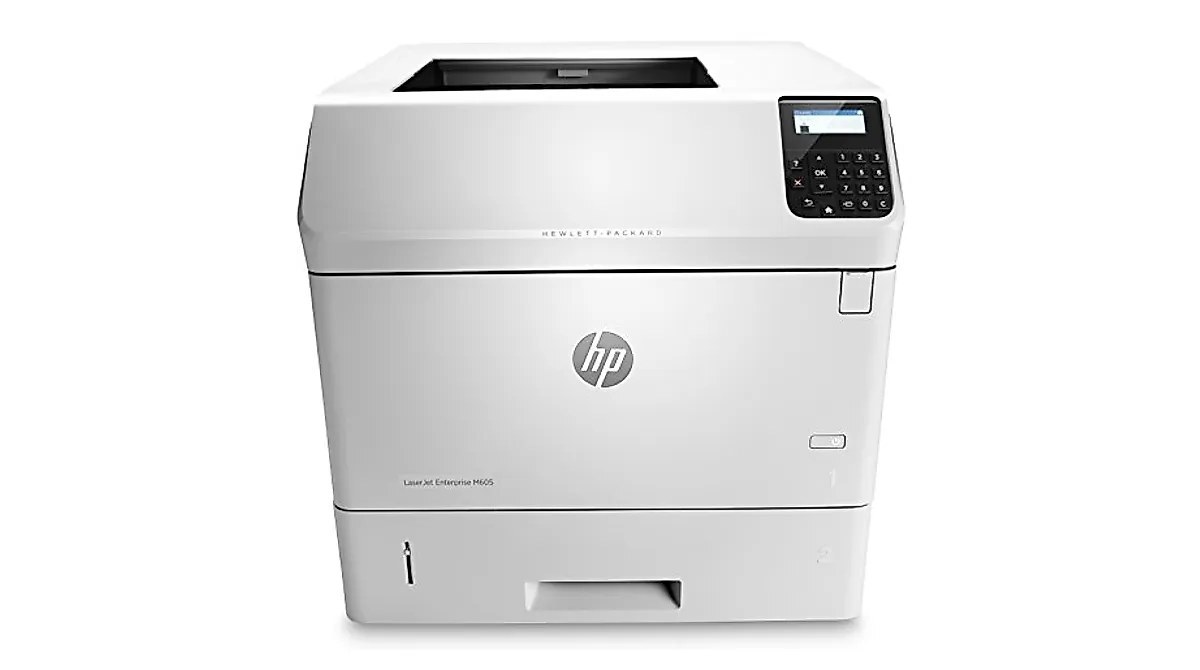
Duplex plus Ethernet made the HP LaserJet M605dn the standard-issue M605 — two-sided high-speed mono printing on enterprise networks.
It accepts the HP 81A cartridge — CF281A standard yield — with a high-yield CF281X choice.
Toner Cartridges for LaserJet M605dn
This printer works with the following toner cartridges:
- HP CF281A
- HP CF281X
More HP Printers
- LaserJet Enterprise M604dn
- LaserJet Enterprise M605dn
- LaserJet M604n
- LaserJet M605dh
- LaserJet M605n
- LaserJet M605x
- LaserJet M606dn
- LaserJet M606x
- LaserJet M606x MFP
- LaserJet M630dn
- LaserJet M630dn MFP
- LaserJet M630f MFP
- LaserJet M630h
- LaserJet MFP LaserJet M630dn
- LaserJet MFP M630f
- LaserJet MFP M630h
- LaserJet MFP M630z
Frequently Asked Questions
How do I recycle the empty CF281A from my LaserJet M605dn?
Return the spent CF281A or CF281X through HP's Planet Partners program or an office-supply store drop-off bin — both keep the LaserJet M605dn's old cartridge out of landfill. Most take-back programs accept the LaserJet M605dn's empties at no charge.
Does the LaserJet M605dn print on both sides automatically?
Yes - the LaserJet M605dn includes automatic duplexing, so it can print on both sides of the sheet without you flipping the paper. Enable two-sided printing in your print settings to use it.
Why does my LaserJet M605dn leave vertical lines on every page?
Vertical lines from the LaserJet M605dn often come from a damaged or nearly empty CF281A cartridge. Try a fresh cartridge, and if the lines persist the printer may need a cleaning cycle or service.