




LaserJet M606x MFP
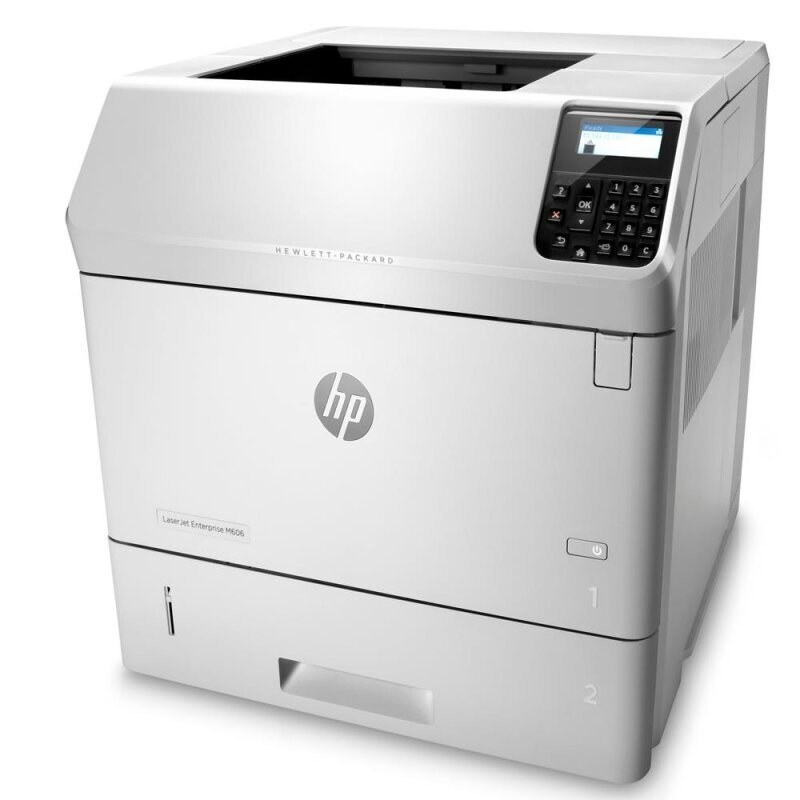
The HP LaserJet M606x MFP added scanning and copying to the M606x's high-speed mono engine — an extended-capacity multifunction for demanding departments.
The cartridge is the HP 81A family: black CF281A, with a high-yield CF281X option.
Toner Cartridges for LaserJet M606x MFP
This printer works with the following toner cartridges:
- HP CF281A
- HP CF281X
More HP Printers
- LaserJet Enterprise M604dn
- LaserJet Enterprise M605dn
- LaserJet M604n
- LaserJet M605dh
- LaserJet M605dn
- LaserJet M605n
- LaserJet M605x
- LaserJet M606dn
- LaserJet M606x
- LaserJet M630dn
- LaserJet M630dn MFP
- LaserJet M630f MFP
- LaserJet M630h
- LaserJet MFP LaserJet M630dn
- LaserJet MFP M630f
- LaserJet MFP M630h
- LaserJet MFP M630z
Frequently Asked Questions
Can I switch to the high-yield CF281X in the LaserJet M606x MFP?
Yes — the CF281X drops into the same slot as the standard CF281A in the LaserJet M606x MFP with nothing to adjust. If the LaserJet M606x MFP prints heavily, the high-yield version means fewer cartridge changes.
Why doesn't my LaserJet M606x MFP recognize the new CF281A cartridge?
Reseat the CF281A cartridge firmly in the LaserJet M606x MFP and check that every protective seal and pull tab was removed. If the message stays, power the printer off and on so it re-detects the cartridge.
What should I do when the LaserJet M606x MFP shows a toner-low warning?
A toner-low alert on the LaserJet M606x MFP means the CF281A cartridge is nearly empty, though you can usually keep printing for a while. Order a replacement now so you have one ready when quality starts to fade.