




LaserJet Enterprise MFP M633 fh
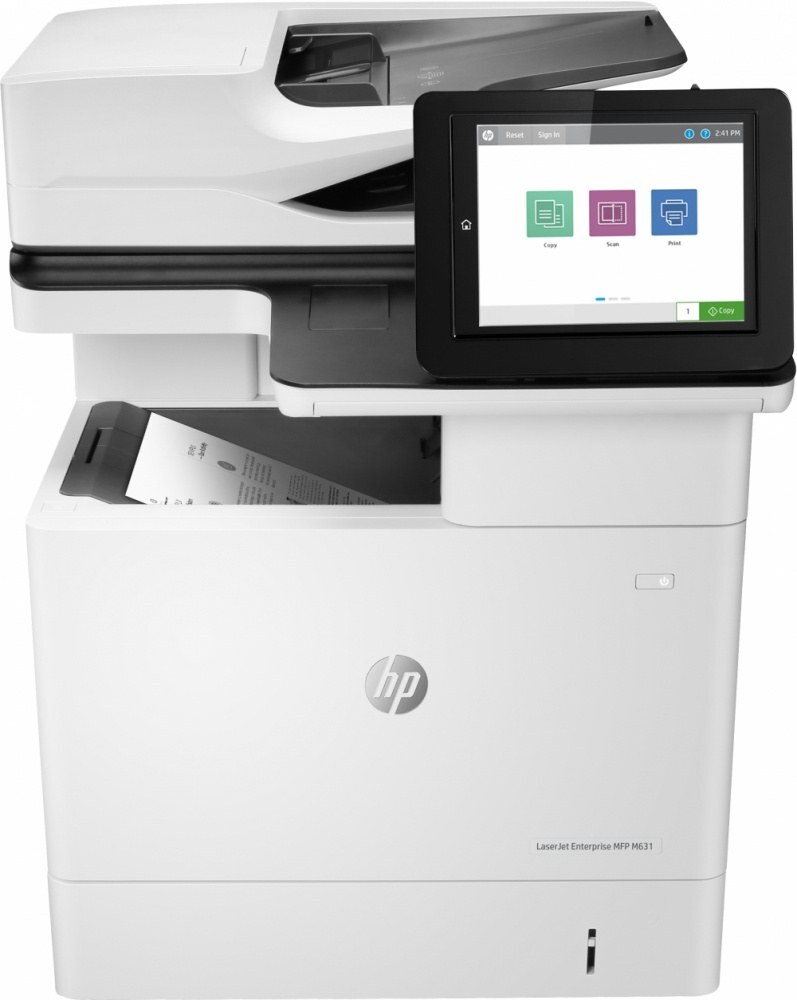
The HP LaserJet Enterprise MFP M633 fh is exactly what its late-2010s badge suggests: a mono multifunction printer made for everyday office document printing. Ask around about the LaserJet Enterprise MFP M633 fh and you'll hear the same story: years of everyday office document printing with minimal fuss.
The LaserJet Enterprise MFP M633 fh uses HP 37A cartridges, anchored by the CF237A — one of the most widely stocked HP cartridges of its generation. Keep the LaserJet Enterprise MFP M633 fh printing with genuine HP CF237A cartridges or our compatible HP 37A versions; either way, the LaserJet Enterprise MFP M633 fh gets the toner it was designed for.
Toner Cartridges for LaserJet Enterprise MFP M633 fh
This printer works with the following toner cartridges:
- HP CF237A
- HP CF237X
- HP CF237Y
More HP Printers
- LaserJet Enterprise Flow MFP M630z
- LaserJet Enterprise M607
- LaserJet Enterprise M608dn
- LaserJet Enterprise M608n
- LaserJet Enterprise M608x
- LaserJet Enterprise M609 x
- LaserJet Enterprise M609dh
- LaserJet Enterprise M609dn
- LaserJet Enterprise M609x MFP
- LaserJet Enterprise M631 dn
- LaserJet Enterprise MFP M630f
- LaserJet Enterprise MFP M631 h
- LaserJet Enterprise MFP M631dn
- LaserJet Enterprise MFP M631z
- LaserJet Enterprise MFP M632fht
- LaserJet Enterprise MFP M632h
- LaserJet Enterprise MFP M633 z
- LaserJet M607dn
- LaserJet M608
- LaserJet M608 n
- LaserJet M608dn
- LaserJet M608x
- LaserJet M609
- LaserJet M609 dh
- LaserJet M609 dn
- LaserJet M609 x
- LaserJet M609x MFP
- LaserJet M631
- LaserJet M631 dn MFP
- LaserJet M631 h MFP
- LaserJet M631dn MFP
- LaserJet M631z MFP
- LaserJet M632
- LaserJet M632 fht MFP
- LaserJet M632 h MFP
- LaserJet M632z MFP
- LaserJet M633
- LaserJet M633 fh MFP
- LaserJet M633 z
Frequently Asked Questions
Which cartridge codes fit the LaserJet Enterprise MFP M633 fh?
The LaserJet Enterprise MFP M633 fh fits CF237A, CF237X, CF237Y. The code printed on the box is what matters; matching it exactly is how you avoid returns.
How do I install a new toner cartridge in my LaserJet Enterprise MFP M633 fh?
Open the cartridge door on the LaserJet Enterprise MFP M633 fh and slide the old CF237A out by its handle — set it aside for recycling. Unpack the new CF237A, pull off its protective seal, and slide it straight in until it clicks. Close the door and print a test page from the LaserJet Enterprise MFP M633 fh to confirm.
How do I fix faded or streaky prints on my LaserJet Enterprise MFP M633 fh?
Check the toner level first — the LaserJet Enterprise MFP M633 fh flags a low CF237A before quality drops. Try reseating the cartridge and running a cleaning cycle from the printer's maintenance menu. If streaks persist with a fresh CF237A, the issue is likely elsewhere in the paper path.