




LaserJet M633 fh MFP
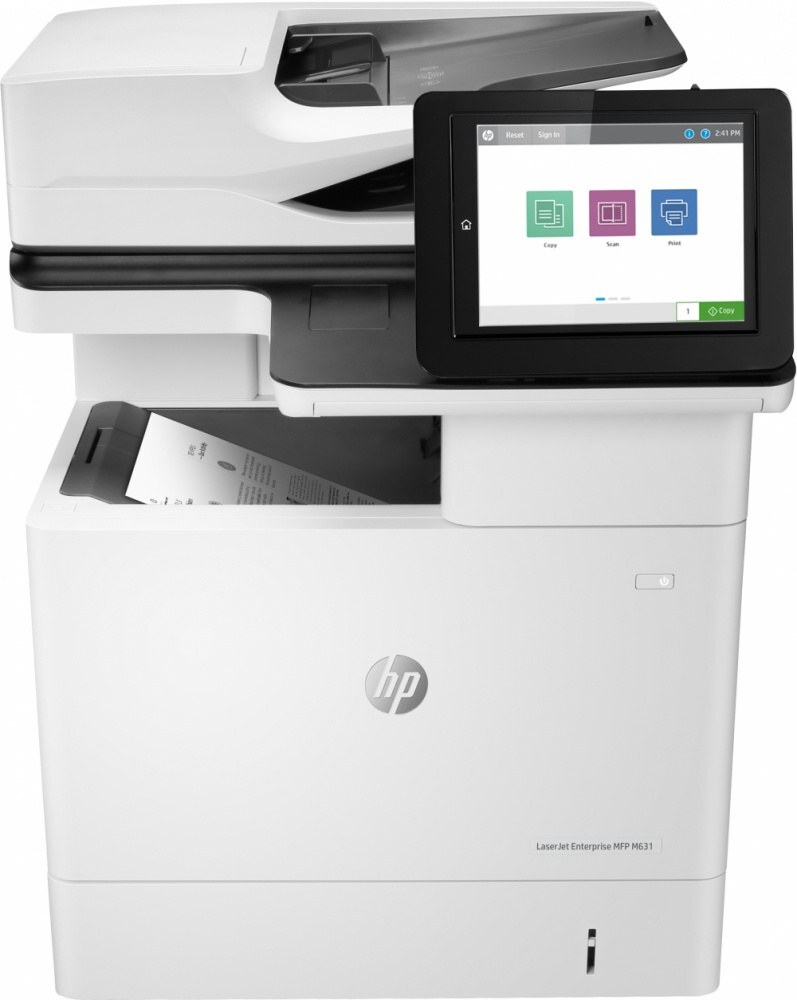
HP introduced the LaserJet M633 fh MFP in the late-2010s as a mono multifunction printer for everyday office document printing, and plenty of them are still on the job. Where the LaserJet M633 fh MFP earns its keep is everyday office document printing — steady, legible pages day after day.
The LaserJet M633 fh MFP uses HP 37A cartridges, anchored by the CF237A — one of the most widely stocked HP cartridges of its generation. The LaserJet M633 fh MFP also accepts the high-yield CF237X for busier stretches, alongside the standard CF237A for everyday office document printing.
Toner Cartridges for LaserJet M633 fh MFP
This printer works with the following toner cartridges:
- HP CF237A
- HP CF237X
- HP CF237Y
More HP Printers
- LaserJet Enterprise Flow MFP M630z
- LaserJet Enterprise M607
- LaserJet Enterprise M608dn
- LaserJet Enterprise M608n
- LaserJet Enterprise M608x
- LaserJet Enterprise M609 x
- LaserJet Enterprise M609dh
- LaserJet Enterprise M609dn
- LaserJet Enterprise M609x MFP
- LaserJet Enterprise M631 dn
- LaserJet Enterprise MFP M630f
- LaserJet Enterprise MFP M631 h
- LaserJet Enterprise MFP M631dn
- LaserJet Enterprise MFP M631z
- LaserJet Enterprise MFP M632fht
- LaserJet Enterprise MFP M632h
- LaserJet Enterprise MFP M633 fh
- LaserJet Enterprise MFP M633 z
- LaserJet M607dn
- LaserJet M608
- LaserJet M608 n
- LaserJet M608dn
- LaserJet M608x
- LaserJet M609
- LaserJet M609 dh
- LaserJet M609 dn
- LaserJet M609 x
- LaserJet M609x MFP
- LaserJet M631
- LaserJet M631 dn MFP
- LaserJet M631 h MFP
- LaserJet M631dn MFP
- LaserJet M631z MFP
- LaserJet M632
- LaserJet M632 fht MFP
- LaserJet M632 h MFP
- LaserJet M632z MFP
- LaserJet M633
- LaserJet M633 z
Frequently Asked Questions
Which cartridge codes fit the LaserJet M633 fh MFP?
Match one of these three codes — CF237A, CF237X, or CF237Y — when buying for the LaserJet M633 fh MFP; they are just different yields of the same HP 37A black cartridge. A cartridge made for another HP printer family will not seat in the LaserJet M633 fh MFP even if it looks similar.
How should I store spare toner for the LaserJet M633 fh MFP?
Keep spare CF237A cartridges sealed in their original packaging until the LaserJet M633 fh MFP needs them — toner breaks down faster in heat and humidity. Store them flat in a cool, dry spot away from direct sunlight. Don't open a new cartridge until you're ready to install it.
Why did the copies from my LaserJet M633 fh MFP come out blank?
Blank copies from the LaserJet M633 fh MFP usually mean the CF237A is empty or its sealing tape was left on. Pull the cartridge, confirm the tape is removed, and reseat it firmly. If copies are only faded, the CF237A is running low and should be replaced.