




LaserJet M633 z
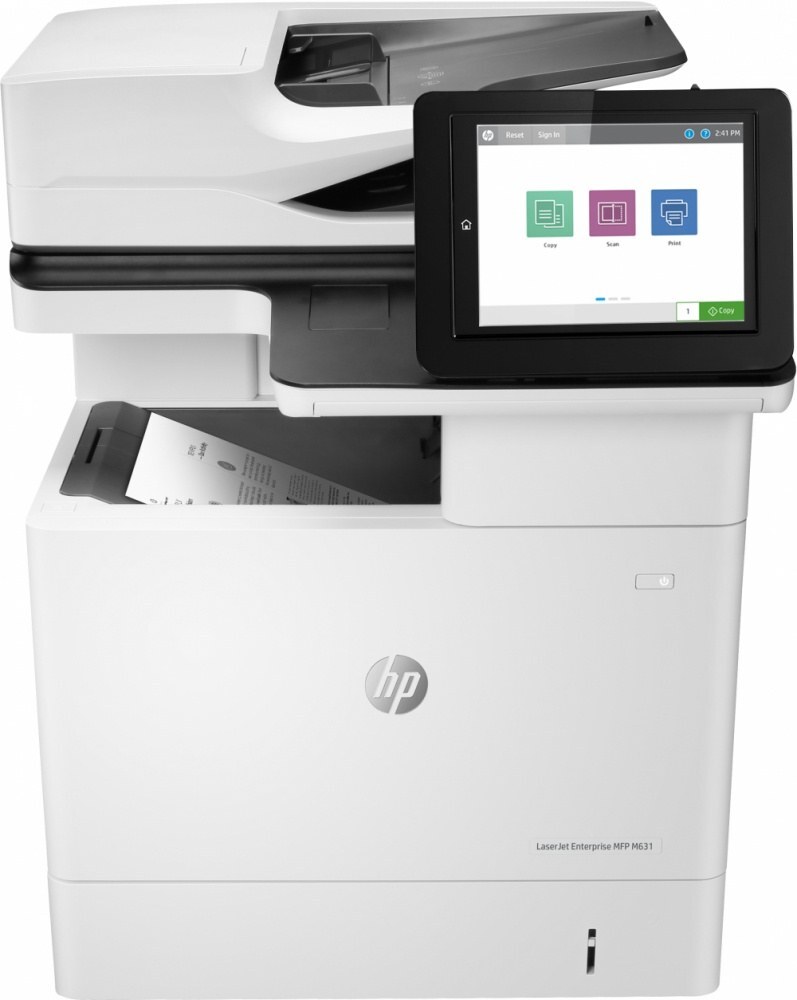
HP's mono range of the late-2010s included the LaserJet M633 z, a single-function printer aimed at everyday office document printing rather than spec-sheet bragging rights. Offices that still run a LaserJet M633 z usually do so for one reason: it keeps handling everyday office document printing without complaint.
For the LaserJet M633 z, toner means the HP 37A family: the CF237A cartridge, common to 39 models in the lineup. Stock up on HP 37A cartridges for the LaserJet M633 z: genuine OEM CF237A for the purists, compatible versions for everyday savings.
Toner Cartridges for LaserJet M633 z
This printer works with the following toner cartridges:
- HP CF237A
- HP CF237X
- HP CF237Y
More HP Printers
- LaserJet Enterprise Flow MFP M630z
- LaserJet Enterprise M607
- LaserJet Enterprise M608dn
- LaserJet Enterprise M608n
- LaserJet Enterprise M608x
- LaserJet Enterprise M609 x
- LaserJet Enterprise M609dh
- LaserJet Enterprise M609dn
- LaserJet Enterprise M609x MFP
- LaserJet Enterprise M631 dn
- LaserJet Enterprise MFP M630f
- LaserJet Enterprise MFP M631 h
- LaserJet Enterprise MFP M631dn
- LaserJet Enterprise MFP M631z
- LaserJet Enterprise MFP M632fht
- LaserJet Enterprise MFP M632h
- LaserJet Enterprise MFP M633 fh
- LaserJet Enterprise MFP M633 z
- LaserJet M607dn
- LaserJet M608
- LaserJet M608 n
- LaserJet M608dn
- LaserJet M608x
- LaserJet M609
- LaserJet M609 dh
- LaserJet M609 dn
- LaserJet M609 x
- LaserJet M609x MFP
- LaserJet M631
- LaserJet M631 dn MFP
- LaserJet M631 h MFP
- LaserJet M631dn MFP
- LaserJet M631z MFP
- LaserJet M632
- LaserJet M632 fht MFP
- LaserJet M632 h MFP
- LaserJet M632z MFP
- LaserJet M633
- LaserJet M633 fh MFP
Frequently Asked Questions
How can I double-check a cartridge fits the LaserJet M633 z before opening the box?
Compare the code printed on the box with the LaserJet M633 z's list: CF237A, CF237X, or CF237Y. If the code does not match, keep the box sealed so the cartridge stays returnable; once opened, the fit should be exact for the LaserJet M633 z.
How should I store spare toner for the LaserJet M633 z?
Keep spare CF237A cartridges sealed in their original packaging until the LaserJet M633 z needs them — toner breaks down faster in heat and humidity. Store them flat in a cool, dry spot away from direct sunlight. Don't open a new cartridge until you're ready to install it.
Where do I get drivers and firmware for the LaserJet M633 z?
Download them from HP's official support site — search for the LaserJet M633 z and choose your operating system. Current drivers fix printing, scanning, and connectivity problems, so keep them updated. Skip third-party driver sites, which often bundle unwanted software.