




LaserJet M631 h MFP
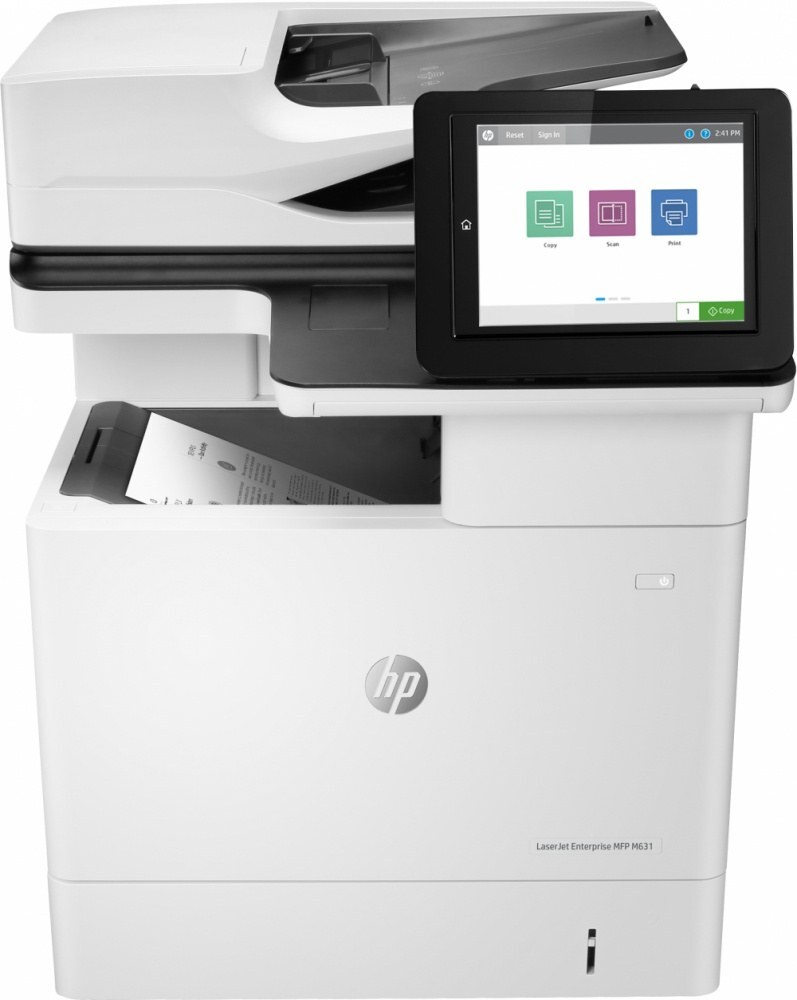
HP's mono range of the late-2010s included the LaserJet M631 h MFP, a multifunction printer aimed at everyday office document printing rather than spec-sheet bragging rights. If your workload is everyday office document printing, the LaserJet M631 h MFP is the kind of printer that just keeps showing up.
For the LaserJet M631 h MFP, toner means the HP 37A family: the CF237A cartridge, common to 39 models in the lineup. For the LaserJet M631 h MFP, the high-yield CF237X stretches the interval between cartridge swaps; the standard CF237A suits lighter everyday office document printing.
Toner Cartridges for LaserJet M631 h MFP
This printer works with the following toner cartridges:
- HP CF237A
- HP CF237X
- HP CF237Y
More HP Printers
- LaserJet Enterprise Flow MFP M630z
- LaserJet Enterprise M607
- LaserJet Enterprise M608dn
- LaserJet Enterprise M608n
- LaserJet Enterprise M608x
- LaserJet Enterprise M609 x
- LaserJet Enterprise M609dh
- LaserJet Enterprise M609dn
- LaserJet Enterprise M609x MFP
- LaserJet Enterprise M631 dn
- LaserJet Enterprise MFP M630f
- LaserJet Enterprise MFP M631 h
- LaserJet Enterprise MFP M631dn
- LaserJet Enterprise MFP M631z
- LaserJet Enterprise MFP M632fht
- LaserJet Enterprise MFP M632h
- LaserJet Enterprise MFP M633 fh
- LaserJet Enterprise MFP M633 z
- LaserJet M607dn
- LaserJet M608
- LaserJet M608 n
- LaserJet M608dn
- LaserJet M608x
- LaserJet M609
- LaserJet M609 dh
- LaserJet M609 dn
- LaserJet M609 x
- LaserJet M609x MFP
- LaserJet M631
- LaserJet M631 dn MFP
- LaserJet M631dn MFP
- LaserJet M631z MFP
- LaserJet M632
- LaserJet M632 fht MFP
- LaserJet M632 h MFP
- LaserJet M632z MFP
- LaserJet M633
- LaserJet M633 fh MFP
- LaserJet M633 z
Frequently Asked Questions
Can I use any HP toner cartridge in the LaserJet M631 h MFP?
No — the LaserJet M631 h MFP only accepts CF237A, CF237X, CF237Y. Toner cartridges are keyed to specific printer families, so one made for another HP model generally won't fit or be recognized. Stick to the codes listed for your LaserJet M631 h MFP.
When should I replace the toner in my LaserJet M631 h MFP?
Swap the CF237A when prints from the LaserJet M631 h MFP fade, streak, or the printer reports the cartridge as empty. "Toner low" warnings arrive earlier and still leave room to print, so keep a spare CF237A ready. Change it when quality visibly drops, not at the first warning.
Can I still scan with the LaserJet M631 h MFP when the toner runs out?
Yes — scanning to a computer doesn't use toner, so the LaserJet M631 h MFP keeps scanning even with an empty CF237A. Copying is the exception: it prints the scan, so it needs toner to work. Replace the CF237A when copies from the LaserJet M631 h MFP start fading.