




LaserJet Enterprise M631 dn
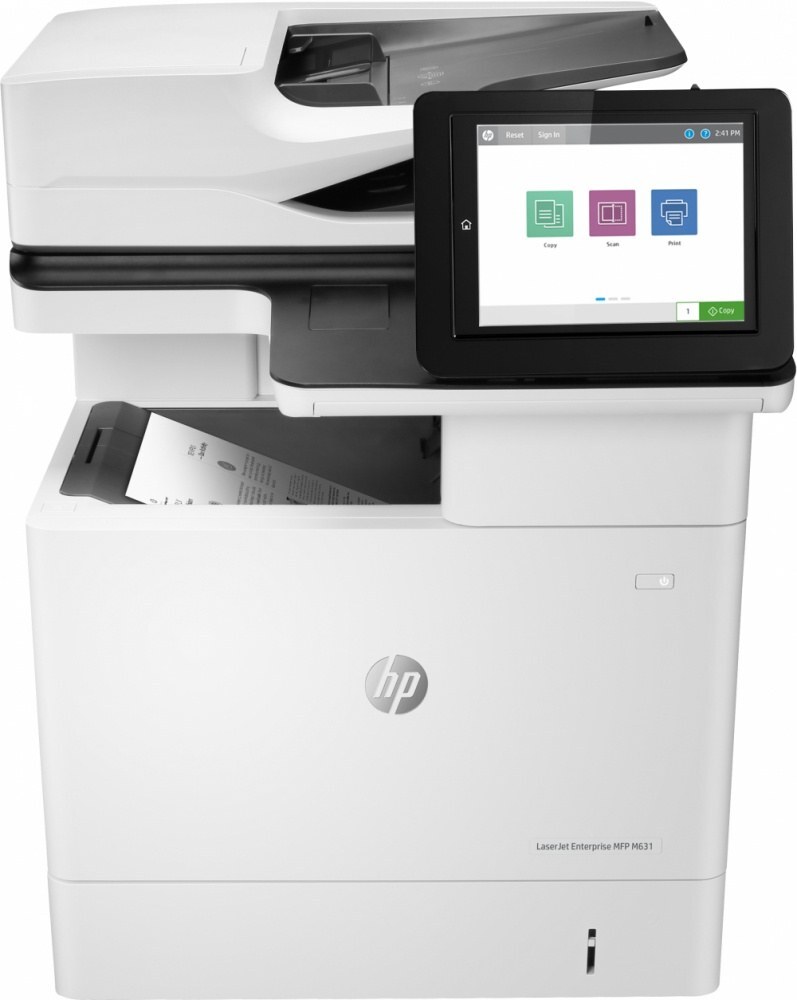
Enterprise-grade shared printing: the LaserJet Enterprise M631dn is the duplex-plus-network configuration under the Enterprise banner — two-sided monochrome output managed for the fleet. It runs on the HP 37A family: CF237A standard, CF237X and CF237Y high-yield.
We carry the complete 37A range for the Enterprise M631dn as genuine OEM and compatible cartridges. Fleet-standardize on the high-yield CF237X or CF237Y and swaps get rare; Clever Supplies ships quickly.
Toner Cartridges for LaserJet Enterprise M631 dn
This printer works with the following toner cartridges:
- HP CF237A
- HP CF237X
- HP CF237Y
More HP Printers
- LaserJet Enterprise Flow MFP M630z
- LaserJet Enterprise M607
- LaserJet Enterprise M608dn
- LaserJet Enterprise M608n
- LaserJet Enterprise M608x
- LaserJet Enterprise M609 x
- LaserJet Enterprise M609dh
- LaserJet Enterprise M609dn
- LaserJet Enterprise M609x MFP
- LaserJet Enterprise MFP M630f
- LaserJet Enterprise MFP M631 h
- LaserJet Enterprise MFP M631dn
- LaserJet Enterprise MFP M631z
- LaserJet Enterprise MFP M632fht
- LaserJet Enterprise MFP M632h
- LaserJet Enterprise MFP M633 fh
- LaserJet Enterprise MFP M633 z
- LaserJet M607dn
- LaserJet M608
- LaserJet M608 n
- LaserJet M608dn
- LaserJet M608x
- LaserJet M609
- LaserJet M609 dh
- LaserJet M609 dn
- LaserJet M609 x
- LaserJet M609x MFP
- LaserJet M631
- LaserJet M631 dn MFP
- LaserJet M631 h MFP
- LaserJet M631dn MFP
- LaserJet M631z MFP
- LaserJet M632
- LaserJet M632 fht MFP
- LaserJet M632 h MFP
- LaserJet M632z MFP
- LaserJet M633
- LaserJet M633 fh MFP
- LaserJet M633 z
Frequently Asked Questions
Can I use any HP toner cartridge in the LaserJet Enterprise M631 dn?
No — the LaserJet Enterprise M631 dn only accepts CF237A, CF237X, CF237Y. Toner cartridges are keyed to specific printer families, so one made for another HP model generally won't fit or be recognized. Stick to the codes listed for your LaserJet Enterprise M631 dn.
Why won't my LaserJet Enterprise M631 dn print after a cartridge change?
If the LaserJet Enterprise M631 dn won't print after a cartridge change, confirm the new CF237A is fully seated and its sealing tape was removed. Read any message on the printer's display and follow its steps. Removing and reinserting the cartridge with the printer powered on usually clears recognition errors.
Where do I get drivers and firmware for the LaserJet Enterprise M631 dn?
Download them from HP's official support site — search for the LaserJet Enterprise M631 dn and choose your operating system. Current drivers fix printing, scanning, and connectivity problems, so keep them updated. Skip third-party driver sites, which often bundle unwanted software.