




LaserJet Enterprise MFP M631 h
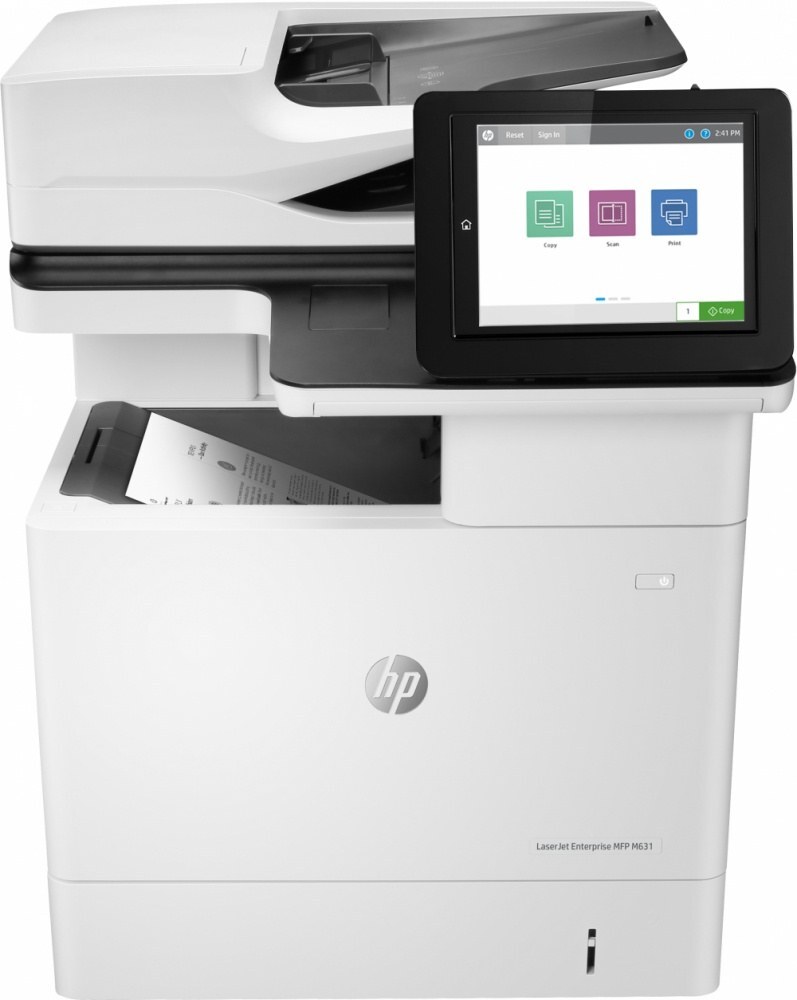
The LaserJet Enterprise MFP M631 h arrived on the scene in the late-2010s as HP's mono multifunction printer for everyday office document printing, and its staying power says the formula worked. The LaserJet Enterprise MFP M631 h treats everyday office document printing as its whole job description, and does it well. As an MFP, the LaserJet Enterprise MFP M631 h folds scanning and copying into the same box — one machine doing the work of two.
The LaserJet Enterprise MFP M631 h uses HP 37A cartridges, anchored by the CF237A — one of the most widely stocked HP cartridges of its generation. Heavier users of the LaserJet Enterprise MFP M631 h can step up to the high-yield CF237X, while the standard CF237A covers lighter everyday office document printing.
Toner Cartridges for LaserJet Enterprise MFP M631 h
This printer works with the following toner cartridges:
- HP CF237A
- HP CF237X
- HP CF237Y
More HP Printers
- LaserJet Enterprise Flow MFP M630z
- LaserJet Enterprise M607
- LaserJet Enterprise M608dn
- LaserJet Enterprise M608n
- LaserJet Enterprise M608x
- LaserJet Enterprise M609 x
- LaserJet Enterprise M609dh
- LaserJet Enterprise M609dn
- LaserJet Enterprise M609x MFP
- LaserJet Enterprise M631 dn
- LaserJet Enterprise MFP M630f
- LaserJet Enterprise MFP M631dn
- LaserJet Enterprise MFP M631z
- LaserJet Enterprise MFP M632fht
- LaserJet Enterprise MFP M632h
- LaserJet Enterprise MFP M633 fh
- LaserJet Enterprise MFP M633 z
- LaserJet M607dn
- LaserJet M608
- LaserJet M608 n
- LaserJet M608dn
- LaserJet M608x
- LaserJet M609
- LaserJet M609 dh
- LaserJet M609 dn
- LaserJet M609 x
- LaserJet M609x MFP
- LaserJet M631
- LaserJet M631 dn MFP
- LaserJet M631 h MFP
- LaserJet M631dn MFP
- LaserJet M631z MFP
- LaserJet M632
- LaserJet M632 fht MFP
- LaserJet M632 h MFP
- LaserJet M632z MFP
- LaserJet M633
- LaserJet M633 fh MFP
- LaserJet M633 z
Frequently Asked Questions
What toner cartridges does the LaserJet Enterprise MFP M631 h use?
The LaserJet Enterprise MFP M631 h uses CF237A, CF237X, CF237Y. For heavier printing, the CF237X high-yield version of CF237A fits the same LaserJet Enterprise MFP M631 h. Order by these exact codes — cartridges made for other HP families won't fit or won't be recognized.
Why won't my LaserJet Enterprise MFP M631 h print after a cartridge change?
If the LaserJet Enterprise MFP M631 h won't print after a cartridge change, confirm the new CF237A is fully seated and its sealing tape was removed. Read any message on the printer's display and follow its steps. Removing and reinserting the cartridge with the printer powered on usually clears recognition errors.
Why is my LaserJet Enterprise MFP M631 h printing blank or very light pages?
Blank or very light pages from the LaserJet Enterprise MFP M631 h usually mean the sealing tape was left on the new cartridge or the CF237A is completely empty. Pull the cartridge, confirm the tape is removed, and reseat it. If the cartridge is new and seated properly, check the LaserJet Enterprise MFP M631 h's toner gauge.