




LaserJet Enterprise MFP M633 z
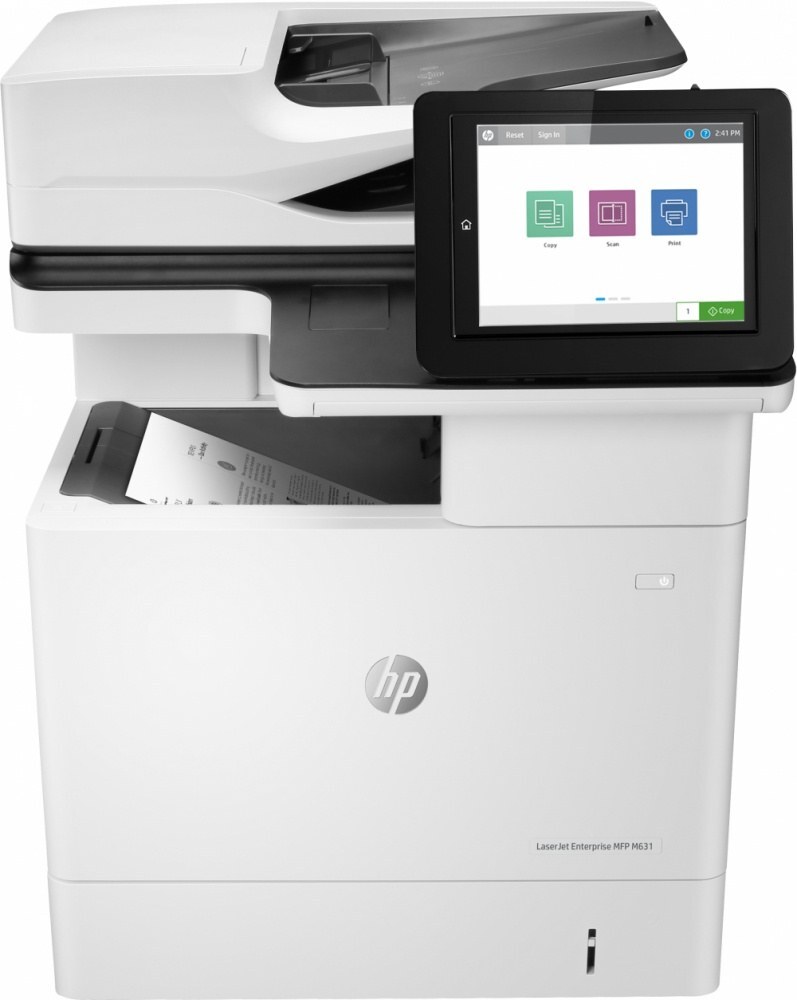
The flagship multifunction: the LaserJet Enterprise MFP M633z is the top configuration of the MFP line — maximum capability on the shared monochrome multifunction. Toner is the HP 37A family: standard CF237A, high-yield CF237X and CF237Y.
Genuine OEM and compatible CF237A/CF237X/CF237Y cartridges for the M633z are stocked here. The flagship MFP deserves the high-yield cartridges to match its throughput; fast shipping from Clever Supplies keeps it running.
Toner Cartridges for LaserJet Enterprise MFP M633 z
This printer works with the following toner cartridges:
- HP CF237A
- HP CF237X
- HP CF237Y
More HP Printers
- LaserJet Enterprise Flow MFP M630z
- LaserJet Enterprise M607
- LaserJet Enterprise M608dn
- LaserJet Enterprise M608n
- LaserJet Enterprise M608x
- LaserJet Enterprise M609 x
- LaserJet Enterprise M609dh
- LaserJet Enterprise M609dn
- LaserJet Enterprise M609x MFP
- LaserJet Enterprise M631 dn
- LaserJet Enterprise MFP M630f
- LaserJet Enterprise MFP M631 h
- LaserJet Enterprise MFP M631dn
- LaserJet Enterprise MFP M631z
- LaserJet Enterprise MFP M632fht
- LaserJet Enterprise MFP M632h
- LaserJet Enterprise MFP M633 fh
- LaserJet M607dn
- LaserJet M608
- LaserJet M608 n
- LaserJet M608dn
- LaserJet M608x
- LaserJet M609
- LaserJet M609 dh
- LaserJet M609 dn
- LaserJet M609 x
- LaserJet M609x MFP
- LaserJet M631
- LaserJet M631 dn MFP
- LaserJet M631 h MFP
- LaserJet M631dn MFP
- LaserJet M631z MFP
- LaserJet M632
- LaserJet M632 fht MFP
- LaserJet M632 h MFP
- LaserJet M632z MFP
- LaserJet M633
- LaserJet M633 fh MFP
- LaserJet M633 z
Frequently Asked Questions
How do I know I'm buying the right toner for my LaserJet Enterprise MFP M633 z?
Compare the code on the box with the LaserJet Enterprise MFP M633 z's list: CF237A, CF237X, CF237Y. HP makes look-alike cartridges for different printer families, so a code match is your guarantee.
How do I install a new toner cartridge in my LaserJet Enterprise MFP M633 z?
Open the cartridge door on the LaserJet Enterprise MFP M633 z and slide the old CF237A out by its handle — set it aside for recycling. Unpack the new CF237A, pull off its protective seal, and slide it straight in until it clicks. Close the door and print a test page from the LaserJet Enterprise MFP M633 z to confirm.
How do I fix faded or streaky prints on my LaserJet Enterprise MFP M633 z?
Check the toner level first — the LaserJet Enterprise MFP M633 z flags a low CF237A before quality drops. Try reseating the cartridge and running a cleaning cycle from the printer's maintenance menu. If streaks persist with a fresh CF237A, the issue is likely elsewhere in the paper path.