




LaserJet Enterprise flow MFP M632z
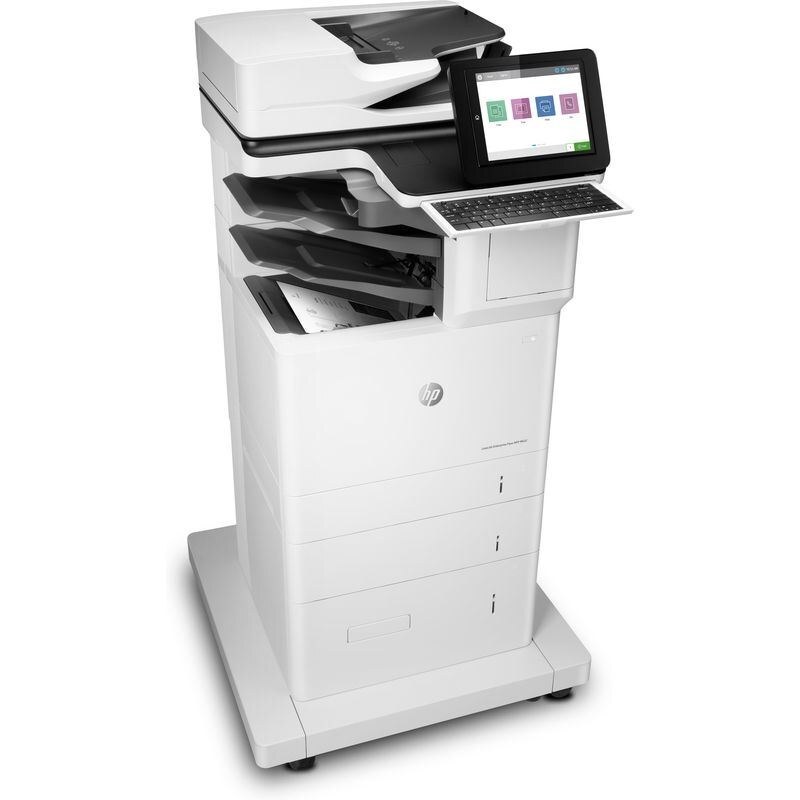
The LaserJet Enterprise Flow MFP M632z belongs to the 2017-era generation of color MFPs serving enterprise fleets. It does the fundamentals well: clean text, even coverage, no fuss. The HP 37A/37X/37Y family (CF237A, CF237X) is what keeps this printer fed.
Keep a spare CF237A, CF237X on the shelf and the LaserJet Enterprise Flow MFP M632z never leaves you hanging. Genuine OEM cartridges deliver the output HP designed for, while compatibles bring the per-page cost down.
Toner Cartridges for LaserJet Enterprise flow MFP M632z
This printer works with the following toner cartridges:
- HP CF237A
- HP CF237X
- HP CF237Y
More HP Printers
Frequently Asked Questions
Which toner cartridges work with the LaserJet Enterprise flow MFP M632z?
The LaserJet Enterprise flow MFP M632z uses CF237A, CF237X and CF237Y. Match the code on your current cartridge before ordering so you get the right fit.
Why is my LaserJet Enterprise flow MFP M632z still showing a toner alert after I installed a new CF237A?
The LaserJet Enterprise flow MFP M632z normally clears the alert on its own once the new CF237A cartridge is detected. If the message persists, open and close the toner door or restart the printer to refresh the sensor.
How do I scan a document with the LaserJet Enterprise flow MFP M632z?
Load the page into the LaserJet Enterprise flow MFP M632z's feeder or lay it on the scanner glass, choose scan on the control panel, and pick your destination. Install the full HP driver package first for the most scan options.