




SCX-4728FD
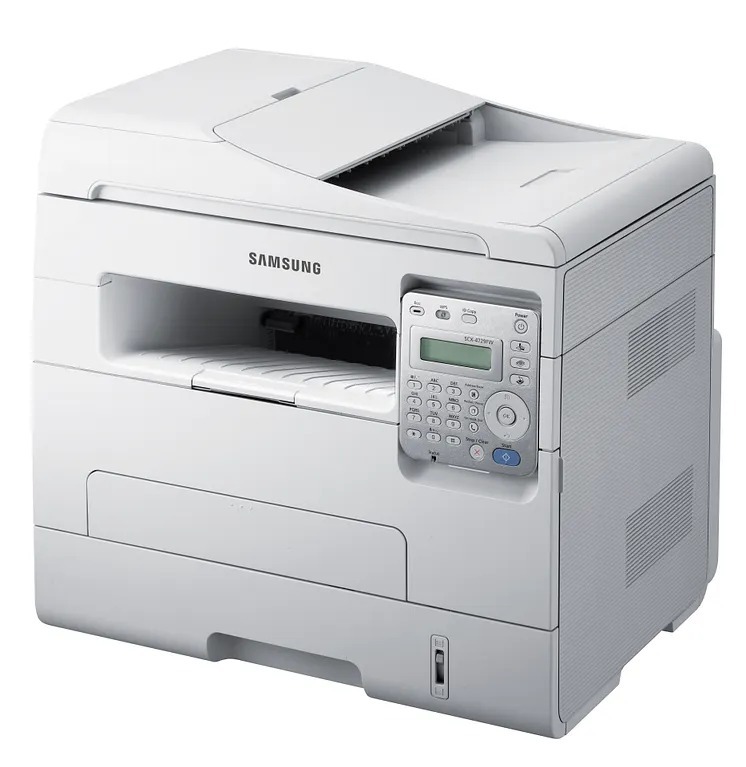
The SCX-4728FD brings fax and duplexing together in Samsung's monochrome MFP line, a combination built for offices where signed documents still move by fax. Everything else, print, scan, copy, is handled with the same no-drama competence.
It takes the MLT-D103S or MLT-D103L cartridge. We carry both as affordable compatibles and as genuine Samsung OEM stock, all shipping fast from Clever Supplies.
Toner Cartridges for SCX-4728FD
This printer works with the following toner cartridges:
- Samsung MLT-D103S
- Samsung MLT-D103L
More Samsung Printers
- ML-2950ND
- ML-2950NDR
- ML-2955DW
- ML-2955ND
- SCX-4701ND
- SCX-4705ND
- SCX-4726FD
- SCX-4727FD
- SCX-4729FD
- SCX-4729FW
- ML-2955
- ML-2955DW/XAA
- SCX-4729
- SCX-4726
- SCX-4727
- ML-2950
- ML-2951
- ML-2951NDR
- SCX-4701
- SCX-4705
- SCX-4726FN
- SCX-4728
Frequently Asked Questions
Should I update the firmware on the SCX-4728FD?
Yes, a firmware update can change how the SCX-4728FD validates the chip on a MLT-D103S cartridge, occasionally causing previously accepted cartridges to be rejected. If this happens, reseat the cartridge and check with your supplier for a chip update. This is why many offices update firmware on a schedule rather than the moment it appears.
Why does the SCX-4728FD say toner is low right after I installed the cartridge?
The toner gauge on the SCX-4728FD is an estimate — it works from page counts and coverage, not a direct measurement, so do not treat it like a fuel gauge. People printing mostly light text get many more pages past the warning than heavy graphics users. Read the warning as a cue to keep a spare MLT-D103S on hand, not as proof the cartridge is empty.
How can I reduce how often the SCX-4728FD jams?
Most jams in the SCX-4728FD come from damp, curled, or misaligned paper rather than toner, which does not block the paper path. Fan the stack, align it in the tray, and seat the guides snugly against the paper. If jams cluster near the hot fuser area, let the printer cool before clearing to avoid burns.