




SCX-4727
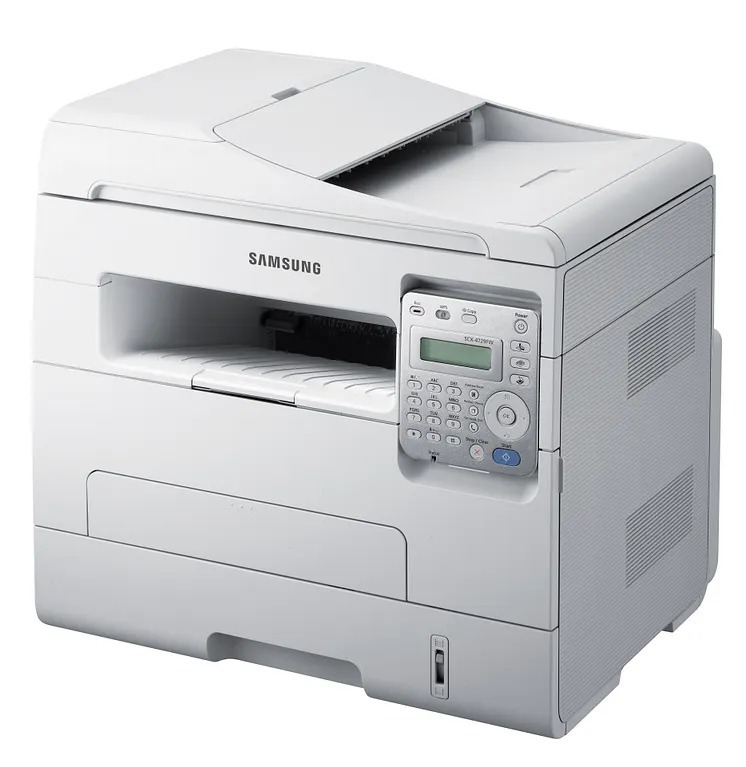
Midway through Samsung's 4720-series multifunctions sits the SCX-4727, a compact print, scan and copy unit for small offices that need all three functions without giving half the room to hardware. Its standard cartridge is the MLT-D103S; the shelf on this page is built on the high-yield MLT-D103L instead, which stretches further between changes, and it appears both under that code and in listings named for the SCX-4727 itself.
The small-office desk is contested territory, and this machine's pitch is that one modest box covers the printer, the scanner and the copier that would otherwise crowd it. Owners tend to be two-to-ten-person operations where the same device prints the invoice, scans the signed copy and duplicates the handout. For that pattern, toner buying should be the least interesting part of the week, which is exactly what a single high-yield code delivers.
Toner Cartridges for SCX-4727
| Cartridge | Color | Page Yield |
|---|---|---|
| MLT-D103L High Yield Black Toner, Single | Black | See product page |
| SCX-4727 High Yield Black Toner, Single | Black | See product page |
| MLT-D103L High Yield Black Toner, 3 Pack | Black | See product page |
| SCX-4727 High Yield Black Toner, 5 Pack | Black | See product page |
| MLT-D103L Premium Quality High Yield Toner, 5 Pack | Black | See product page |
Which cartridge should you buy?
Between the two yields this machine accepts, capacity is the whole decision: the MLT-D103S and the MLT-D103L install identically and print identically, and the machine needs no settings change to take either. Since this page stocks the high-yield L, your remaining choice is quantity. A single serves a desk that prints weekly. The 3 pack fits an office where several people share the machine and nobody wants to be the one who finds it empty. The 5 packs, code-named, model-named or Premium Quality, suit steady shared volume. Every compatible cartridge here comes with a 1-year warranty and 1-year returns.
Chip, toner and everyday use
If toner wipes off the page instead of bonding to it, look at media settings before the cartridge: toner that sits on the surface and smears usually means the paper type is set wrong for what is loaded, and only if plain paper smudges too, with a fresh cartridge fitted, does suspicion move to the fuser, the hot roller at the output, which is a service item. The imaging drum, for its part, is built to outlast several toner cartridges, so most of your orders over this machine's life will simply be toner.
Frequently Asked Questions
Should I buy the standard or the high-yield cartridge for the SCX-4727?
The high-yield MLT-D103L, unless your printing is very light. The only real difference between the two is how much toner is inside; installation, output and compatibility are identical, and the machine accepts both with no adjustment.
Why does toner rub off my printed pages?
Start with the paper setting: a mismatched media type is the most common reason toner fails to fuse. If plain paper at the correct setting still smudges with a fresh MLT-D103S or MLT-D103L fitted, the fuser is the likely failure and the machine needs service rather than another cartridge.
When does the imaging unit need replacing instead of the toner?
Later than most owners expect, since the drum is designed to outlast several cartridges. The warning sign is fading that is worse on one side of the page than the other and does not improve with a new cartridge. Replace on that evidence, not on a schedule.
More printers that use the same cartridges
Also running on this cartridge family: