




SCX-4729FD
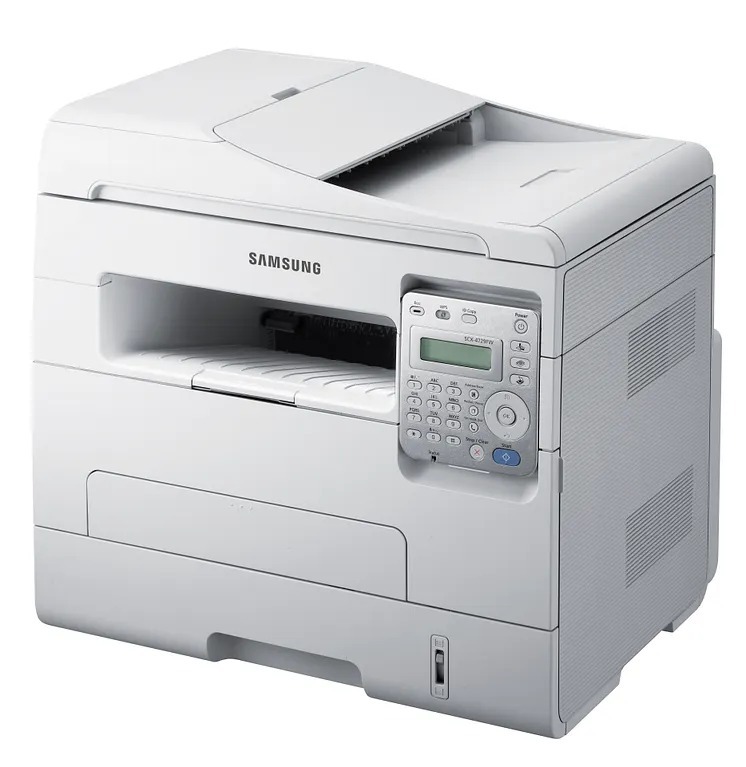
Samsung's SCX-4729FD is the fax-and-duplex flagship of the 4720-series multifunctions, covering print, scan, copy, and fax for demanding small offices. Automatic two-sided printing keeps paper costs in check across all of it.
Feed it the MLT-D103S standard or the MLT-D103L high-yield cartridge. Compatible or genuine OEM, your choice, and Clever Supplies ships it fast.
Toner Cartridges for SCX-4729FD
This printer works with the following toner cartridges:
- Samsung MLT-D103S
- Samsung MLT-D103L
More Samsung Printers
- ML-2950ND
- ML-2950NDR
- ML-2955DW
- ML-2955ND
- SCX-4701ND
- SCX-4705ND
- SCX-4726FD
- SCX-4727FD
- SCX-4728FD
- SCX-4729FW
- ML-2955
- ML-2955DW/XAA
- SCX-4729
- SCX-4726
- SCX-4727
- ML-2950
- ML-2951
- ML-2951NDR
- SCX-4701
- SCX-4705
- SCX-4726FN
- SCX-4728
Frequently Asked Questions
With heavy printing volume, which cartridge for the SCX-4729FD makes the most sense to keep as a backup?
Switching from MLT-D103S to MLT-D103L in the SCX-4729FD requires no configuration - the printer accepts both and tracks levels the same way. The only difference is how long the cartridge lasts before the low-toner warning appears. Many offices standardize on the high-yield to cut down on reordering.
The SCX-4729FD only jams with certain paper - what would cause that?
In the SCX-4729FD, which uses the MLT-D103S cartridge, paper jams happen most often at the pickup rollers where sheets enter, and sometimes at the fuser where they exit. Clean both spots gently and look for torn scraps left behind by earlier jams. A pickup roller too worn to grip is the classic cause of repeat jams.
Is there a way to make the SCX-4729FD print in draft mode by default?
Draft or eco mode on the SCX-4729FD stretches the MLT-D103S by lightening text and skipping some toner on solid fills. The savings add up over long internal documents, though they are modest on pages that are mostly white space. Use it for everyday printing and switch to normal mode for anything important.