




SCX-4729
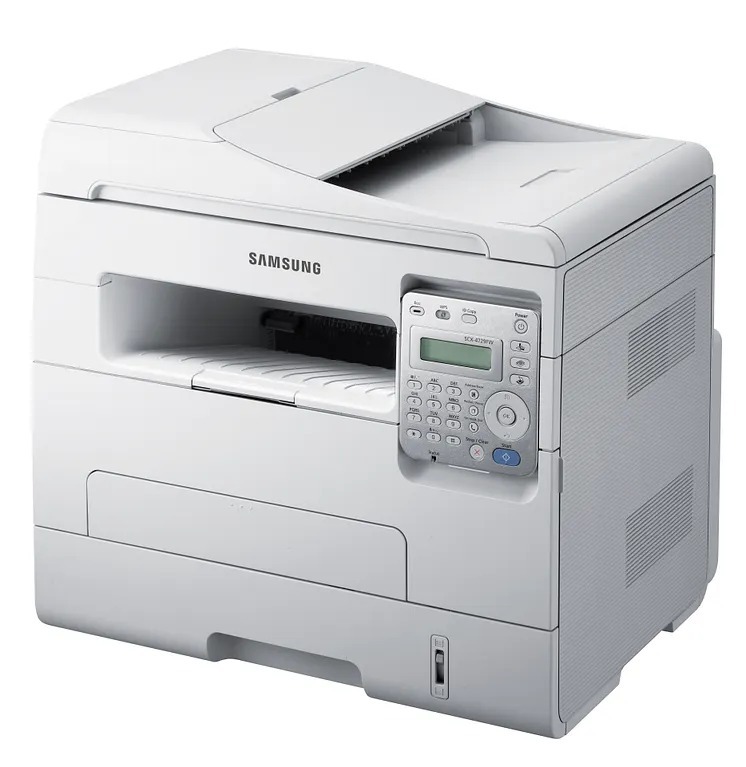
Samsung's SCX-4729 is the base multifunction of the 4729 series, delivering print, scan, and copy in a compact monochrome unit for small offices. It skips the fax and wireless of its siblings to hit a simpler price point.
The cartridge is the MLT-D103S, or the MLT-D103L when volume climbs. Compatible and genuine Samsung OEM cartridges are both here, shipping fast from Clever Supplies.
Toner Cartridges for SCX-4729
This printer works with the following toner cartridges:
- Samsung MLT-D103S
- Samsung MLT-D103L
More Samsung Printers
- ML-2950ND
- ML-2950NDR
- ML-2955DW
- ML-2955ND
- SCX-4701ND
- SCX-4705ND
- SCX-4726FD
- SCX-4727FD
- SCX-4728FD
- SCX-4729FD
- SCX-4729FW
- ML-2955
- ML-2955DW/XAA
- SCX-4726
- SCX-4727
- ML-2950
- ML-2951
- ML-2951NDR
- SCX-4701
- SCX-4705
- SCX-4726FN
- SCX-4728
Frequently Asked Questions
Can a low MLT-D103S cartridge cause paper jams in the SCX-4729?
Turn the SCX-4729 off before clearing the jam, and pull the paper out slowly in the direction it normally travels — never backward through the rollers. Take the MLT-D103S out first so you can see the path clearly and keep toner off your hands. Close everything firmly and print a test page before loading a full tray again.
Why won't the front door of the SCX-4729 shut properly after a cartridge change?
A front cover that will not close on the SCX-4729 right after changing the cartridge almost always means the MLT-D103S is not fully seated or went in the wrong way round. Pull it out, make sure the handle faces you, align it with the rails, and push until you feel it click. Forcing the cover risks cracking its hinges, so stop and reseat instead.
Should a new MLT-D103S be shaken or redistributed before I install it in the SCX-4729?
To install the MLT-D103S in the SCX-4729, start by unpacking over a sheet of paper and removing every seal plus the orange tab. Rock the cartridge gently side to side five or six times to settle the toner, slide it along the rails until it clicks, and shut the cover. Finish with a test page to confirm the SCX-4729 prints with full, even coverage.