




SCX-4726FD
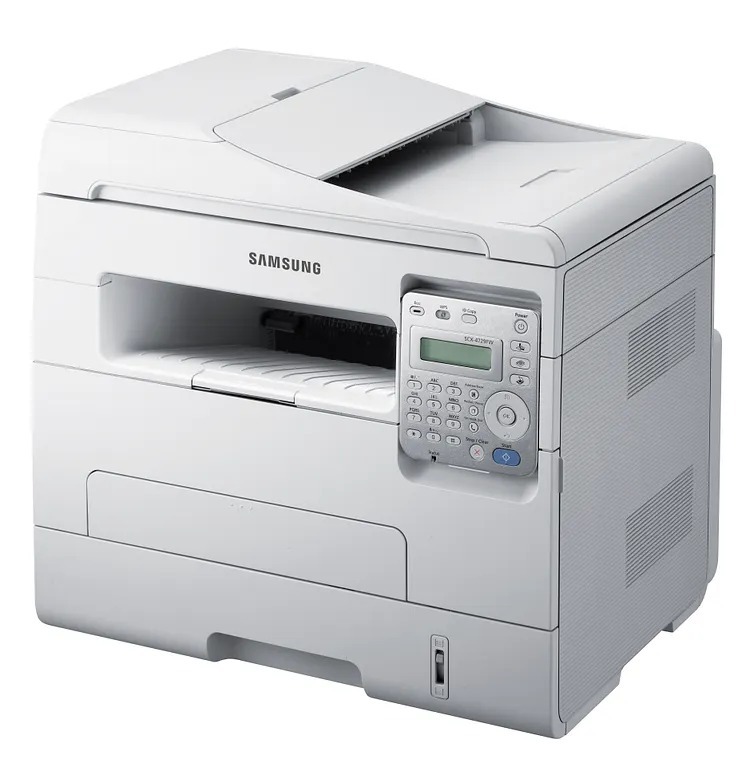
The SCX-4726FD adds fax and automatic duplexing to Samsung's monochrome multifunction formula, making it a full document station for offices that still fax. Print, scan, copy, and fax share one compact footprint.
Cartridge duty falls to the MLT-D103S or the higher-yield MLT-D103L. Compatible and genuine OEM options are both available, shipping fast from Clever Supplies.
Toner Cartridges for SCX-4726FD
This printer works with the following toner cartridges:
- Samsung MLT-D103S
- Samsung MLT-D103L
More Samsung Printers
- ML-2950ND
- ML-2950NDR
- ML-2955DW
- ML-2955ND
- SCX-4701ND
- SCX-4705ND
- SCX-4727FD
- SCX-4728FD
- SCX-4729FD
- SCX-4729FW
- ML-2955
- ML-2955DW/XAA
- SCX-4729
- SCX-4726
- SCX-4727
- ML-2950
- ML-2951
- ML-2951NDR
- SCX-4701
- SCX-4705
- SCX-4726FN
- SCX-4728
Frequently Asked Questions
Can I send scans straight to an email address from the SCX-4726FD?
If SCX-4726FD scans come out blank, the document was probably loaded face-up on the glass instead of face-down. Flip the page and scan again. A blank scan is a loading mistake, not a toner problem - the MLT-D103S cartridge plays no role in scanning.
My SCX-4726FD prints are getting lighter — will gently shaking the MLT-D103S cartridge help?
On the SCX-4726FD, vertical streaks point more often at a dirty or scratched imaging drum than at low toner. Run the driver's cleaning routine and look over the drum surface. When the streak lands in the identical spot on each page, the drum or imaging unit needs replacing — the MLT-D103S does not.
Which quality mode on the SCX-4726FD produces the sharpest text?
Washed-out prints from the SCX-4726FD can often be fixed in the driver by raising the darkness or density slider and turning off toner-save mode. These controls adjust how much toner the MLT-D103S deposits per dot. Only suspect a failing cartridge if the settings are already at full density.