




LaserJet M4555FSKM MFP
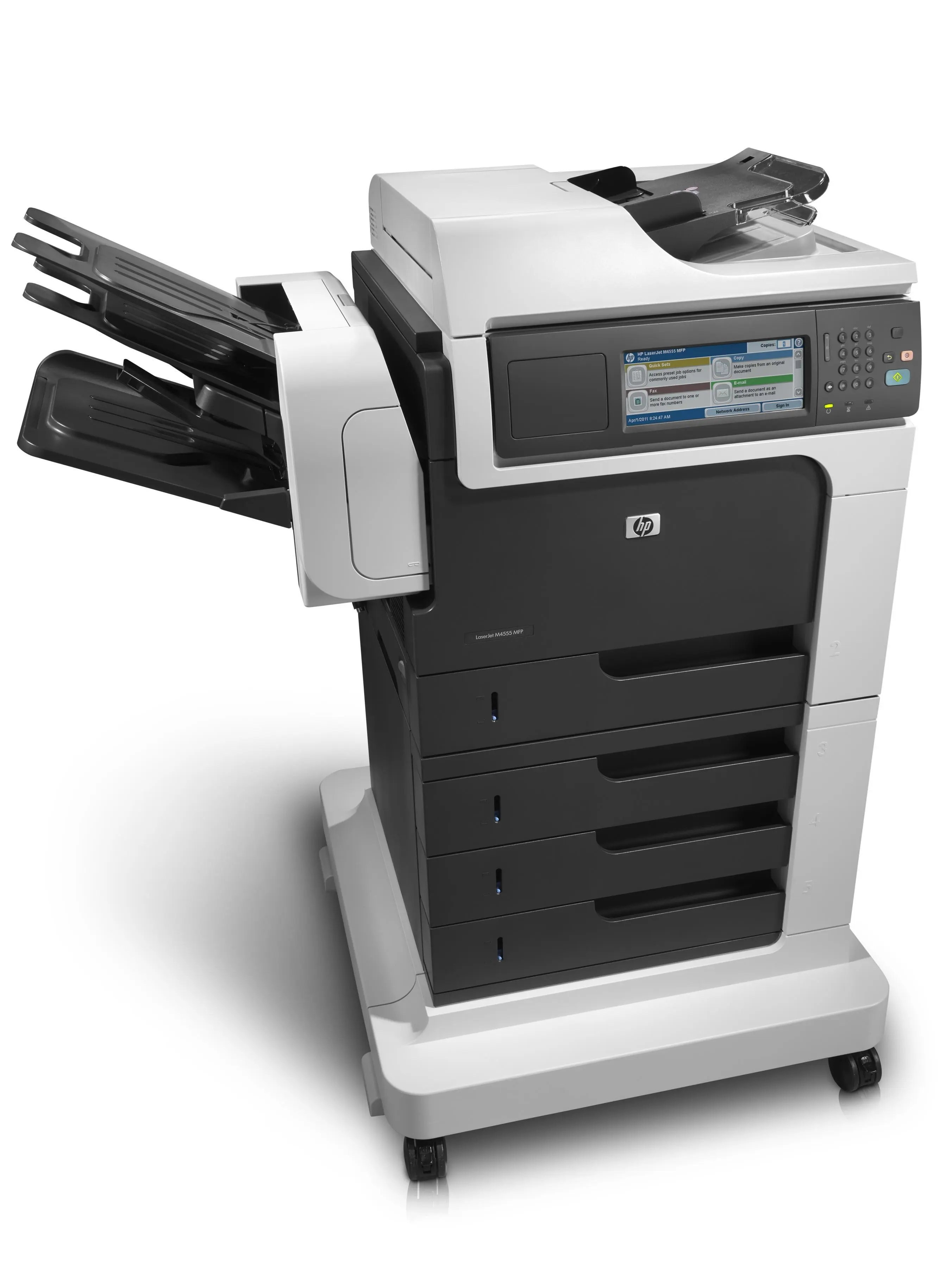
The M4555 family had a clear division of labor, and the LaserJet M4555FSKM MFP was the heavyweight — HP's fully loaded multifunction take on the platform, with fax plus high-capacity input for departments that run paper through machines all day. Scan-to-email workflows, walk-up copying, and fax all live in one early-2010s Enterprise box.
Cartridge duty is handled by the HP 90A/90X family — the CE390A for everyday volumes or the CE390X when monthly page counts climb. Same toner line as the rest of the 90-series fleet, so fleet-wide reorders stay simple.
Toner Cartridges for LaserJet M4555FSKM MFP
This printer works with the following toner cartridges:
- HP CE390A
- HP CE390X
More HP Printers
- LaserJet 600
- LaserJet Enterprise 600
- LaserJet Enterprise 600 M601
- LaserJet Enterprise 600 M601DN
- LaserJet Enterprise 600 M601N
- LaserJet Enterprise 600 M602
- LaserJet Enterprise 600 M602DN
- LaserJet Enterprise 600 M602N
- LaserJet Enterprise 600 M602X
- LaserJet Enterprise 600 M603
- LaserJet Enterprise 600 M603DN
- LaserJet Enterprise 600 M603N
- LaserJet Enterprise 600 M603XH
- LaserJet Enterprise M4555
- LaserJet Enterprise M4555 MFP
- LaserJet Enterprise M4555F
- LaserJet Enterprise M4555F MFP
- LaserJet Enterprise M4555FSKM
- LaserJet Enterprise M4555FSKM MFP
- LaserJet Enterprise M4555H
- LaserJet Enterprise M4555H MFP
- LaserJet M4555
- LaserJet M4555 MFP
- LaserJet M4555F
- LaserJet M4555f MFP
- LaserJet M4555FSKM
- LaserJet M4555H
- LaserJet M4555H MFP
- LaserJet M601
- LaserJet M601DN
- LaserJet M601N
- LaserJet M602
- LaserJet M602DN
- LaserJet M602N
- LaserJet M602X
- LaserJet M603
- LaserJet M603DN
- LaserJet M603HX
- LaserJet M603N
- LaserJet M603XH
Frequently Asked Questions
What toner cartridges does the LaserJet M4555FSKM MFP use?
The LaserJet M4555FSKM MFP uses CE390A, CE390X. For heavier printing, the CE390X high-yield version of CE390A fits the same LaserJet M4555FSKM MFP. Order by these exact codes — cartridges made for other HP families won't fit or won't be recognized.
When should I replace the toner in my LaserJet M4555FSKM MFP?
The LaserJet M4555FSKM MFP flashes a toner-low message on its panel before the CE390A runs dry, so you still have printing time left when it first appears. Order a replacement CE390A or CE390X right away, then swap it into the LaserJet M4555FSKM MFP once prints start fading.
Where do I get drivers and firmware for the LaserJet M4555FSKM MFP?
Download them from HP's official support site — search for the LaserJet M4555FSKM MFP and choose your operating system. Current drivers fix printing, scanning, and connectivity problems, so keep them updated. Skip third-party driver sites, which often bundle unwanted software.