




LaserJet Enterprise M4555F
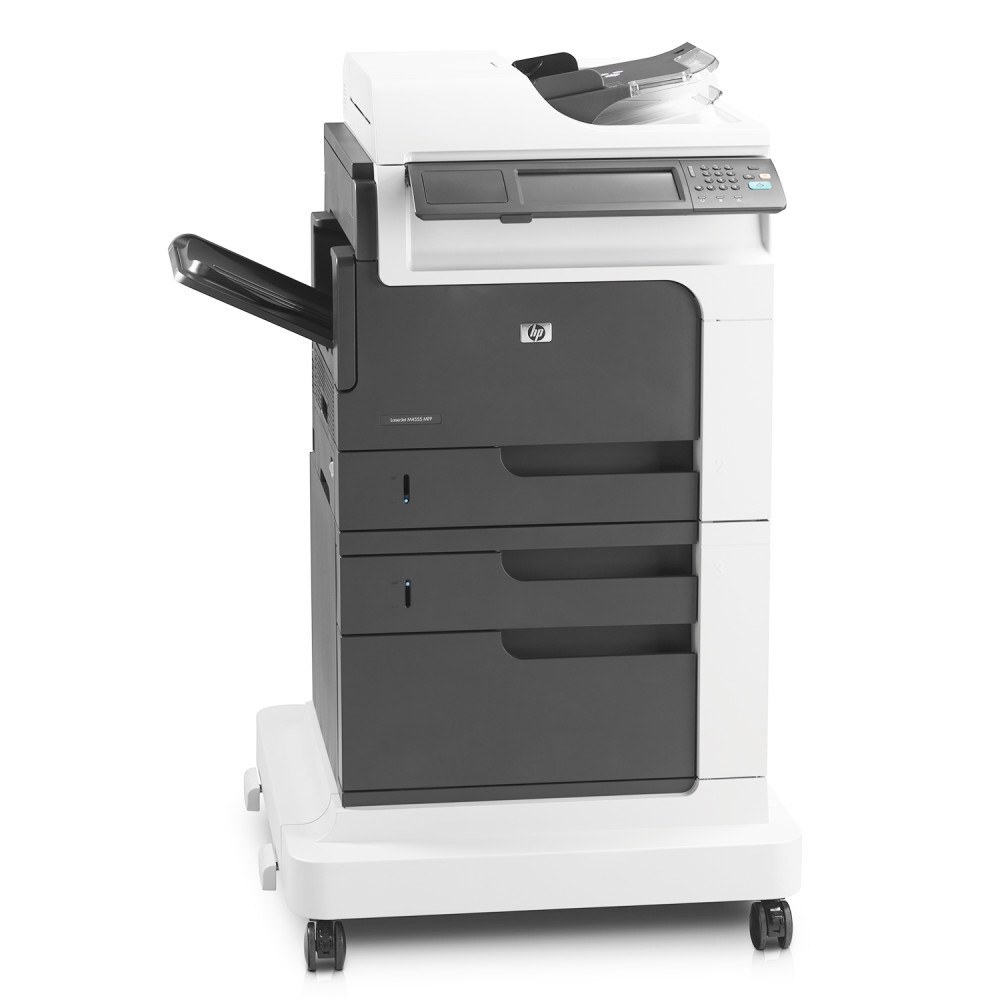
The LaserJet Enterprise M4555F is a early-2010s mono single-function printer; offices chose it for everyday office document printing, and many never found a reason to replace it. If your workload is everyday office document printing, the LaserJet Enterprise M4555F is the kind of printer that just keeps showing up.
The LaserJet Enterprise M4555F uses HP 90A/90X cartridges, anchored by the CE390A — one of the most widely stocked HP cartridges of its generation. Heavier users of the LaserJet Enterprise M4555F can step up to the high-yield CE390X, while the standard CE390A covers lighter everyday office document printing.
Toner Cartridges for LaserJet Enterprise M4555F
This printer works with the following toner cartridges:
- HP CE390A
- HP CE390X
More HP Printers
- LaserJet 600
- LaserJet Enterprise 600
- LaserJet Enterprise 600 M601
- LaserJet Enterprise 600 M601DN
- LaserJet Enterprise 600 M601N
- LaserJet Enterprise 600 M602
- LaserJet Enterprise 600 M602DN
- LaserJet Enterprise 600 M602N
- LaserJet Enterprise 600 M602X
- LaserJet Enterprise 600 M603
- LaserJet Enterprise 600 M603DN
- LaserJet Enterprise 600 M603N
- LaserJet Enterprise 600 M603XH
- LaserJet Enterprise M4555
- LaserJet Enterprise M4555 MFP
- LaserJet Enterprise M4555F MFP
- LaserJet Enterprise M4555FSKM
- LaserJet Enterprise M4555FSKM MFP
- LaserJet Enterprise M4555H
- LaserJet Enterprise M4555H MFP
- LaserJet M4555
- LaserJet M4555 MFP
- LaserJet M4555F
- LaserJet M4555f MFP
- LaserJet M4555FSKM
- LaserJet M4555FSKM MFP
- LaserJet M4555H
- LaserJet M4555H MFP
- LaserJet M601
- LaserJet M601DN
- LaserJet M601N
- LaserJet M602
- LaserJet M602DN
- LaserJet M602N
- LaserJet M602X
- LaserJet M603
- LaserJet M603DN
- LaserJet M603HX
- LaserJet M603N
- LaserJet M603XH
Frequently Asked Questions
Which toner cartridge does the LaserJet Enterprise M4555F use?
The LaserJet Enterprise M4555F uses the CE390A (standard yield) or the CE390X (high-yield) toner cartridge. Confirm the code printed on your current cartridge matches before ordering a replacement.
Where do I get drivers for the LaserJet Enterprise M4555F?
Download the latest driver for the LaserJet Enterprise M4555F from HP's official support site, choosing your operating system version. The full driver package for the LaserJet Enterprise M4555F unlocks features like supply-level monitoring.
How do I replace the toner cartridge in the LaserJet Enterprise M4555F?
Open the toner-access door on the LaserJet Enterprise M4555F, pull the spent cartridge out by its handle, and slide the new CE390A or CE390X straight in until it clicks. The LaserJet Enterprise M4555F recognizes the new cartridge automatically — print a test page to confirm clean output.