




LaserJet Enterprise M4555FSKM
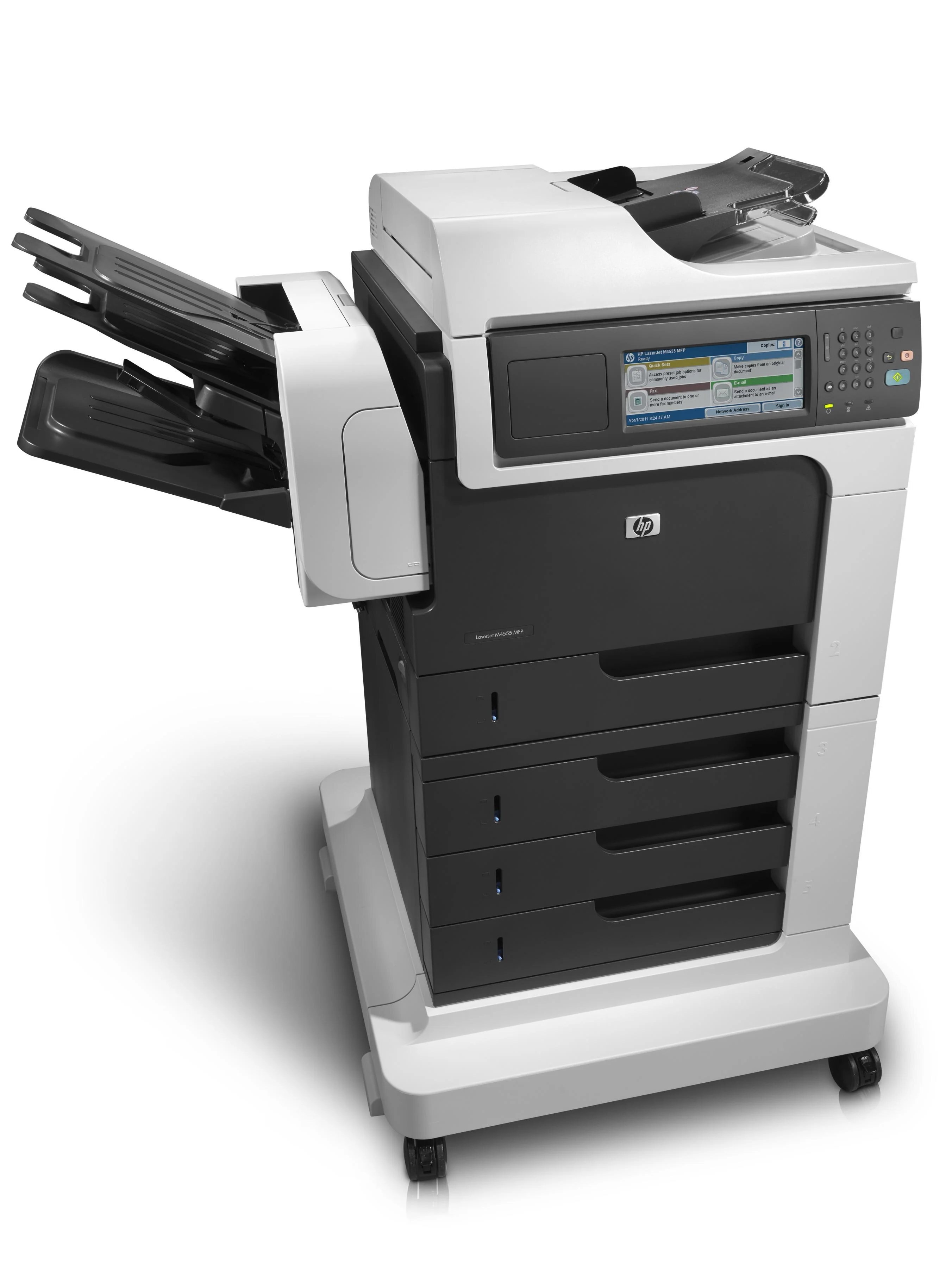
The HP LaserJet Enterprise M4555FSKM is a early-2010s mono single-function printer, from the generation of LaserJets that offices bought by the dozen and ran for a decade. What keeps the LaserJet Enterprise M4555FSKM relevant is everyday office document printing: unglamorous, essential, and exactly what offices need.
For the LaserJet Enterprise M4555FSKM, toner means the HP 90A/90X family: the CE390A cartridge, common to 40 models in the lineup. Heavier users of the LaserJet Enterprise M4555FSKM can step up to the high-yield CE390X, while the standard CE390A covers lighter everyday office document printing.
Toner Cartridges for LaserJet Enterprise M4555FSKM
This printer works with the following toner cartridges:
- HP CE390A
- HP CE390X
More HP Printers
- LaserJet 600
- LaserJet Enterprise 600
- LaserJet Enterprise 600 M601
- LaserJet Enterprise 600 M601DN
- LaserJet Enterprise 600 M601N
- LaserJet Enterprise 600 M602
- LaserJet Enterprise 600 M602DN
- LaserJet Enterprise 600 M602N
- LaserJet Enterprise 600 M602X
- LaserJet Enterprise 600 M603
- LaserJet Enterprise 600 M603DN
- LaserJet Enterprise 600 M603N
- LaserJet Enterprise 600 M603XH
- LaserJet Enterprise M4555
- LaserJet Enterprise M4555 MFP
- LaserJet Enterprise M4555F
- LaserJet Enterprise M4555F MFP
- LaserJet Enterprise M4555FSKM MFP
- LaserJet Enterprise M4555H
- LaserJet Enterprise M4555H MFP
- LaserJet M4555
- LaserJet M4555 MFP
- LaserJet M4555F
- LaserJet M4555f MFP
- LaserJet M4555FSKM
- LaserJet M4555FSKM MFP
- LaserJet M4555H
- LaserJet M4555H MFP
- LaserJet M601
- LaserJet M601DN
- LaserJet M601N
- LaserJet M602
- LaserJet M602DN
- LaserJet M602N
- LaserJet M602X
- LaserJet M603
- LaserJet M603DN
- LaserJet M603HX
- LaserJet M603N
- LaserJet M603XH
Frequently Asked Questions
Which toner cartridge does the LaserJet Enterprise M4555FSKM use?
The LaserJet Enterprise M4555FSKM uses the CE390A (standard yield) or the CE390X (high-yield) toner cartridge. Confirm the code printed on your current cartridge matches before ordering a replacement.
How do I wake the LaserJet Enterprise M4555FSKM from sleep mode?
Press any button on the LaserJet Enterprise M4555FSKM's control panel or send a print job — the LaserJet Enterprise M4555FSKM wakes automatically. If the LaserJet Enterprise M4555FSKM stays unresponsive, check that it is plugged in and the power switch is on.
Does the LaserJet Enterprise M4555FSKM warn me before the toner runs out?
The LaserJet Enterprise M4555FSKM displays a toner-low or replace-toner message when the cartridge nears empty, so you get advance notice. Keep a spare CE390A or CE390X on hand so a deadline job never catches the LaserJet Enterprise M4555FSKM without toner.