




LaserJet Pro 400 Printer M401DN
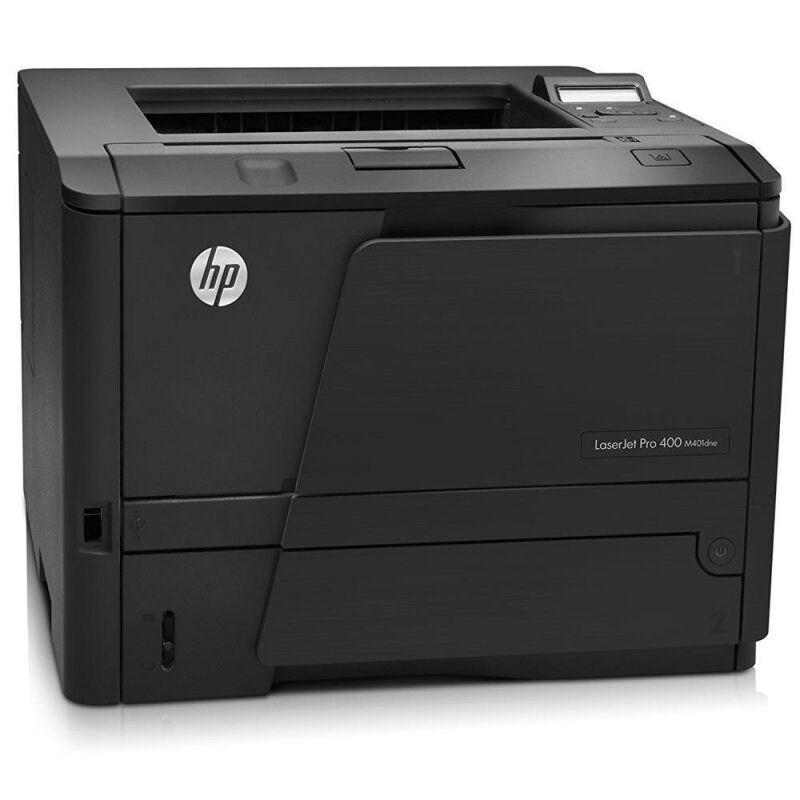
The HP LaserJet Pro 400 Printer M401DN paired duplexing with Ethernet — the shared-office M401 for teams that printed two-sided on the network.
It takes the HP 80A cartridge — black CF280A — with a high-yield CF280X available.
Toner Cartridges for LaserJet Pro 400 Printer M401DN
This printer works with the following toner cartridges:
- HP CF280A
- HP CF280X
More HP Printers
- LaserJet M401
- LaserJet M401A
- LaserJet M401D
- LaserJet M401DN
- LaserJet M401DNE
- LaserJet M401DW
- LaserJet M401dw,LaserJet M401n
- LaserJet M401N
- LaserJet M425
- LaserJet M425DN
- LaserJet M425dn MFP
- LaserJet M425DW
- LaserJet Pro 400 M401
- LaserJet PRO 400 M401A
- LaserJet Pro 400 M401D
- Laserjet Pro 400 M401DN
- Laserjet Pro 400 M401DNE
- LaserJet Pro 400 M401DW
- LaserJet Pro 400 M401N
- Laserjet Pro 400 M425
- LaserJet Pro 400 M425DW
- Laserjet Pro 400 MFP M425
- LaserJet Pro 400 MFP M425DN
- Laserjet Pro 400 MFP M425DW
- Laserjet Pro 400 PRINTER M401
- LaserJet Pro 400 Printer M401A
- LaserJet Pro 400 Printer M401D
- LaserJet Pro 400 Printer M401DNE
- LaserJet Pro 400 Printer M401DW
- LaserJet Pro 400 Printer M401N
- LaserJet Pro 400 Printer M401S
Frequently Asked Questions
What toner cartridge does the LaserJet Pro 400 Printer M401DN use?
The LaserJet Pro 400 Printer M401DN takes the CF280A or the high-yield CF280X toner cartridge. Always match the cartridge code to your exact model number before ordering.
Does the LaserJet Pro 400 Printer M401DN print on both sides automatically?
Yes - the LaserJet Pro 400 Printer M401DN includes automatic duplexing, so it can print on both sides of the sheet without you flipping the paper. Enable two-sided printing in your print settings to use it.
Why does my LaserJet Pro 400 Printer M401DN leave vertical lines on every page?
Vertical lines from the LaserJet Pro 400 Printer M401DN often come from a damaged or nearly empty CF280A cartridge. Try a fresh cartridge, and if the lines persist the printer may need a cleaning cycle or service.