




LaserJet M401a
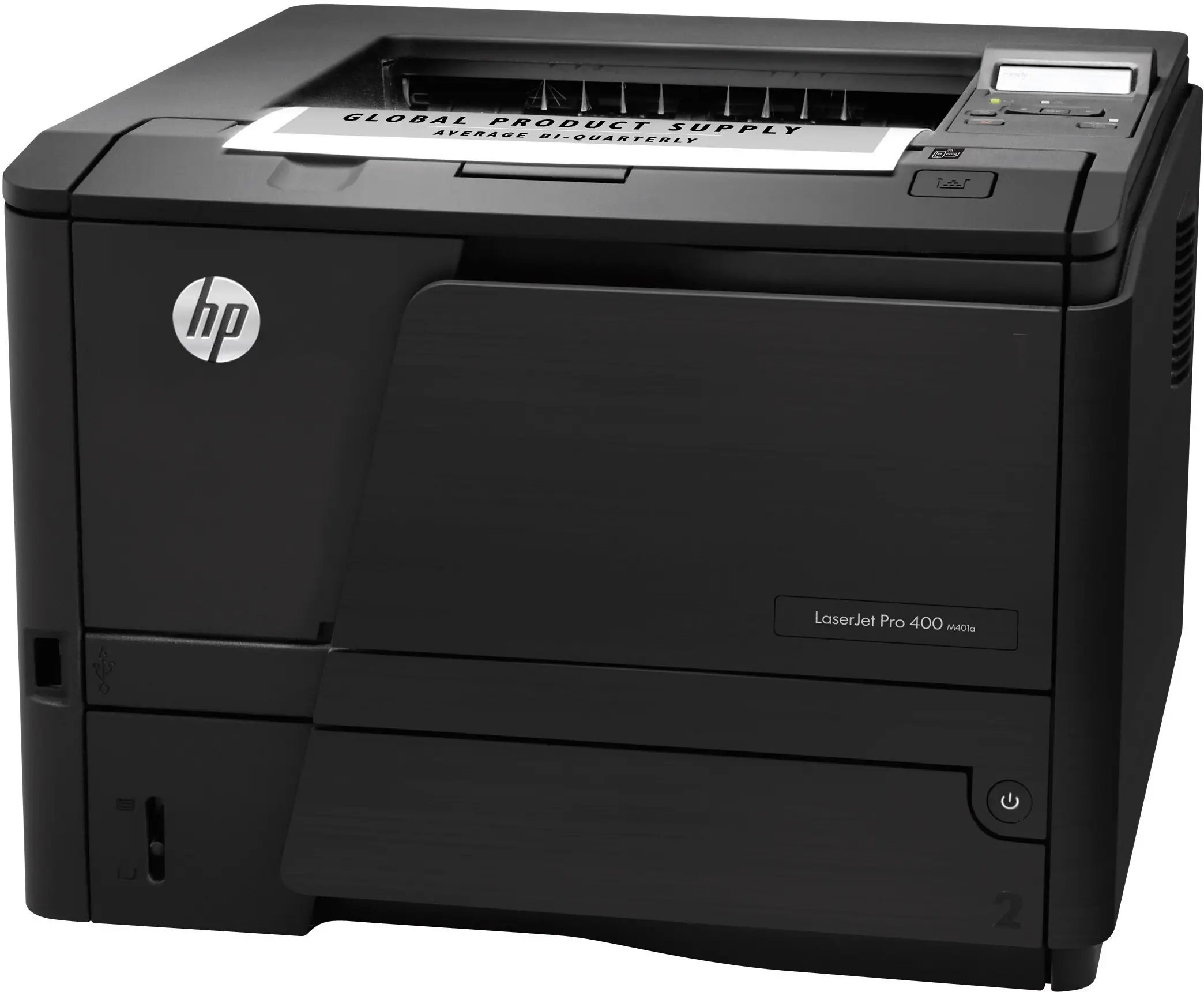
The LaserJet M401a is the no-nonsense member of its workgroup line: a monochrome laser printer engineered for the day-to-day demands of small workgroups, where reliability counts for more than flash. It prints from the HP 80 family — the standard HP 80A (CF280A) or the high-yield HP 80X (CF280X) — and both yields sit on this page's shelf as 4-packs of black cartridges, ready for whichever pace your office keeps.
Plenty of these printers are still on desks years after they were installed, and the reason is mundane: they ask for very little. A small team prints letters, reports and forms all day, the machine keeps up, and the only recurring errand is toner. For an office standardizing on a proven workhorse, that predictability is the feature — the supply question is settled once, and the same two cartridge codes cover the machine for its whole working life.
Toner Cartridges for LaserJet M401a
| Cartridge | Color | Page Yield |
|---|---|---|
| HP 80A (CF280A) Toner Cartridge — 4 Black | Black | See product page |
| HP 80X (CF280X) Toner Cartridge — 4 Black | Black | See product page |
Which cartridge should you buy?
The two codes are the same cartridge in two capacities, and they install identically, so the choice is purely about how your office prints. The standard 80A suits a desk that produces a modest stack each week and would rather change cartridges a little more often. The high-yield 80X carries more toner and stretches the interval between changeovers, which is why busier workgroups gravitate to it: fewer interruptions, fewer orders to place. Both are stocked here as 4-packs, and nothing stops an office from moving between them over time — a quiet quarter can run on the standard cartridge and a heavy quarter on the high-yield, with no change to the printer itself. Judge by how often someone currently walks to the supply shelf; that rhythm tells you which tier will feel right.
Chip, toner and everyday use
A new cartridge announces itself through its chip, and most first-day problems are seating problems: if the M401a does not recognize a fresh unit, confirm the protective seal and clips came fully off and that the cartridge clicked into its slot before suspecting the chip itself. Keep the printer's next cartridge sealed in the box until the day it is needed, stored somewhere cool and dry. Page counts quoted for any cartridge assume typical document coverage, so dense pages with heavy graphics will finish a unit sooner than plain text. Keeping one spare on hand at all times is the simplest habit an office can adopt — it converts a toner emergency into a routine swap.
Frequently Asked Questions
Which toner cartridges work with the LaserJet M401a?
Two: the CF280A standard cartridge and the CF280X high-yield cartridge, sold as the HP 80A and 80X. Either code on the box means the cartridge belongs in this printer; the difference between them is capacity, not fit.
Why does my LaserJet M401a not recognize the new CF280A cartridge?
Start with the physical checks: protective seal and clips fully removed, cartridge pushed in until it clicks. If the message persists after reseating, the chip may be damaged or the cartridge may carry the wrong code for this model — compare the code printed on it against CF280A or CF280X.
Is a separate drum unit sold for this printer on this page?
No drum listing appears on this page. The stocked consumables here are the two cartridge 4-packs above — the 80A and the 80X — so everything this shelf sells for the M401a is a toner cartridge.
Can I switch between the standard and high-yield cartridges over time?
Yes. The CF280A and CF280X share the same slot and the same installation steps, so an office can run the standard cartridge during quiet periods and the high-yield during heavy ones without changing anything about the printer.
More printers that use the same cartridges
The 80A and 80X cartridges serve the full Pro 400 family, including the M425 multifunction models: HP CF280A, LaserJet M401, LaserJet M401A, LaserJet M401D, LaserJet M401DN, LaserJet M401DNE, LaserJet M401DW, LaserJet M401N, LaserJet M401dw,LaserJet M401n, LaserJet M425, LaserJet M425DN, LaserJet M425DW, LaserJet M425dn MFP, LaserJet PRO 400 M401A, LaserJet Pro 400 M401, LaserJet Pro 400 M401D, LaserJet Pro 400 M401DW, LaserJet Pro 400 M401N, LaserJet Pro 400 M425DW, LaserJet Pro 400 MFP M425DN, LaserJet Pro 400 Printer M401A, LaserJet Pro 400 Printer M401D, LaserJet Pro 400 Printer M401DN, LaserJet Pro 400 Printer M401DNE, LaserJet Pro 400 Printer M401DW, LaserJet Pro 400 Printer M401N, LaserJet Pro 400 Printer M401S, Laserjet Pro 400 M401DN, Laserjet Pro 400 M401DNE, Laserjet Pro 400 M425, Laserjet Pro 400 MFP M425, Laserjet Pro 400 MFP M425DW, Laserjet Pro 400 PRINTER M401.