




LaserJet M425dn MFP
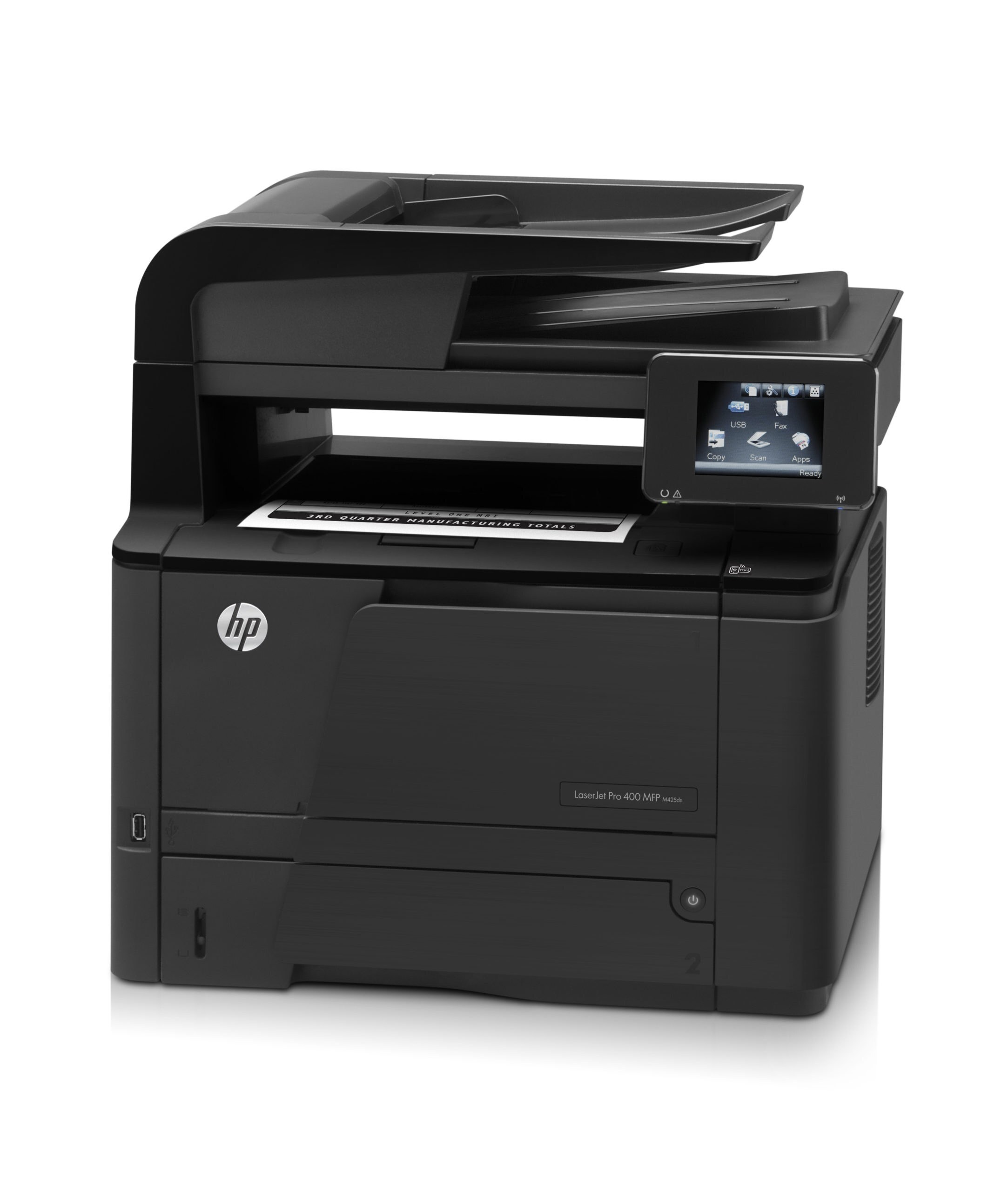
The LaserJet M425dn MFP is the connected hub of its line: print, scan, copy and fax in a single monochrome machine, with duplex and network connectivity for small offices that share everything through one device. Every job that puts toner on paper draws from the same family — the standard HP 80A (CF280A) or the longer-lasting HP 80X (CF280X) — and this page stocks both yields as 4-packs of black cartridges.
A shared multifunction lives a busier life than a personal printer. Beyond the pages sent from desks, it prints the copies made at its panel and the faxes that arrive through the day, so its cartridge empties on a schedule set by the whole office rather than by one person. That is worth remembering when planning supplies: the M425dn MFP rewards keeping a spare within arm's reach, because when this machine stops, several people's work stops with it.
Toner Cartridges for LaserJet M425dn MFP
| Cartridge | Color | Page Yield |
|---|---|---|
| HP 80A (CF280A) Toner Cartridge — 4 Black | Black | See product page |
| HP 80X (CF280X) Toner Cartridge — 4 Black | Black | See product page |
Which cartridge should you buy?
For a shared hub, the high-yield 80X is where most offices land: the CF280X holds more toner, so the machine asks for attention less often, and changeovers on a printer everyone depends on are best kept rare. The standard 80A still has its place — an M425dn MFP in a quiet branch or a low-traffic corner will not punish anyone for choosing it, and the two yields are interchangeable in the same slot with the same installation steps. Both are stocked here as 4-packs. Think about total pages rather than number of users: copying and incoming faxes add volume that never appears in anyone's print queue, and offices are routinely surprised by how much of this machine's output nobody sent from a computer.
Chip, toner and everyday use
Keep the spare for this machine beside the machine. When the swap comes, strip the new cartridge's seal away completely, slide it in until it clicks, and run a test print before walking away — on a shared device, the next person to find a problem may not know a cartridge was just changed. The printer identifies the unit by its chip; a cartridge that is not recognized usually just needs reseating. Unused units from a pack should stay sealed in a cool, dry place, and a cartridge that starts printing pale can be rocked gently side to side to level the toner for its remaining pages.
Frequently Asked Questions
Which yields of the cartridge fit the LaserJet M425dn MFP?
Both of them. The CF280A standard and the CF280X high-yield fit this MFP interchangeably and install the same way; choose the CF280X when the machine prints heavily, the CF280A when its workload is lighter.
Do copies made at the panel use the same toner as printed pages?
Yes. A copy is a print of a scanned original, so copies consume the same CF280A or CF280X cartridge as jobs sent from a computer. Scanning on its own, and sending a fax electronically, put nothing on paper and use no toner.
Will a compatible CF280A cartridge work in the LaserJet M425dn MFP?
Compatible cartridges for this model are exactly what this page sells. If one is ever refused, reseat it firmly and check that all protective material was removed — recognition issues are the usual culprit, ahead of any real fault.
How should a spare be stored for a shared office machine?
Sealed in its box, somewhere cool, dry and close to the printer, with the oldest stock used first. A shared MFP that runs dry mid-morning costs the whole office time, so the spare belongs where the person changing the cartridge can reach it in seconds.
More printers that use the same cartridges
The M401 printers and the rest of the M425 range below all share these cartridges with this multifunction: Laserjet Pro 400 PRINTER M401, Laserjet Pro 400 MFP M425DW, Laserjet Pro 400 MFP M425, Laserjet Pro 400 M425, Laserjet Pro 400 M401DNE, Laserjet Pro 400 M401DN, LaserJet Pro 400 Printer M401S, LaserJet Pro 400 Printer M401N, LaserJet Pro 400 Printer M401DW, LaserJet Pro 400 Printer M401DNE, LaserJet Pro 400 Printer M401DN, LaserJet Pro 400 Printer M401D, LaserJet Pro 400 Printer M401A, LaserJet Pro 400 MFP M425DN, LaserJet Pro 400 M425DW, LaserJet Pro 400 M401N, LaserJet Pro 400 M401DW, LaserJet Pro 400 M401D, LaserJet Pro 400 M401, LaserJet PRO 400 M401A, LaserJet M425DW, LaserJet M425DN, LaserJet M425, LaserJet M401dw,LaserJet M401n, LaserJet M401a, LaserJet M401N, LaserJet M401DW, LaserJet M401DNE, LaserJet M401DN, LaserJet M401D, LaserJet M401A, LaserJet M401, HP CF280A.