




Laserjet Pro 400 M425
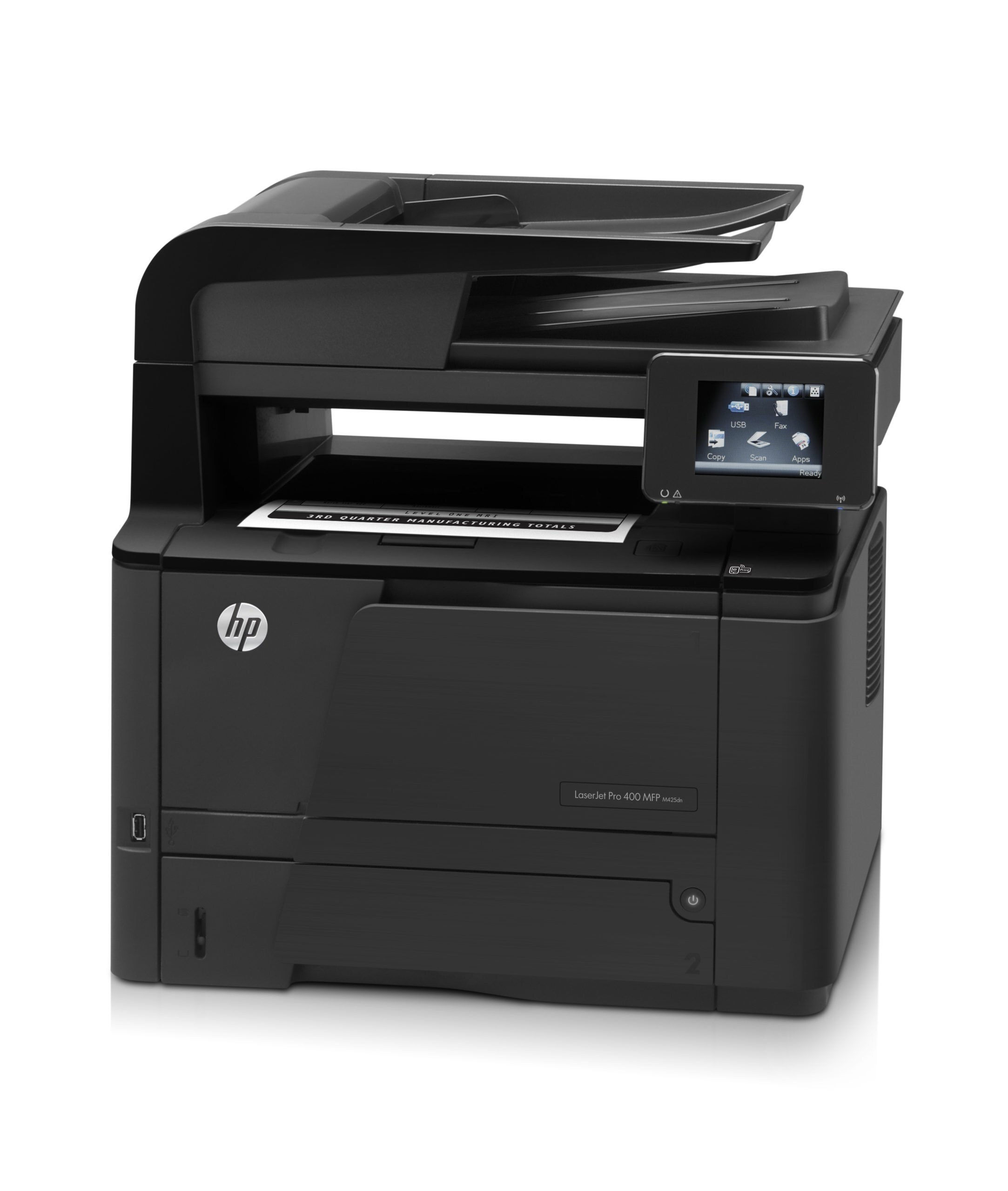
HP's Laserjet Pro 400 M425 brought full multifunction capability to the Pro 400 series — mono print, scan, copy, and fax in one 2012 desktop machine.
It uses the HP 80A cartridge — black CF280A — with a high-yield CF280X choice.
Toner Cartridges for Laserjet Pro 400 M425
This printer works with the following toner cartridges:
- HP CF280A
- HP CF280X
More HP Printers
- LaserJet M401
- LaserJet M401A
- LaserJet M401D
- LaserJet M401DN
- LaserJet M401DNE
- LaserJet M401DW
- LaserJet M401dw,LaserJet M401n
- LaserJet M401N
- LaserJet M425
- LaserJet M425DN
- LaserJet M425dn MFP
- LaserJet M425DW
- LaserJet Pro 400 M401
- LaserJet PRO 400 M401A
- LaserJet Pro 400 M401D
- Laserjet Pro 400 M401DN
- Laserjet Pro 400 M401DNE
- LaserJet Pro 400 M401DW
- LaserJet Pro 400 M401N
- LaserJet Pro 400 M425DW
- Laserjet Pro 400 MFP M425
- LaserJet Pro 400 MFP M425DN
- Laserjet Pro 400 MFP M425DW
- Laserjet Pro 400 PRINTER M401
- LaserJet Pro 400 Printer M401A
- LaserJet Pro 400 Printer M401D
- LaserJet Pro 400 Printer M401DN
- LaserJet Pro 400 Printer M401DNE
- LaserJet Pro 400 Printer M401DW
- LaserJet Pro 400 Printer M401N
- LaserJet Pro 400 Printer M401S
Frequently Asked Questions
What toner cartridge does the Laserjet Pro 400 M425 use?
The Laserjet Pro 400 M425 takes the CF280A or the high-yield CF280X toner cartridge. Always match the cartridge code to your exact model number before ordering.
What should I do when the Laserjet Pro 400 M425 shows a toner-low warning?
A toner-low alert on the Laserjet Pro 400 M425 means the CF280A cartridge is nearly empty, though you can usually keep printing for a while. Order a replacement now so you have one ready when quality starts to fade.
How can I lower my cost per page on the Laserjet Pro 400 M425?
Using the high-yield CF280X instead of the standard CF280A in the Laserjet Pro 400 M425 brings the cost of each page down for heavy printing. Draft mode for everyday documents stretches every cartridge further.