




LaserJet Pro 400 Printer M401D
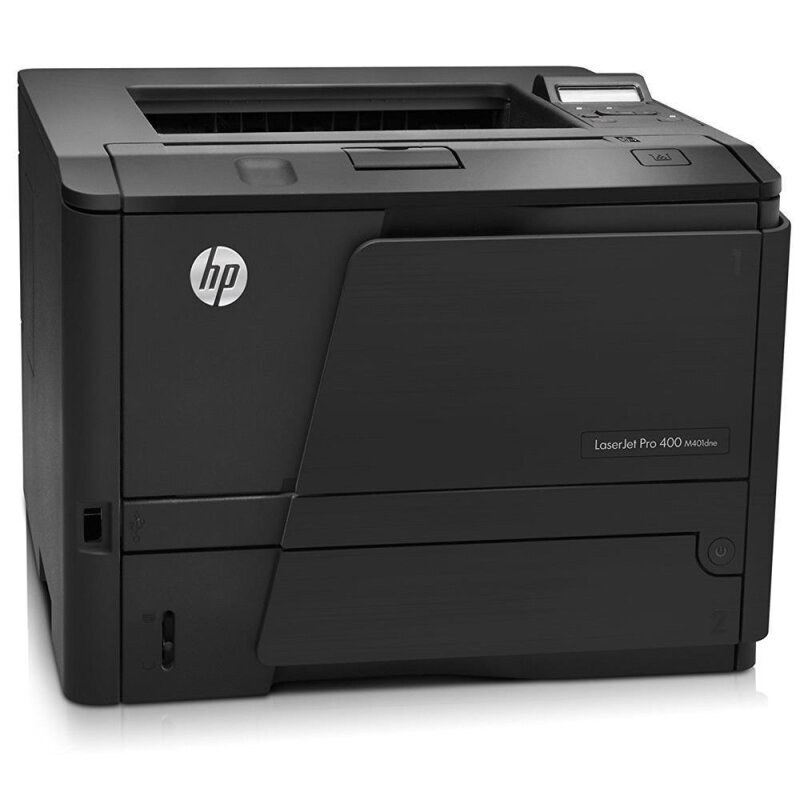
Two-sided printing was the specialty of the HP LaserJet Pro 400 Printer M401D — automatic duplexing for offices producing double-sided documents daily.
Cartridges are the HP 80A family: CF280A, with the high-yield CF280X for busier periods.
Toner Cartridges for LaserJet Pro 400 Printer M401D
This printer works with the following toner cartridges:
- HP CF280A
- HP CF280X
More HP Printers
- LaserJet M401
- LaserJet M401A
- LaserJet M401D
- LaserJet M401DN
- LaserJet M401DNE
- LaserJet M401DW
- LaserJet M401dw,LaserJet M401n
- LaserJet M401N
- LaserJet M425
- LaserJet M425DN
- LaserJet M425dn MFP
- LaserJet M425DW
- LaserJet Pro 400 M401
- LaserJet PRO 400 M401A
- LaserJet Pro 400 M401D
- Laserjet Pro 400 M401DN
- Laserjet Pro 400 M401DNE
- LaserJet Pro 400 M401DW
- LaserJet Pro 400 M401N
- Laserjet Pro 400 M425
- LaserJet Pro 400 M425DW
- Laserjet Pro 400 MFP M425
- LaserJet Pro 400 MFP M425DN
- Laserjet Pro 400 MFP M425DW
- Laserjet Pro 400 PRINTER M401
- LaserJet Pro 400 Printer M401A
- LaserJet Pro 400 Printer M401DN
- LaserJet Pro 400 Printer M401DNE
- LaserJet Pro 400 Printer M401DW
- LaserJet Pro 400 Printer M401N
- LaserJet Pro 400 Printer M401S
Frequently Asked Questions
What toner cartridge does the LaserJet Pro 400 Printer M401D use?
The LaserJet Pro 400 Printer M401D takes the CF280A or the high-yield CF280X toner cartridge. Always match the cartridge code to your exact model number before ordering.
How do I clear a paper jam in the LaserJet Pro 400 Printer M401D?
Switch the LaserJet Pro 400 Printer M401D off, open the paper-path covers, and pull the jammed sheet out slowly in the direction of the paper path so it does not tear. Reload with fresh, fanned paper before resuming.
Should I shake a new toner cartridge before putting it in the LaserJet Pro 400 Printer M401D?
Give the new CF280A cartridge a gentle side-to-side rock before installing it in the LaserJet Pro 400 Printer M401D so the toner is evenly distributed. Keep it level and avoid touching the roller.