




Color LaserJet Pro MFP M477FNW
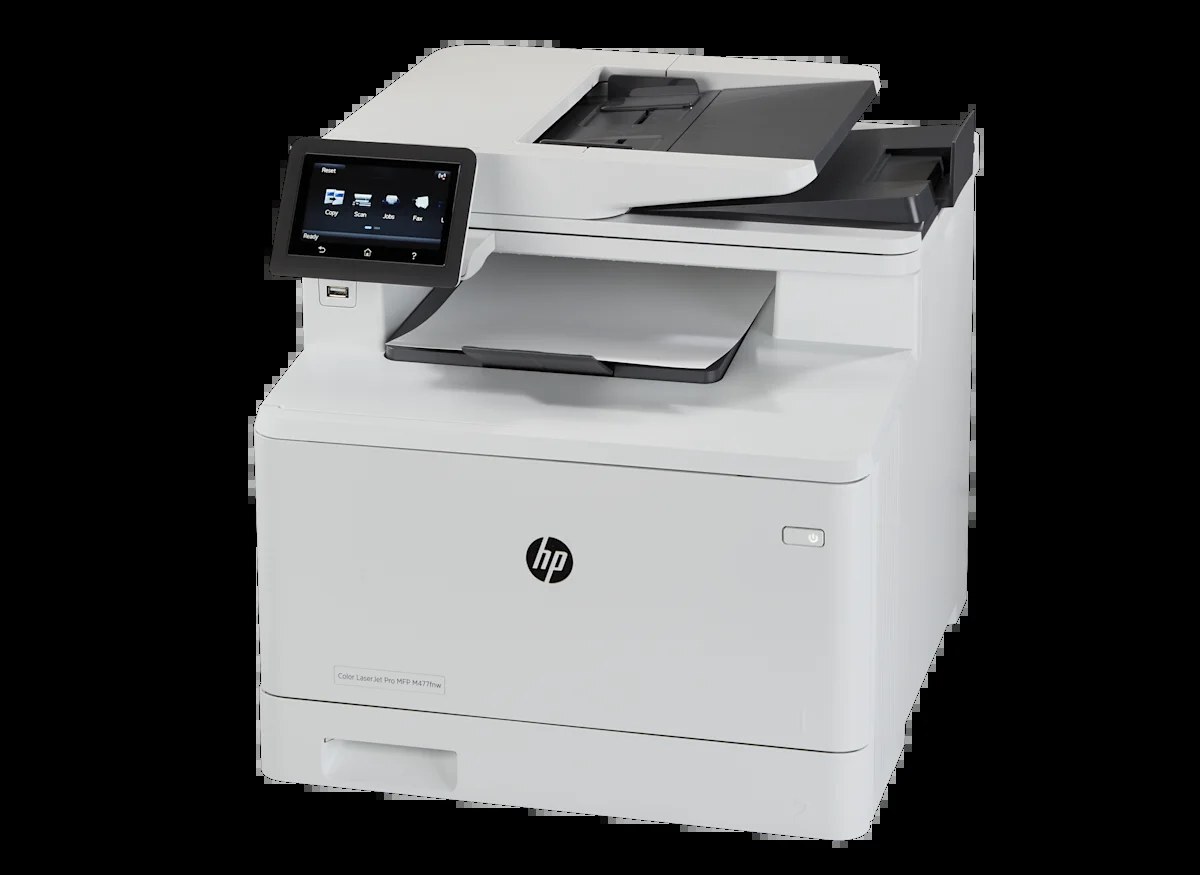
For teams splitting the difference between wired networking and wireless convenience, the HP Color LaserJet Pro MFP M477FNW bundled fax, network, and Wi-Fi printing into one compact color A4 multifunction.
Its consumable set is the four-color HP 410A lineup — black CF410A, cyan CF411A, yellow CF412A, magenta CF413A — in both standard and high-yield X capacities.
Toner Cartridges for Color LaserJet Pro MFP M477FNW
This printer works with the following toner cartridges:
- HP CF410A
- HP CF411A
- HP CF412A
- HP CF413A
- HP CF410X
- HP CF411X
- HP CF412X
- HP CF413X
More HP Printers
- Color LaserJet M377DW
- Color LaserJet M477FDW
- Color LaserJet M477FNW
- Color LaserJet Pro M377
- Color LaserJet Pro M452
- Color LaserJet Pro M452DN
- Color LaserJet Pro M452DW
- Color LaserJet Pro M452NW
- Color LaserJet Pro M477
- Color LaserJet Pro M477FDN
- Color LaserJet Pro M477FDW
- Color LaserJet Pro M477FNW
- Color LaserJet Pro MFP M377
- Color LaserJet Pro MFP M377DW
- Color LaserJet Pro MFP M477
- Color LaserJet Pro MFP M477FDN
- Color LaserJet Pro MFP M477FDW
- LaserJet M377dw
- LaserJet M477fdw
- LaserJet M477fnw
- LaserJet Pro M452
- LaserJet Pro M452
- LaserJet Pro M452dn
- LaserJet Pro M452dn
- LaserJet Pro M452dw
- LaserJet Pro M452nw
- LaserJet Pro M477
- LaserJet Pro M477fdn
- LaserJet Pro M477fdw
- LaserJet Pro M477fnw
- LaserJet Pro MFP M377
- LaserJet Pro MFP M377dw
- LaserJet Pro MFP M477
- LaserJet Pro MFP M477fdn
- LaserJet Pro MFP M477fdw
- LaserJet Pro MFP M477fnw
Frequently Asked Questions
How can I tell which toner color is low on the Color LaserJet Pro MFP M477FNW?
Check the supplies status on the Color LaserJet Pro MFP M477FNW's control panel or in the HP software — it names the low cartridge among the CF410A, CF411A, CF412A, CF413A (or X) set. Replace only that color in the Color LaserJet Pro MFP M477FNW; the other three stay in place.
How do I install a new toner cartridge in my Color LaserJet Pro MFP M477FNW?
Open the cartridge door on the Color LaserJet Pro MFP M477FNW and slide the old CF410A out by its handle — set it aside for recycling. Unpack the new CF410A, pull off its protective seal, and slide it straight in until it clicks. Close the door and print a test page from the Color LaserJet Pro MFP M477FNW to confirm.
Why did the copies from my Color LaserJet Pro MFP M477FNW come out blank?
Blank copies from the Color LaserJet Pro MFP M477FNW usually mean the CF410A is empty or its sealing tape was left on. Pull the cartridge, confirm the tape is removed, and reseat it firmly. If copies are only faded, the CF410A is running low and should be replaced.