




Color LaserJet Pro M452NW
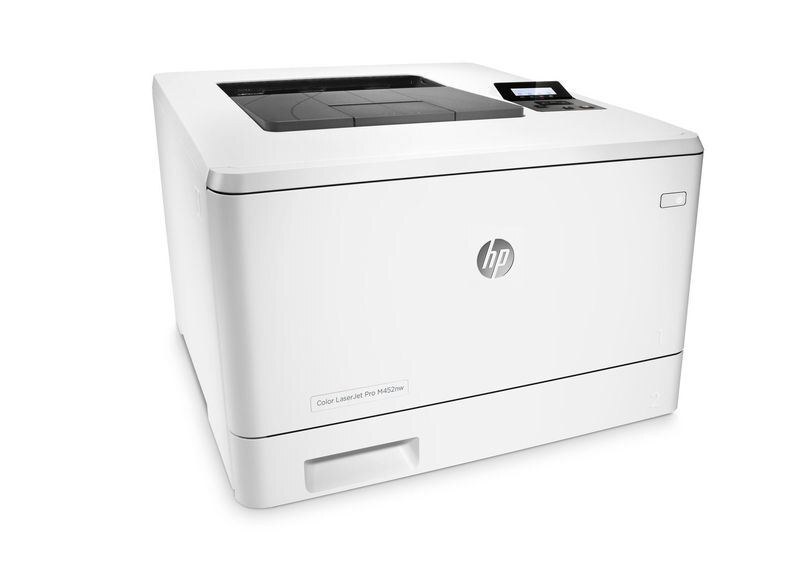
The Color LaserJet Pro M452NW arrived on the scene in the mid-2010s as HP's mono single-function printer for everyday office document printing, and its staying power says the formula worked. The Color LaserJet Pro M452NW was purpose-built for everyday office document printing, and it handles that workload with unhurried confidence.
Like 36 other models in its family, the Color LaserJet Pro M452NW takes the HP 410A cartridge line — look for the CF410A. Our HP 410A lineup for the Color LaserJet Pro M452NW covers both bases — genuine OEM CF410A cartridges and dependable compatible alternatives. Seven further numbers complete the M452NW's family tree: magenta CF413A, yellow CF412A and cyan CF411A in standard fill, and — for the heaviest months — magenta CF413X, yellow CF412X, cyan CF411X and black CF410X in high-yield form.
Toner Cartridges for Color LaserJet Pro M452NW
This printer works with the following toner cartridges:
- HP CF410A
- HP CF411A
- HP CF412A
- HP CF413A
- HP CF410X
- HP CF411X
- HP CF412X
- HP CF413X
More HP Printers
- Color LaserJet M377DW
- Color LaserJet M477FDW
- Color LaserJet M477FNW
- Color LaserJet Pro M377
- Color LaserJet Pro M452
- Color LaserJet Pro M452DN
- Color LaserJet Pro M452DW
- Color LaserJet Pro M477
- Color LaserJet Pro M477FDN
- Color LaserJet Pro M477FDW
- Color LaserJet Pro M477FNW
- Color LaserJet Pro MFP M377
- Color LaserJet Pro MFP M377DW
- Color LaserJet Pro MFP M477
- Color LaserJet Pro MFP M477FDN
- Color LaserJet Pro MFP M477FDW
- Color LaserJet Pro MFP M477FNW
- LaserJet M377dw
- LaserJet M477fdw
- LaserJet M477fnw
- LaserJet Pro M452
- LaserJet Pro M452
- LaserJet Pro M452dn
- LaserJet Pro M452dn
- LaserJet Pro M452dw
- LaserJet Pro M452nw
- LaserJet Pro M477
- LaserJet Pro M477fdn
- LaserJet Pro M477fdw
- LaserJet Pro M477fnw
- LaserJet Pro MFP M377
- LaserJet Pro MFP M377dw
- LaserJet Pro MFP M477
- LaserJet Pro MFP M477fdn
- LaserJet Pro MFP M477fdw
- LaserJet Pro MFP M477fnw
Frequently Asked Questions
How do I know I'm buying the right toner for my Color LaserJet Pro M452NW?
Compare the code on the box with the Color LaserJet Pro M452NW's list: CF410A, CF411A, CF412A, CF413A, CF410X, CF411X, CF412X, CF413X. HP makes look-alike cartridges for different printer families, so a code match is your guarantee.
Why won't my Color LaserJet Pro M452NW print after a cartridge change?
If the Color LaserJet Pro M452NW won't print after a cartridge change, confirm the new CF410A is fully seated and its sealing tape was removed. Read any message on the printer's display and follow its steps. Removing and reinserting the cartridge with the printer powered on usually clears recognition errors.
Do I need to replace all four cartridges in the Color LaserJet Pro M452NW at once?
No — the Color LaserJet Pro M452NW tracks each of its cartridges separately, so replace only the one that runs out. Keep an eye on the others so an empty cartridge doesn't stall you mid-job. Swapping half-full cartridges early just wastes toner.