




LaserJet Pro MFP M477
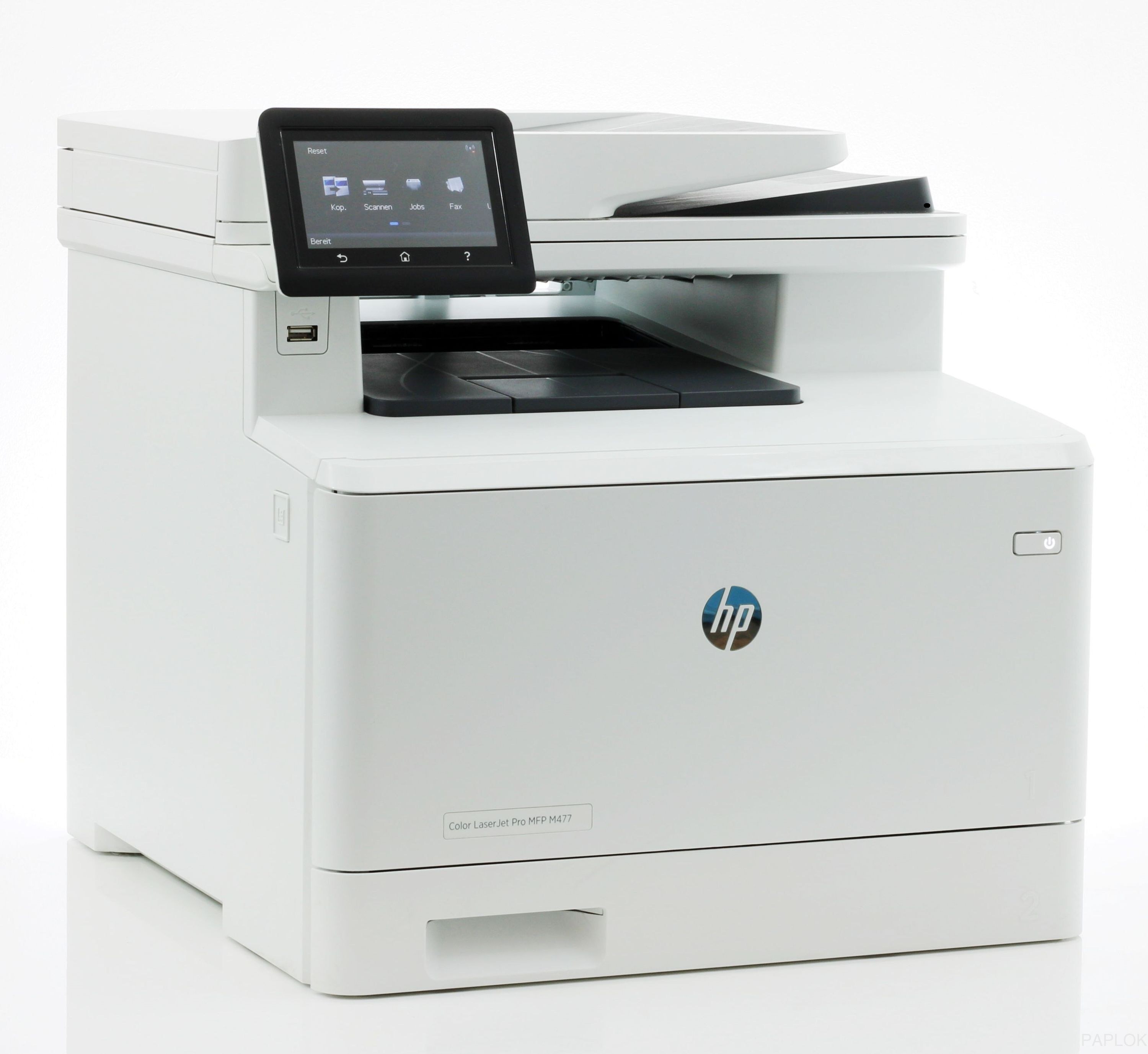
As the straightforward base model of the M477 range, the HP LaserJet Pro MFP M477 offered color print, scan, and copy for workgroups that wanted reliability over extra connection bells.
It accepts the HP 410A family — CF410A black, CF411A cyan, CF412A yellow, CF413A magenta — with high-yield X cartridges for high-volume desks.
Toner Cartridges for LaserJet Pro MFP M477
This printer works with the following toner cartridges:
- HP CF410A
- HP CF411A
- HP CF412A
- HP CF413A
- HP CF410X
- HP CF411X
- HP CF412X
- HP CF413X
More HP Printers
- Color LaserJet M377DW
- Color LaserJet M477FDW
- Color LaserJet M477FNW
- Color LaserJet Pro M377
- Color LaserJet Pro M452
- Color LaserJet Pro M452DN
- Color LaserJet Pro M452DW
- Color LaserJet Pro M452NW
- Color LaserJet Pro M477
- Color LaserJet Pro M477FDN
- Color LaserJet Pro M477FDW
- Color LaserJet Pro M477FNW
- Color LaserJet Pro MFP M377
- Color LaserJet Pro MFP M377DW
- Color LaserJet Pro MFP M477
- Color LaserJet Pro MFP M477FDN
- Color LaserJet Pro MFP M477FDW
- Color LaserJet Pro MFP M477FNW
- LaserJet M377dw
- LaserJet M477fdw
- LaserJet M477fnw
- LaserJet Pro M452
- LaserJet Pro M452
- LaserJet Pro M452dn
- LaserJet Pro M452dn
- LaserJet Pro M452dw
- LaserJet Pro M452nw
- LaserJet Pro M477
- LaserJet Pro M477fdn
- LaserJet Pro M477fdw
- LaserJet Pro M477fnw
- LaserJet Pro MFP M377
- LaserJet Pro MFP M377dw
- LaserJet Pro MFP M477fdn
- LaserJet Pro MFP M477fdw
- LaserJet Pro MFP M477fnw
Frequently Asked Questions
What toner cartridges does the LaserJet Pro MFP M477 use?
The LaserJet Pro MFP M477 uses CF410A, CF411A, CF412A, CF413A, CF410X, CF411X, CF412X, CF413X. For heavier printing, the CF410X high-yield version of CF410A fits the same LaserJet Pro MFP M477. Order by these exact codes — cartridges made for other HP families won't fit or won't be recognized.
When should I replace the toner in my LaserJet Pro MFP M477?
Swap the CF410A when prints from the LaserJet Pro MFP M477 fade, streak, or the printer reports the cartridge as empty. "Toner low" warnings arrive earlier and still leave room to print, so keep a spare CF410A ready. Change it when quality visibly drops, not at the first warning.
Can I still scan with the LaserJet Pro MFP M477 when the toner runs out?
Yes — scanning to a computer doesn't use toner, so the LaserJet Pro MFP M477 keeps scanning even with an empty CF410A. Copying is the exception: it prints the scan, so it needs toner to work. Replace the CF410A when copies from the LaserJet Pro MFP M477 start fading.