




LaserJet Pro MFP M477fdn
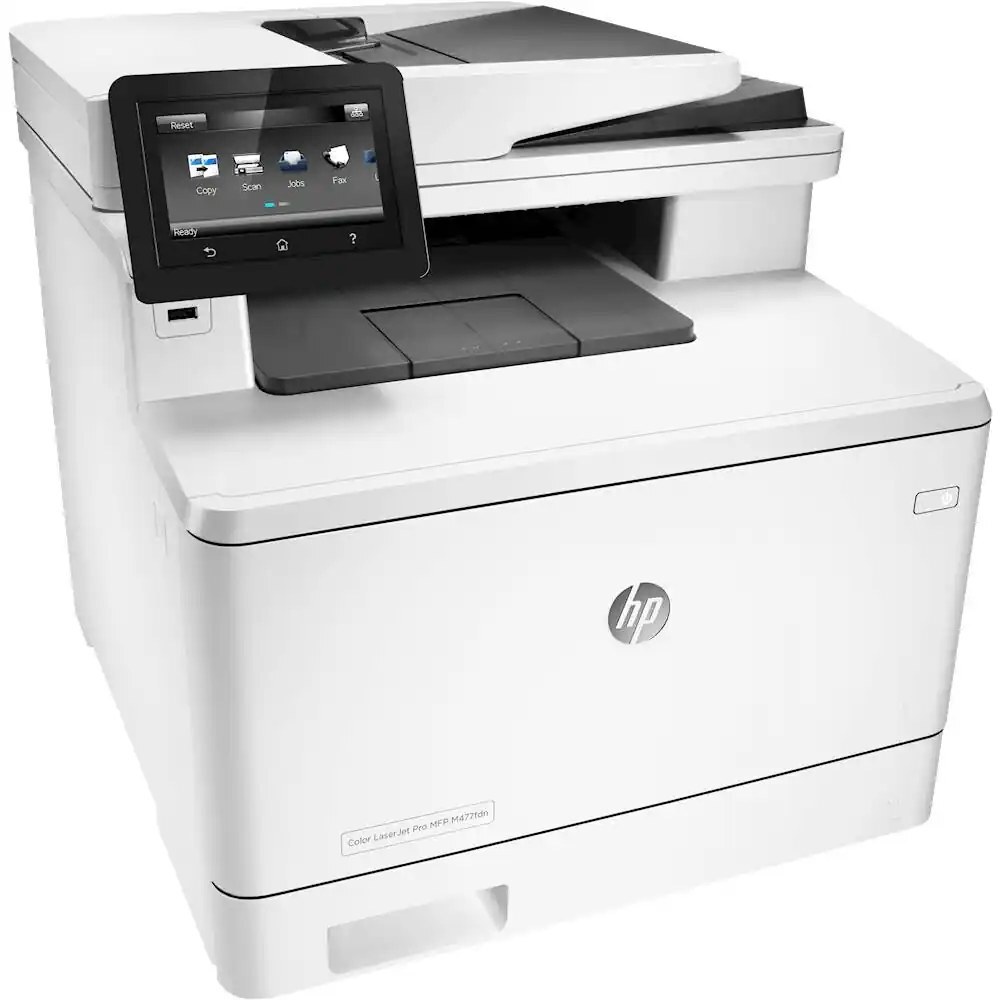
Automatic duplexing, Ethernet, and fax made the HP LaserJet Pro MFP M477fdn a self-contained document hub for small offices that still relied on a fax line in the mid-2010s.
Toner comes from the HP 410A lineup: black CF410A plus cyan CF411A, yellow CF412A, and magenta CF413A, in standard or high-yield X versions. In high-yield form the lineup is renumbered CF410X (black), CF411X (cyan), CF412X (yellow) and CF413X (magenta), a longer-lasting match for the M477fdn's self-contained document workload.
Toner Cartridges for LaserJet Pro MFP M477fdn
This printer works with the following toner cartridges:
- HP CF410A
- HP CF411A
- HP CF412A
- HP CF413A
- HP CF410X
- HP CF411X
- HP CF412X
- HP CF413X
More HP Printers
- Color LaserJet M377DW
- Color LaserJet M477FDW
- Color LaserJet M477FNW
- Color LaserJet Pro M377
- Color LaserJet Pro M452
- Color LaserJet Pro M452DN
- Color LaserJet Pro M452DW
- Color LaserJet Pro M452NW
- Color LaserJet Pro M477
- Color LaserJet Pro M477FDN
- Color LaserJet Pro M477FDW
- Color LaserJet Pro M477FNW
- Color LaserJet Pro MFP M377
- Color LaserJet Pro MFP M377DW
- Color LaserJet Pro MFP M477
- Color LaserJet Pro MFP M477FDN
- Color LaserJet Pro MFP M477FDW
- Color LaserJet Pro MFP M477FNW
- LaserJet M377dw
- LaserJet M477fdw
- LaserJet M477fnw
- LaserJet Pro M452
- LaserJet Pro M452
- LaserJet Pro M452dn
- LaserJet Pro M452dn
- LaserJet Pro M452dw
- LaserJet Pro M452nw
- LaserJet Pro M477
- LaserJet Pro M477fdn
- LaserJet Pro M477fdw
- LaserJet Pro M477fnw
- LaserJet Pro MFP M377
- LaserJet Pro MFP M377dw
- LaserJet Pro MFP M477
- LaserJet Pro MFP M477fdw
- LaserJet Pro MFP M477fnw
Frequently Asked Questions
Can I use any HP toner cartridge in the LaserJet Pro MFP M477fdn?
No — the LaserJet Pro MFP M477fdn only accepts CF410A, CF411A, CF412A, CF413A, CF410X, CF411X, CF412X, CF413X. Toner cartridges are keyed to specific printer families, so one made for another HP model generally won't fit or be recognized. Stick to the codes listed for your LaserJet Pro MFP M477fdn.
Will the LaserJet Pro MFP M477fdn print black-only documents if a color cartridge is empty?
The LaserJet Pro MFP M477fdn needs all four cartridges installed to keep printing, so a fully depleted color cartridge will stop the printer even for black text. Keep a spare of each color on hand, and use the grayscale or black-only driver setting for routine documents so the color cartridges in the LaserJet Pro MFP M477fdn last longer.
What does the toner-low message on my LaserJet Pro MFP M477fdn mean?
The LaserJet Pro MFP M477fdn estimates toner from page counts rather than weighing the cartridge, so "low" means it's getting close — not that it's empty. Keep a spare CF410A on hand and swap it when print quality visibly fades. The warning usually clears on its own once the new cartridge is recognized.