




LaserJet Pro MFP M377
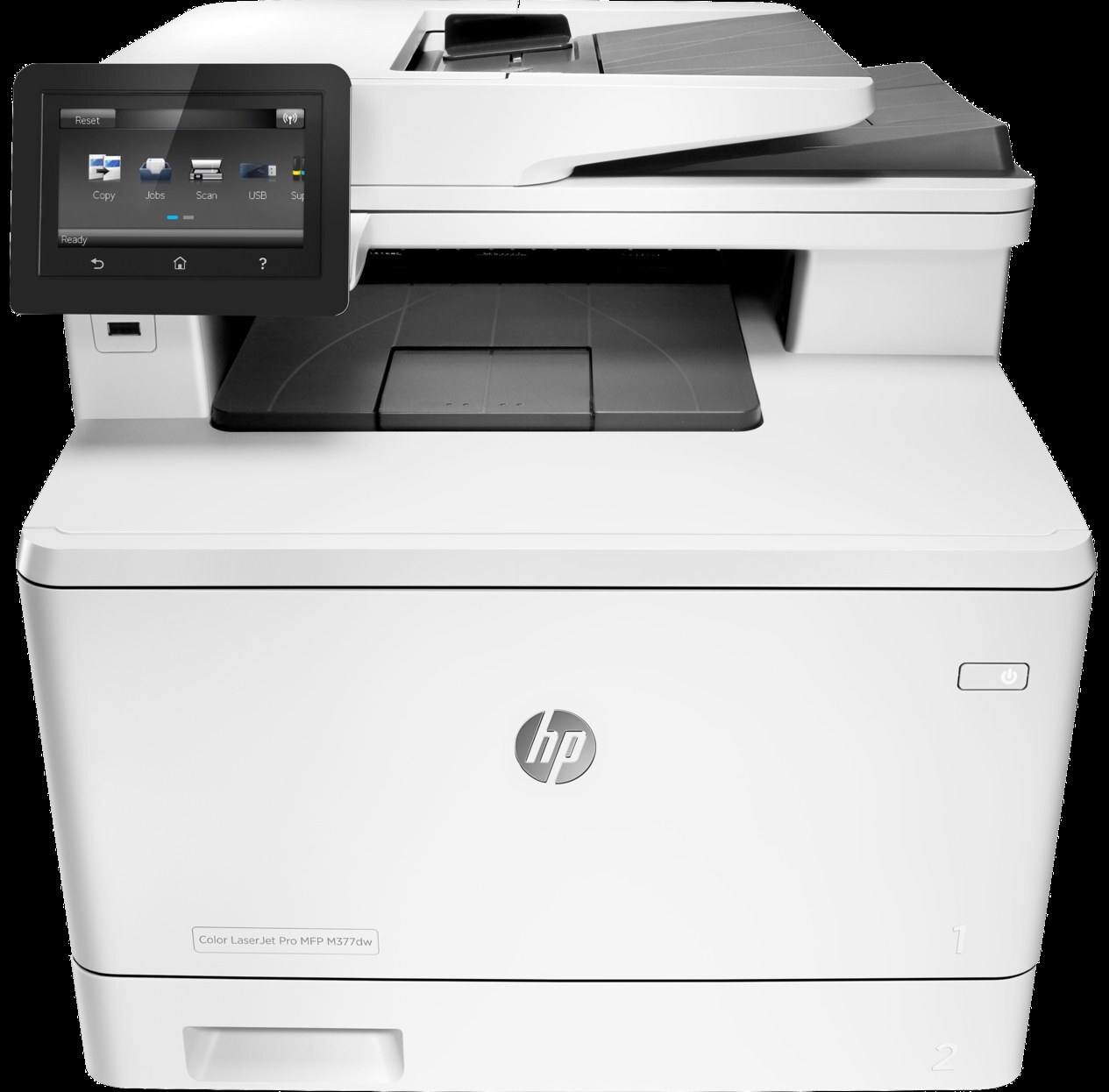
HP's LaserJet Pro MFP M377 condensed color multifunction printing into a smaller 2016 package for tight offices, pairing print, scan, and copy with duplexing and wireless.
It takes HP 410A toner — CF410A black, CF411A cyan, CF412A yellow, CF413A magenta — with high-yield X versions available for heavier months.
Toner Cartridges for LaserJet Pro MFP M377
This printer works with the following toner cartridges:
- HP CF410A
- HP CF411A
- HP CF412A
- HP CF413A
- HP CF410X
- HP CF411X
- HP CF412X
- HP CF413X
More HP Printers
- Color LaserJet M377DW
- Color LaserJet M477FDW
- Color LaserJet M477FNW
- Color LaserJet Pro M377
- Color LaserJet Pro M452
- Color LaserJet Pro M452DN
- Color LaserJet Pro M452DW
- Color LaserJet Pro M452NW
- Color LaserJet Pro M477
- Color LaserJet Pro M477FDN
- Color LaserJet Pro M477FDW
- Color LaserJet Pro M477FNW
- Color LaserJet Pro MFP M377
- Color LaserJet Pro MFP M377DW
- Color LaserJet Pro MFP M477
- Color LaserJet Pro MFP M477FDN
- Color LaserJet Pro MFP M477FDW
- Color LaserJet Pro MFP M477FNW
- LaserJet M377dw
- LaserJet M477fdw
- LaserJet M477fnw
- LaserJet Pro M452
- LaserJet Pro M452
- LaserJet Pro M452dn
- LaserJet Pro M452dn
- LaserJet Pro M452dw
- LaserJet Pro M452nw
- LaserJet Pro M477
- LaserJet Pro M477fdn
- LaserJet Pro M477fdw
- LaserJet Pro M477fnw
- LaserJet Pro MFP M377dw
- LaserJet Pro MFP M477
- LaserJet Pro MFP M477fdn
- LaserJet Pro MFP M477fdw
- LaserJet Pro MFP M477fnw
Frequently Asked Questions
Which cartridge is which color in the LaserJet Pro MFP M377?
In the LaserJet Pro MFP M377, CF410A is black, CF411A is cyan, CF412A is yellow, and CF413A is magenta; the X versions (CF410X through CF413X) are the high-yield editions of the same four colors. Each slot in the LaserJet Pro MFP M377 is labeled, so match the code to the slot when swapping.
How do I print a supplies-status page on the LaserJet Pro MFP M377?
Use the reports or supplies menu on the LaserJet Pro MFP M377's control panel to print a supplies-status page — it shows the remaining level of each cartridge. It is the quickest way to see which of the four cartridges in the LaserJet Pro MFP M377 needs ordering before it runs out.
Can I still scan with the LaserJet Pro MFP M377 when the toner runs out?
Yes — scanning to a computer doesn't use toner, so the LaserJet Pro MFP M377 keeps scanning even with an empty CF410A. Copying is the exception: it prints the scan, so it needs toner to work. Replace the CF410A when copies from the LaserJet Pro MFP M377 start fading.