




LaserJet Pro M452dn
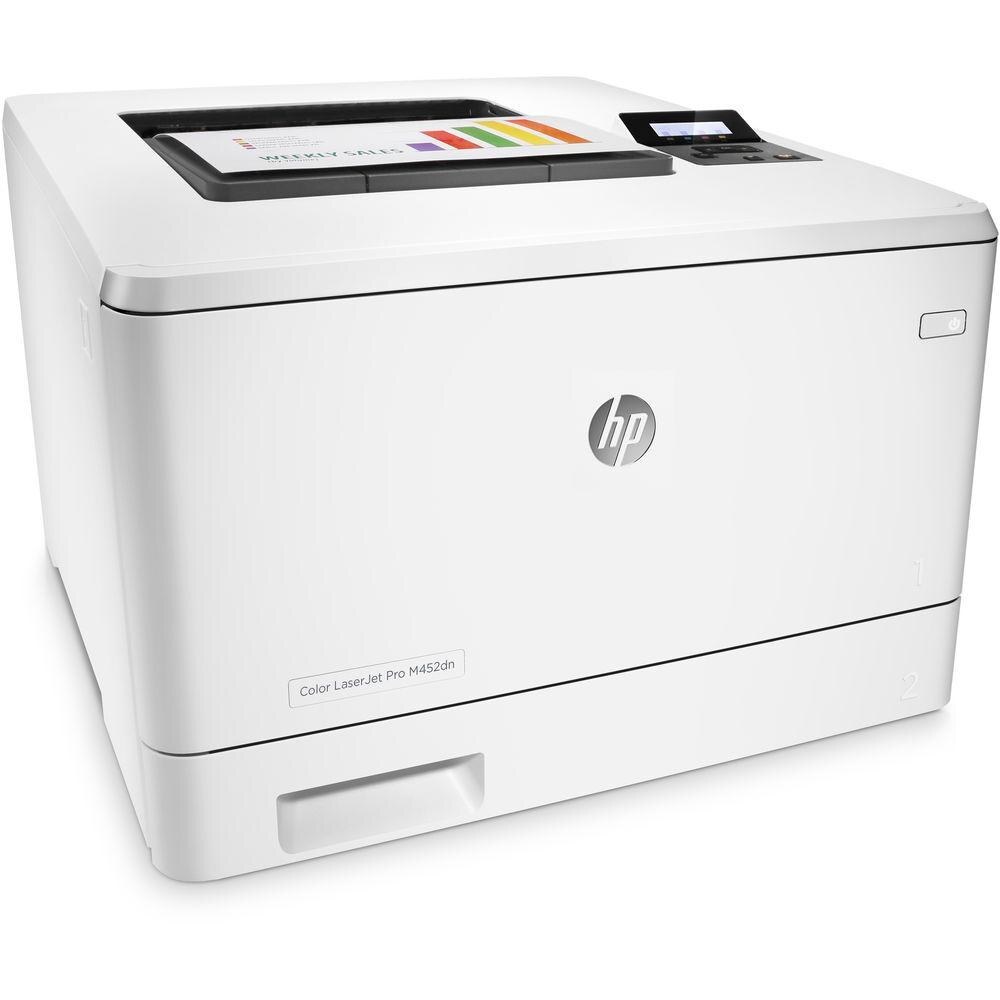
Two-sided printing straight out of the box was the M452dn's pitch: an A4 color laser printer for teams that wanted automatic duplex without paying for a multifunction machine.
The consumables are HP 410A cartridges — black CF410A, cyan CF411A, yellow CF412A, magenta CF413A — with high-yield X versions that stretch replacement intervals. On the shelf those X versions answer to CF410X in black, CF411X in cyan, CF412X in yellow and CF413X in magenta, each one a separate cartridge swapped on its own cycle.
Toner Cartridges for LaserJet Pro M452dn
This printer works with the following toner cartridges:
- HP CF410A
- HP CF411A
- HP CF412A
- HP CF413A
- HP CF410X
- HP CF411X
- HP CF412X
- HP CF413X
More HP Printers
- Color LaserJet M377DW
- Color LaserJet M477FDW
- Color LaserJet M477FNW
- Color LaserJet Pro M377
- Color LaserJet Pro M452
- Color LaserJet Pro M452DN
- Color LaserJet Pro M452DW
- Color LaserJet Pro M452NW
- Color LaserJet Pro M477
- Color LaserJet Pro M477FDN
- Color LaserJet Pro M477FDW
- Color LaserJet Pro M477FNW
- Color LaserJet Pro MFP M377
- Color LaserJet Pro MFP M377DW
- Color LaserJet Pro MFP M477
- Color LaserJet Pro MFP M477FDN
- Color LaserJet Pro MFP M477FDW
- Color LaserJet Pro MFP M477FNW
- LaserJet M377dw
- LaserJet M477fdw
- LaserJet M477fnw
- LaserJet Pro M452
- LaserJet Pro M452
- LaserJet Pro M452dn
- LaserJet Pro M452dw
- LaserJet Pro M452nw
- LaserJet Pro M477
- LaserJet Pro M477fdn
- LaserJet Pro M477fdw
- LaserJet Pro M477fnw
- LaserJet Pro MFP M377
- LaserJet Pro MFP M377dw
- LaserJet Pro MFP M477
- LaserJet Pro MFP M477fdn
- LaserJet Pro MFP M477fdw
- LaserJet Pro MFP M477fnw
Frequently Asked Questions
How do I know I'm buying the right toner for my LaserJet Pro M452dn (Color LaserJet series)?
Compare the code on the box with the LaserJet Pro M452dn's list: CF410A, CF411A, CF412A, CF413A, CF410X, CF411X, CF412X, CF413X. HP makes look-alike cartridges for different printer families, so a code match is your guarantee.
Why won't my LaserJet Pro M452dn print after a cartridge change?
If the LaserJet Pro M452dn won't print after a cartridge change, confirm the new CF410A is fully seated and its sealing tape was removed. Read any message on the printer's display and follow its steps. Removing and reinserting the cartridge with the printer powered on usually clears recognition errors.
Why does my LaserJet Pro M452dn show a non-HP cartridge message?
The LaserJet Pro M452dn shows that message when it detects a cartridge not manufactured by HP. Compatible cartridges usually print normally once you acknowledge the notice. If the printer refuses to print, read the on-screen instructions and contact your cartridge supplier.