




Color LaserJet Pro MFP M377
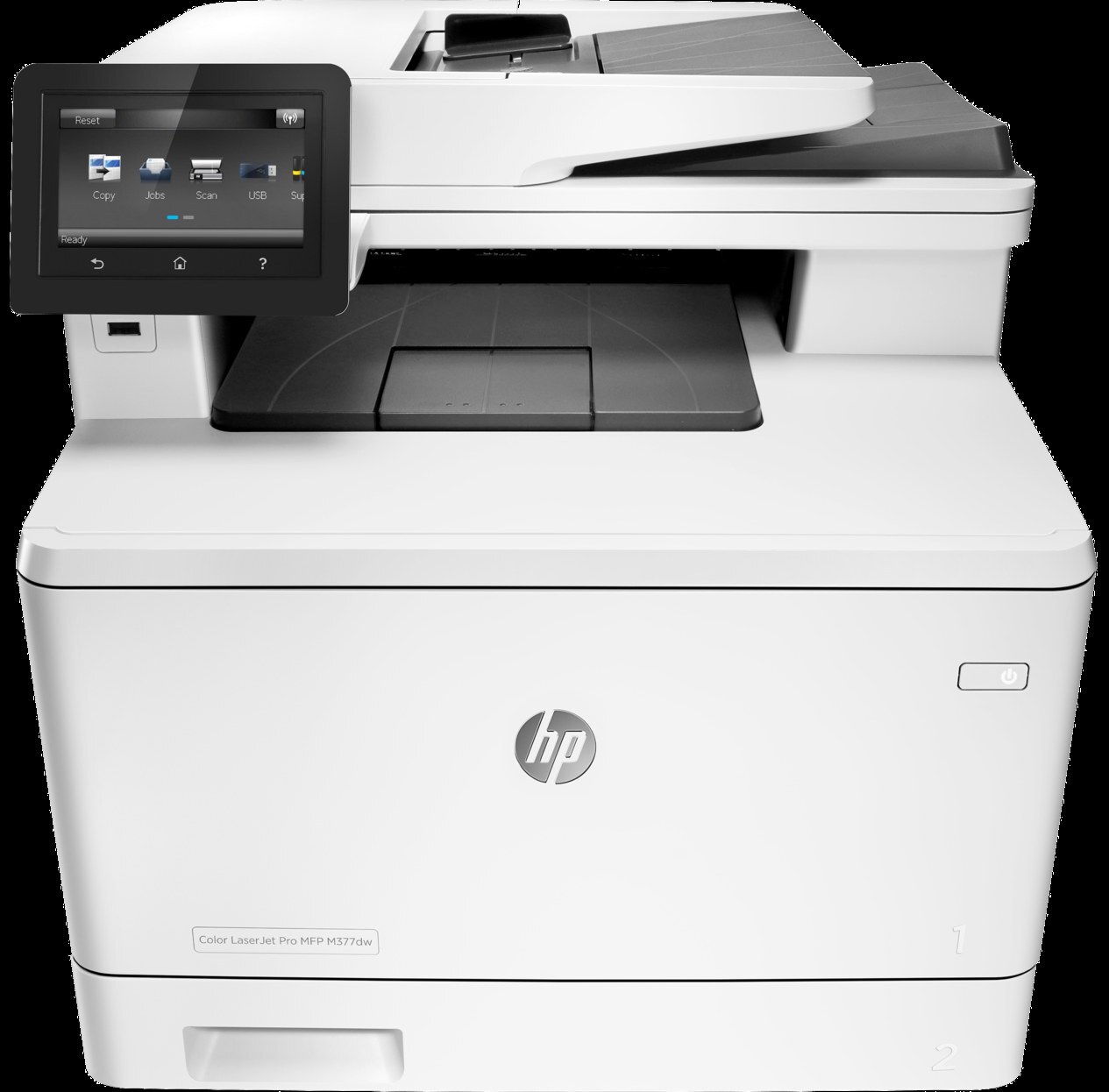
Dating from the mid-2010s, the HP Color LaserJet Pro MFP M377 is a color multifunction printer built around one idea: everyday office document printing without drama. What keeps the Color LaserJet Pro MFP M377 relevant is everyday office document printing: unglamorous, essential, and exactly what offices need. As an MFP, the Color LaserJet Pro MFP M377 folds scanning and copying into the same box — one machine doing the work of two.
One practical upside of the Color LaserJet Pro MFP M377: its HP 410A cartridges (CF410A) are shared with 36 other models, so you're never hunting for something obscure. The Color LaserJet Pro MFP M377 runs reliably on our compatible HP 410A cartridges as well as on genuine OEM CF410A — pick the one that fits your budget. The M377's remaining numbers split by capacity: standard magenta CF413A, standard yellow CF412A and standard cyan CF411A on one side; high-yield magenta CF413X, high-yield yellow CF412X, high-yield cyan CF411X and high-yield black CF410X on the other.
Toner Cartridges for Color LaserJet Pro MFP M377
This printer works with the following toner cartridges:
- HP CF410A
- HP CF411A
- HP CF412A
- HP CF413A
- HP CF410X
- HP CF411X
- HP CF412X
- HP CF413X
More HP Printers
- Color LaserJet M377DW
- Color LaserJet M477FDW
- Color LaserJet M477FNW
- Color LaserJet Pro M377
- Color LaserJet Pro M452
- Color LaserJet Pro M452DN
- Color LaserJet Pro M452DW
- Color LaserJet Pro M452NW
- Color LaserJet Pro M477
- Color LaserJet Pro M477FDN
- Color LaserJet Pro M477FDW
- Color LaserJet Pro M477FNW
- Color LaserJet Pro MFP M377DW
- Color LaserJet Pro MFP M477
- Color LaserJet Pro MFP M477FDN
- Color LaserJet Pro MFP M477FDW
- Color LaserJet Pro MFP M477FNW
- LaserJet M377dw
- LaserJet M477fdw
- LaserJet M477fnw
- LaserJet Pro M452
- LaserJet Pro M452
- LaserJet Pro M452dn
- LaserJet Pro M452dn
- LaserJet Pro M452dw
- LaserJet Pro M452nw
- LaserJet Pro M477
- LaserJet Pro M477fdn
- LaserJet Pro M477fdw
- LaserJet Pro M477fnw
- LaserJet Pro MFP M377
- LaserJet Pro MFP M377dw
- LaserJet Pro MFP M477
- LaserJet Pro MFP M477fdn
- LaserJet Pro MFP M477fdw
- LaserJet Pro MFP M477fnw
Frequently Asked Questions
Can I use any HP toner cartridge in the Color LaserJet Pro MFP M377?
No — the Color LaserJet Pro MFP M377 only accepts CF410A, CF411A, CF412A, CF413A, CF410X, CF411X, CF412X, CF413X. Toner cartridges are keyed to specific printer families, so one made for another HP model generally won't fit or be recognized. Stick to the codes listed for your Color LaserJet Pro MFP M377.
Why won't my Color LaserJet Pro MFP M377 print after a cartridge change?
If the Color LaserJet Pro MFP M377 won't print after a cartridge change, confirm the new CF410A is fully seated and its sealing tape was removed. Read any message on the printer's display and follow its steps. Removing and reinserting the cartridge with the printer powered on usually clears recognition errors.
What should I do when the Color LaserJet Pro MFP M377 shows a toner-low warning?
Check the supplies status on the Color LaserJet Pro MFP M377 to see which of the CF410A, CF411A, CF412A, CF413A (or X) cartridges is low — you can usually keep printing for a while. Order a replacement for that color and swap it into the Color LaserJet Pro MFP M377 once output starts fading.