




Color LaserJet Pro M477FNW
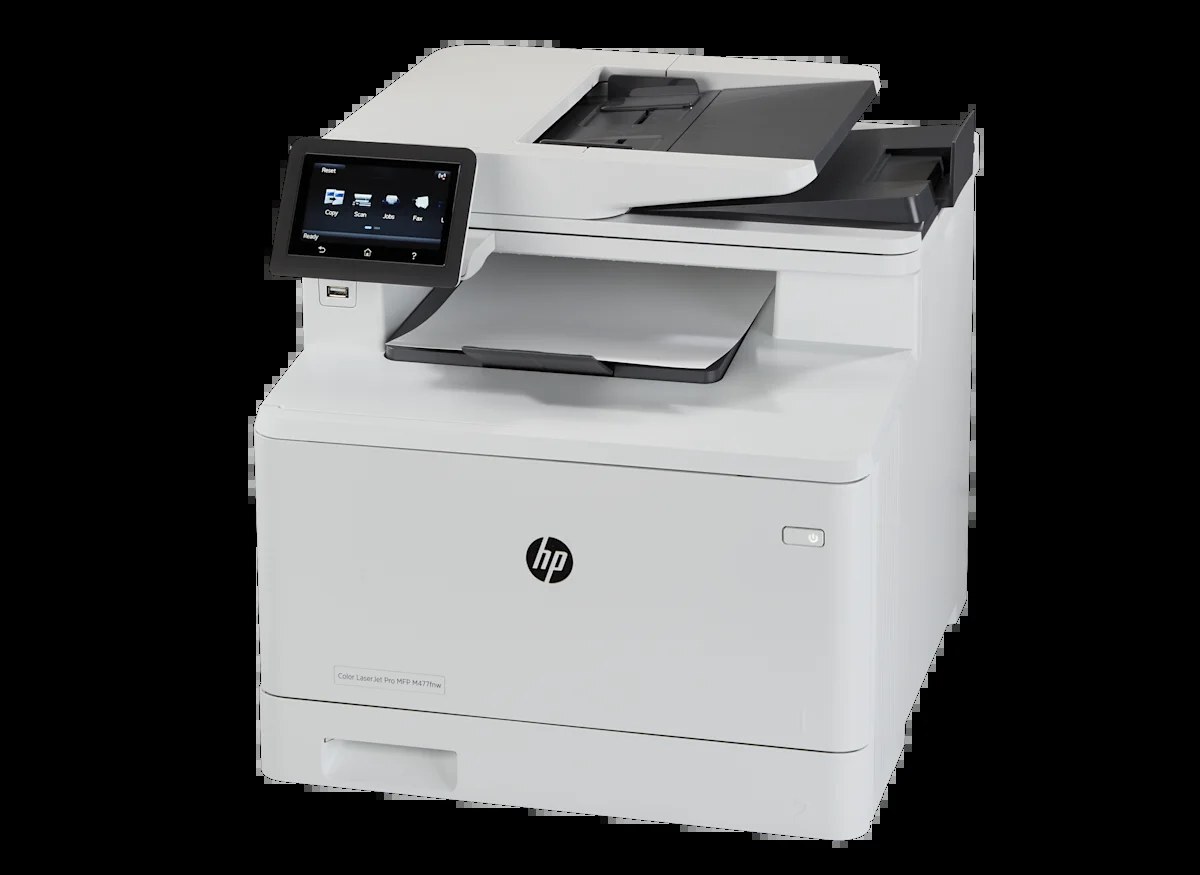
A mid-2010s color multifunction printer, the Color LaserJet Pro M477FNW reflects an era when printers were bought for durability first and features second. Where the Color LaserJet Pro M477FNW earns its keep is everyday office document printing — steady, legible pages day after day. The wireless-ready Color LaserJet Pro M477FNW drops into a modern office network with ease — no cable required to share it.
For the Color LaserJet Pro M477FNW, toner means the HP 410A family: the CF410A cartridge, common to 36 models in the lineup. Heavier users of the Color LaserJet Pro M477FNW can step up to the high-yield CF411X, while the standard CF410A covers lighter everyday office document printing. Standard yellow CF412A and magenta CF413A round out the M477FNW's basic set, while its high-yield options are numbered CF410X in black, CF411X in cyan, CF412X in yellow and CF413X in magenta.
Toner Cartridges for Color LaserJet Pro M477FNW
This printer works with the following toner cartridges:
- HP CF410A
- HP CF411A
- HP CF412A
- HP CF413A
- HP CF410X
- HP CF411X
- HP CF412X
- HP CF413X
More HP Printers
- Color LaserJet M377DW
- Color LaserJet M477FDW
- Color LaserJet M477FNW
- Color LaserJet Pro M377
- Color LaserJet Pro M452
- Color LaserJet Pro M452DN
- Color LaserJet Pro M452DW
- Color LaserJet Pro M452NW
- Color LaserJet Pro M477
- Color LaserJet Pro M477FDN
- Color LaserJet Pro M477FDW
- Color LaserJet Pro MFP M377
- Color LaserJet Pro MFP M377DW
- Color LaserJet Pro MFP M477
- Color LaserJet Pro MFP M477FDN
- Color LaserJet Pro MFP M477FDW
- Color LaserJet Pro MFP M477FNW
- LaserJet M377dw
- LaserJet M477fdw
- LaserJet M477fnw
- LaserJet Pro M452
- LaserJet Pro M452
- LaserJet Pro M452dn
- LaserJet Pro M452dn
- LaserJet Pro M452dw
- LaserJet Pro M452nw
- LaserJet Pro M477
- LaserJet Pro M477fdn
- LaserJet Pro M477fdw
- LaserJet Pro M477fnw
- LaserJet Pro MFP M377
- LaserJet Pro MFP M377dw
- LaserJet Pro MFP M477
- LaserJet Pro MFP M477fdn
- LaserJet Pro MFP M477fdw
- LaserJet Pro MFP M477fnw
Frequently Asked Questions
Can I use any HP toner cartridge in the Color LaserJet Pro M477FNW?
No — the Color LaserJet Pro M477FNW only accepts CF410A, CF411A, CF412A, CF413A, CF410X, CF411X, CF412X, CF413X. Toner cartridges are keyed to specific printer families, so one made for another HP model generally won't fit or be recognized. Stick to the codes listed for your Color LaserJet Pro M477FNW.
When should I replace the toner in my Color LaserJet Pro M477FNW?
Swap the CF410A when prints from the Color LaserJet Pro M477FNW fade, streak, or the printer reports the cartridge as empty. "Toner low" warnings arrive earlier and still leave room to print, so keep a spare CF410A ready. Change it when quality visibly drops, not at the first warning.
How do I set up the Color LaserJet Pro M477FNW on a new Wi-Fi network?
Use the wireless setup wizard on the Color LaserJet Pro M477FNW's control panel to join the new network, then reinstall the HP printer software on your computer. If the Color LaserJet Pro M477FNW won't connect, restart both the printer and the router and check HP's support site for firmware updates.