




Color LaserJet Pro M452DW
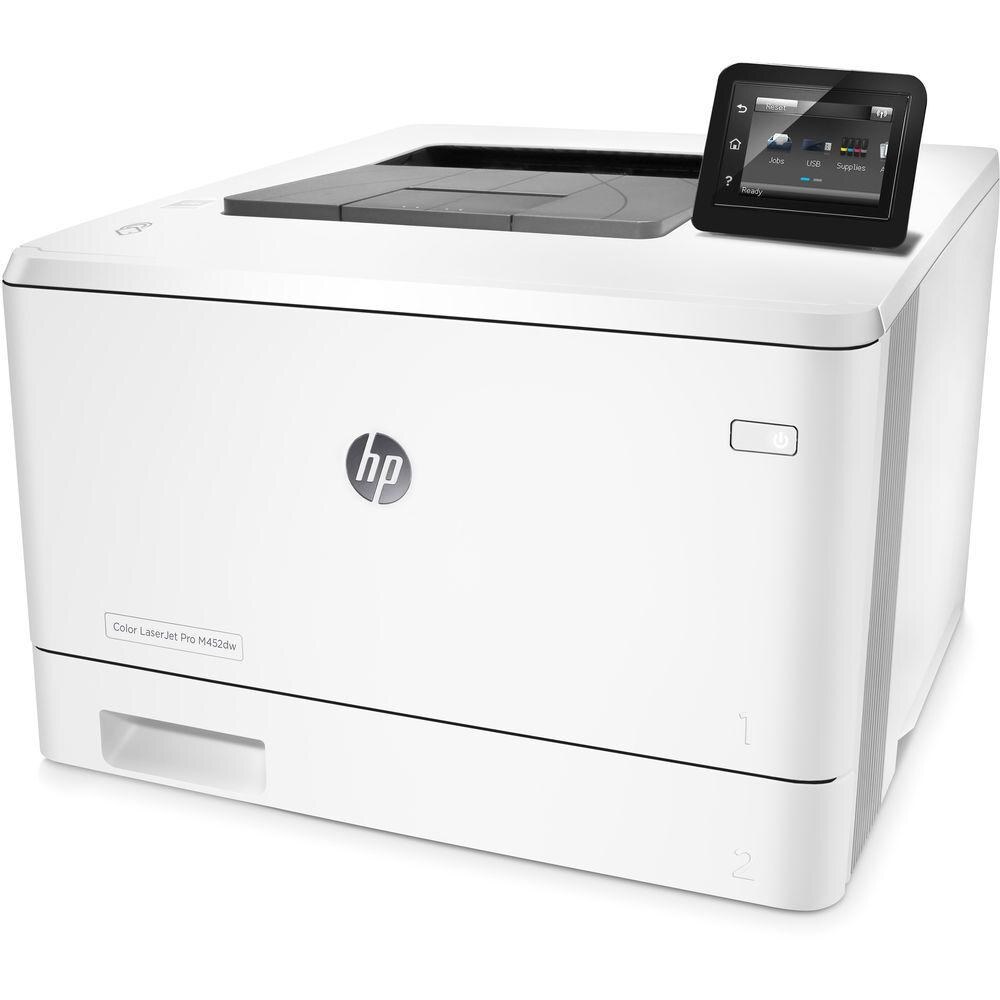
The Color LaserJet Pro M452DW steps the 201 family up a class: a mid-2010s color printer with Wi-Fi and automatic duplex, built for workgroups whose color volume outgrew the M252/M277 tier. Faster color for busier offices, still in a desk-friendly box.
It takes the HP 410A cartridge line — CF410A black, CF411A cyan, CF412A yellow, CF413A magenta — with high-yield X versions for heavier months. A step up in printer, a step up in cartridge capacity. Those X versions carry their own numbers — CF410X for black, CF411X for cyan, CF412X for yellow and CF413X for magenta — and each one drops into the same M452DW slots as its standard counterpart.
Toner Cartridges for Color LaserJet Pro M452DW
This printer works with the following toner cartridges:
- HP CF410A
- HP CF411A
- HP CF412A
- HP CF413A
- HP CF410X
- HP CF411X
- HP CF412X
- HP CF413X
More HP Printers
- Color LaserJet M377DW
- Color LaserJet M477FDW
- Color LaserJet M477FNW
- Color LaserJet Pro M377
- Color LaserJet Pro M452
- Color LaserJet Pro M452DN
- Color LaserJet Pro M452NW
- Color LaserJet Pro M477
- Color LaserJet Pro M477FDN
- Color LaserJet Pro M477FDW
- Color LaserJet Pro M477FNW
- Color LaserJet Pro MFP M377
- Color LaserJet Pro MFP M377DW
- Color LaserJet Pro MFP M477
- Color LaserJet Pro MFP M477FDN
- Color LaserJet Pro MFP M477FDW
- Color LaserJet Pro MFP M477FNW
- LaserJet M377dw
- LaserJet M477fdw
- LaserJet M477fnw
- LaserJet Pro M452
- LaserJet Pro M452
- LaserJet Pro M452dn
- LaserJet Pro M452dn
- LaserJet Pro M452dw
- LaserJet Pro M452nw
- LaserJet Pro M477
- LaserJet Pro M477fdn
- LaserJet Pro M477fdw
- LaserJet Pro M477fnw
- LaserJet Pro MFP M377
- LaserJet Pro MFP M377dw
- LaserJet Pro MFP M477
- LaserJet Pro MFP M477fdn
- LaserJet Pro MFP M477fdw
- LaserJet Pro MFP M477fnw
Frequently Asked Questions
Which cartridge codes fit the Color LaserJet Pro M452DW?
The Color LaserJet Pro M452DW fits CF410A, CF411A, CF412A, CF413A, CF410X, CF411X, CF412X, CF413X. The code printed on the box is what matters; matching it exactly is how you avoid returns.
When should I replace the toner in my Color LaserJet Pro M452DW?
Swap the CF410A when prints from the Color LaserJet Pro M452DW fade, streak, or the printer reports the cartridge as empty. "Toner low" warnings arrive earlier and still leave room to print, so keep a spare CF410A ready. Change it when quality visibly drops, not at the first warning.
How do I reconnect my Color LaserJet Pro M452DW to Wi-Fi?
If the Color LaserJet Pro M452DW drops its wireless connection, restart the printer and your router, then rejoin the network from the printer's wireless setup menu. Moving the printer closer to the router often fixes repeat drops. Check HP's support site for updated firmware for the Color LaserJet Pro M452DW if the problem continues.