




LaserJet Pro M477fnw
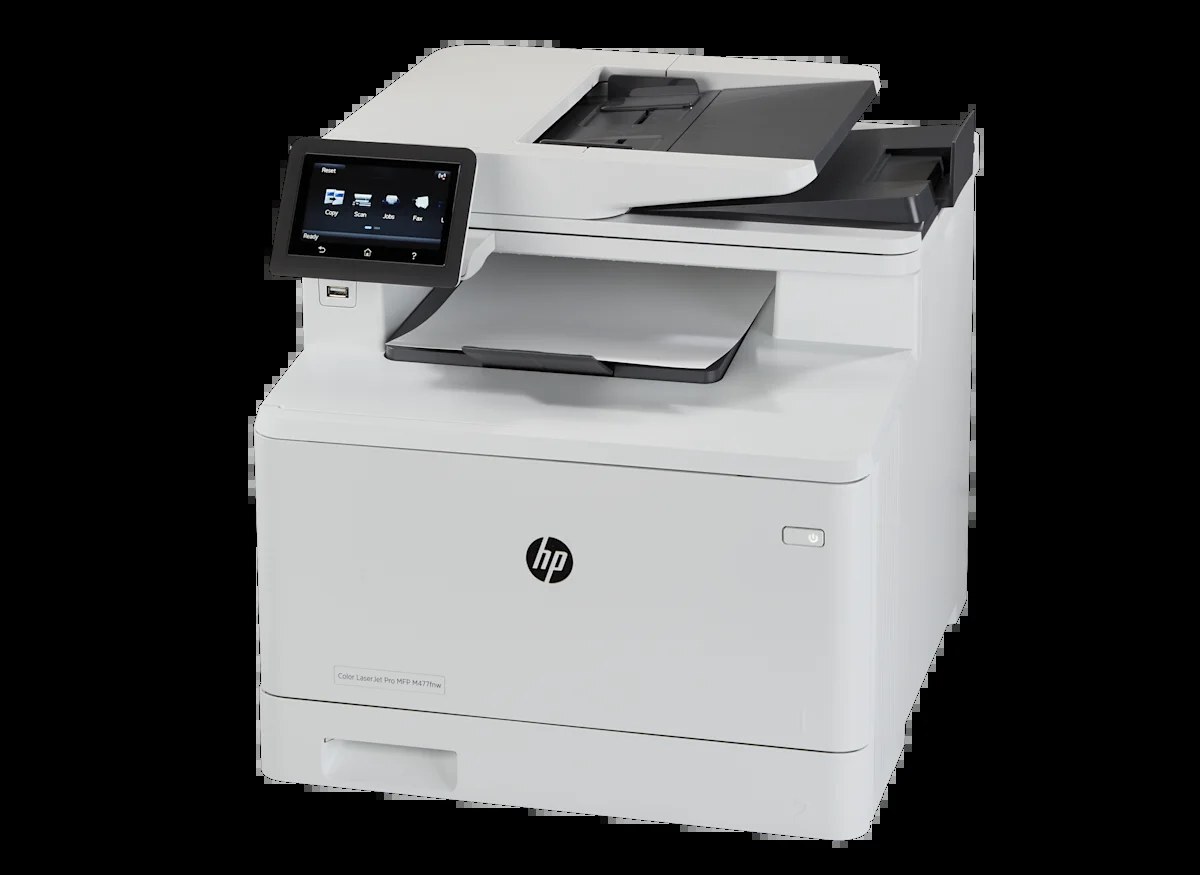
The HP LaserJet Pro M477fnw covered every common connection — wired network and Wi-Fi — with fax folded in, aimed at workgroups juggling desktops, laptops, and shared documents.
Cartridges are the HP 410A series: black CF410A plus the cyan CF411A, yellow CF412A, and magenta CF413A color cartridges, also sold as high-yield X. Under their own numbers the X versions run the other way — CF413X for magenta, CF412X for yellow, CF411X for cyan and CF410X for black — all shaped for the same M477fnw cartridge bay.
Toner Cartridges for LaserJet Pro M477fnw
This printer works with the following toner cartridges:
- HP CF410A
- HP CF411A
- HP CF412A
- HP CF413A
- HP CF410X
- HP CF411X
- HP CF412X
- HP CF413X
More HP Printers
- Color LaserJet M377DW
- Color LaserJet M477FDW
- Color LaserJet M477FNW
- Color LaserJet Pro M377
- Color LaserJet Pro M452
- Color LaserJet Pro M452DN
- Color LaserJet Pro M452DW
- Color LaserJet Pro M452NW
- Color LaserJet Pro M477
- Color LaserJet Pro M477FDN
- Color LaserJet Pro M477FDW
- Color LaserJet Pro M477FNW
- Color LaserJet Pro MFP M377
- Color LaserJet Pro MFP M377DW
- Color LaserJet Pro MFP M477
- Color LaserJet Pro MFP M477FDN
- Color LaserJet Pro MFP M477FDW
- Color LaserJet Pro MFP M477FNW
- LaserJet M377dw
- LaserJet M477fdw
- LaserJet M477fnw
- LaserJet Pro M452
- LaserJet Pro M452
- LaserJet Pro M452dn
- LaserJet Pro M452dn
- LaserJet Pro M452dw
- LaserJet Pro M452nw
- LaserJet Pro M477
- LaserJet Pro M477fdn
- LaserJet Pro M477fdw
- LaserJet Pro MFP M377
- LaserJet Pro MFP M377dw
- LaserJet Pro MFP M477
- LaserJet Pro MFP M477fdn
- LaserJet Pro MFP M477fdw
- LaserJet Pro MFP M477fnw
Frequently Asked Questions
Can I mix standard and high-yield cartridges in the LaserJet Pro M477fnw?
Yes — each slot in the LaserJet Pro M477fnw works independently, so a CF410X black can sit alongside a standard CF411A cyan with no problem. The yields do not have to match; just make sure every cartridge is from the HP 410A family (CF410A through CF413A or their X versions).
Why is the LaserJet Pro M477fnw printing blank pages right after a cartridge swap?
Blank pages right after a swap almost always mean the sealing tape was left on the new cartridge in the LaserJet Pro M477fnw. Pull the cartridge back out, remove the full strip of tape, and reseat it firmly until it clicks — printing should return to normal immediately.
How do I scan to a computer from the LaserJet Pro M477fnw?
Place the original in the LaserJet Pro M477fnw's document feeder or on the scanner glass, then start the scan from the HP software on your computer and choose where the file should go. You can also begin the job from the scan buttons on the LaserJet Pro M477fnw's control panel.