




LaserJet Pro M452dn
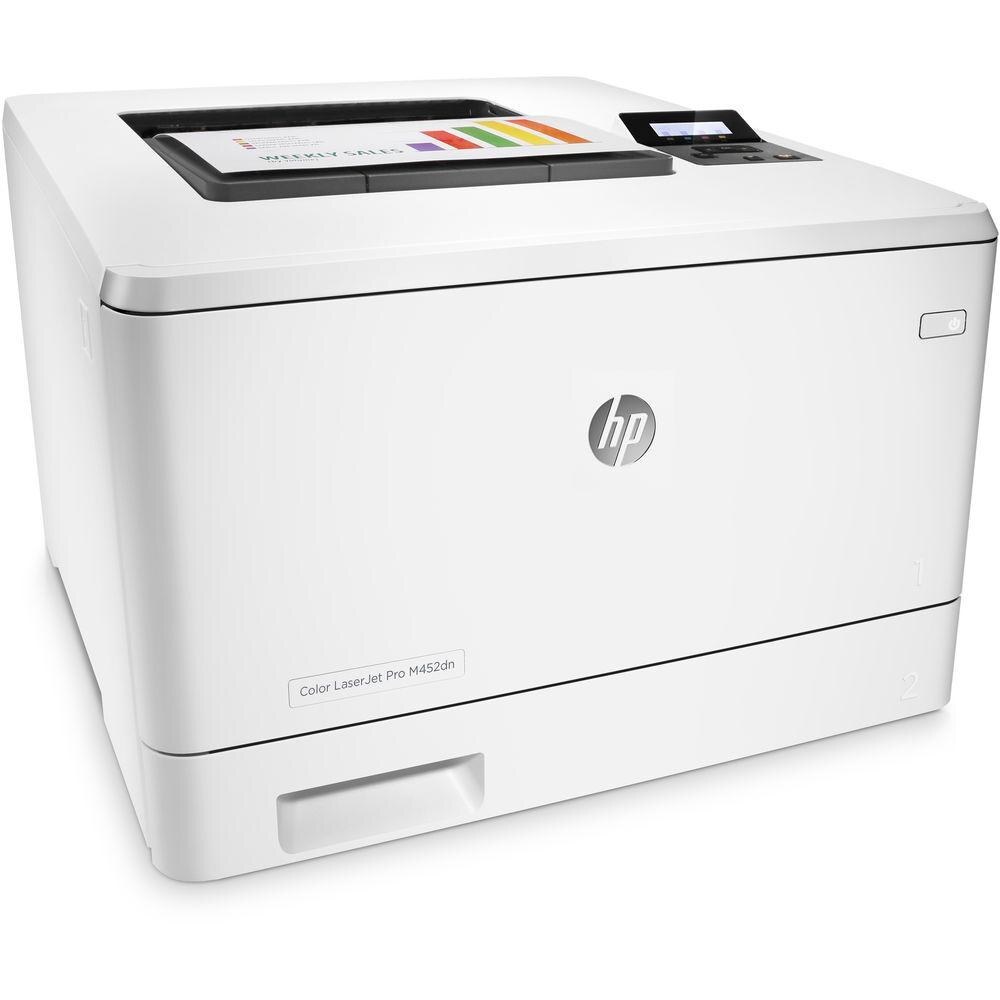
Duplex printing and Ethernet networking made the HP LaserJet Pro M452dn the office-ready variant of the M452 color printer, built for shared desks where two-sided documents are the norm.
It uses the HP 410A cartridge family — CF410A black with CF411A, CF412A, and CF413A color cartridges — including high-yield options for shared print queues. For the M452dn, the longer-life row is catalogued as CF410X (black), CF411X (cyan), CF412X (yellow) and CF413X (magenta) — each one holding more toner than the standard fill it replaces.
Toner Cartridges for LaserJet Pro M452dn
This printer works with the following toner cartridges:
- HP CF410A
- HP CF411A
- HP CF412A
- HP CF413A
- HP CF410X
- HP CF411X
- HP CF412X
- HP CF413X
More HP Printers
- Color LaserJet M377DW
- Color LaserJet M477FDW
- Color LaserJet M477FNW
- Color LaserJet Pro M377
- Color LaserJet Pro M452
- Color LaserJet Pro M452DN
- Color LaserJet Pro M452DW
- Color LaserJet Pro M452NW
- Color LaserJet Pro M477
- Color LaserJet Pro M477FDN
- Color LaserJet Pro M477FDW
- Color LaserJet Pro M477FNW
- Color LaserJet Pro MFP M377
- Color LaserJet Pro MFP M377DW
- Color LaserJet Pro MFP M477
- Color LaserJet Pro MFP M477FDN
- Color LaserJet Pro MFP M477FDW
- Color LaserJet Pro MFP M477FNW
- LaserJet M377dw
- LaserJet M477fdw
- LaserJet M477fnw
- LaserJet Pro M452
- LaserJet Pro M452
- LaserJet Pro M452dn
- LaserJet Pro M452dw
- LaserJet Pro M452nw
- LaserJet Pro M477
- LaserJet Pro M477fdn
- LaserJet Pro M477fdw
- LaserJet Pro M477fnw
- LaserJet Pro MFP M377
- LaserJet Pro MFP M377dw
- LaserJet Pro MFP M477
- LaserJet Pro MFP M477fdn
- LaserJet Pro MFP M477fdw
- LaserJet Pro MFP M477fnw
Frequently Asked Questions
Can I use any HP toner cartridge in the LaserJet Pro M452dn (LaserJet series)?
No — the LaserJet Pro M452dn (LaserJet series) only accepts CF410A, CF411A, CF412A, CF413A, CF410X, CF411X, CF412X, CF413X. Toner cartridges are keyed to specific printer families, so one made for another HP model generally won't fit or be recognized. Stick to the codes listed for your LaserJet Pro M452dn.
How do I know which cartridge is running low in the LaserJet Pro M452dn?
Check the supplies status on the LaserJet Pro M452dn's control panel or its embedded web page — it shows a separate gauge for the CF410A, CF411A, CF412A, and CF413A cartridges. Replace only the cartridge the gauge flags as low; on text-heavy office printing the black CF410A usually empties first while the colors still have life.
Why are color prints from my LaserJet Pro M452dn faded or streaky?
If color prints from the LaserJet Pro M452dn look faded or streaky, check the supply levels to see which cartridge is running low and replace just that one. Reseat the cartridge and run a cleaning cycle from the printer's maintenance menu. If the problem appears with a fresh cartridge, try different paper before suspecting the printer.