




Color LaserJet Pro M377
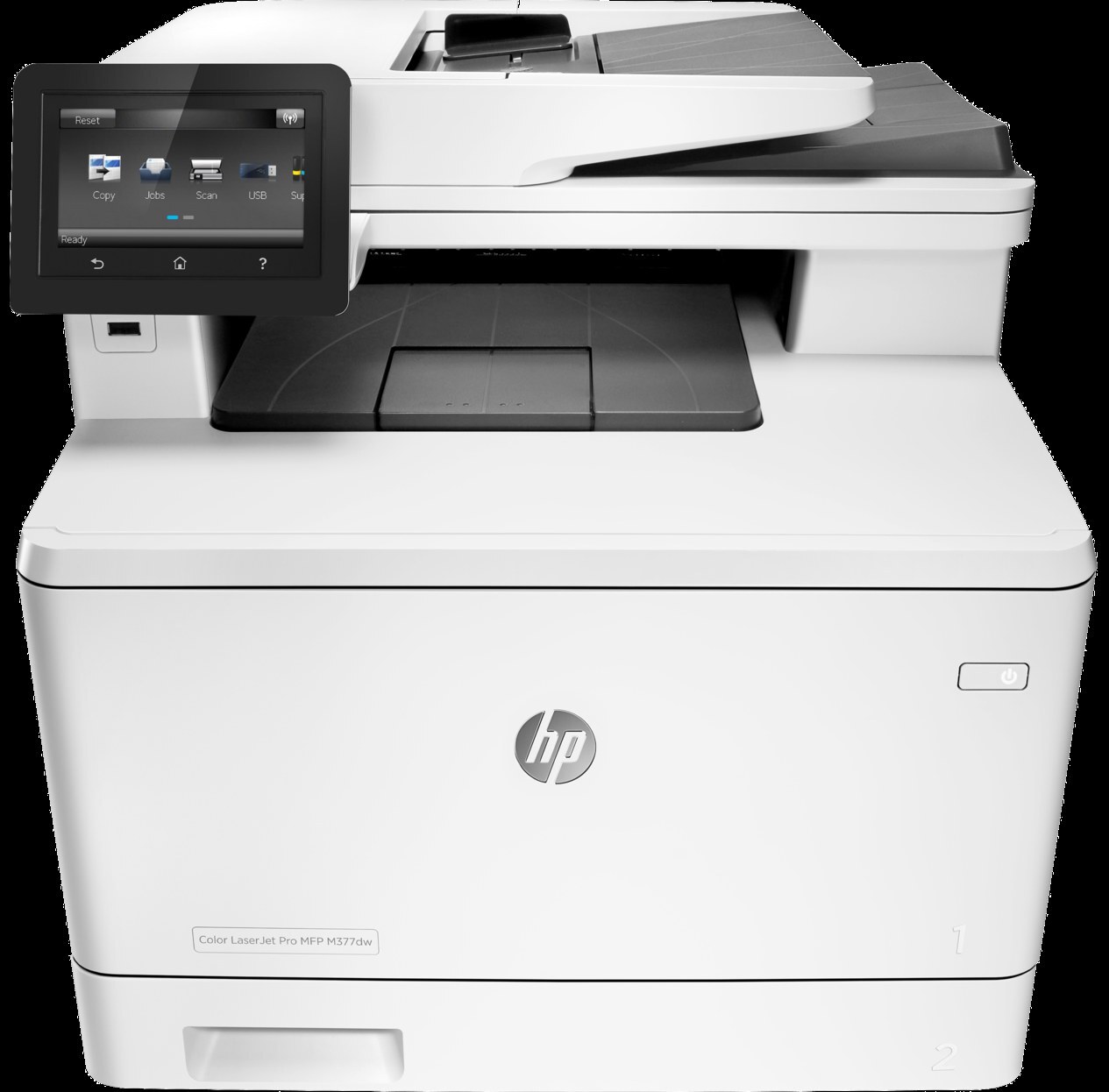
Among mid-2010s LaserJets, the Color LaserJet Pro M377 holds a familiar spot — a color multifunction printer that offices kept because it simply worked. The Color LaserJet Pro M377 doesn't try to be everything; it focuses on everyday office document printing, which explains its loyal installed base.
The HP 410A cartridge family powers the Color LaserJet Pro M377, with the CF410A as its standard cartridge. Heavier users of the Color LaserJet Pro M377 can step up to the high-yield CF411X, while the standard CF410A covers lighter everyday office document printing. The Color LaserJet Pro M377 also loads standard yellow CF412A and magenta CF413A, and its high-yield ladder climbs from black CF410X through cyan CF411X and yellow CF412X to magenta CF413X.
Toner Cartridges for Color LaserJet Pro M377
This printer works with the following toner cartridges:
- HP CF410A
- HP CF411A
- HP CF412A
- HP CF413A
- HP CF410X
- HP CF411X
- HP CF412X
- HP CF413X
More HP Printers
- Color LaserJet M377DW
- Color LaserJet M477FDW
- Color LaserJet M477FNW
- Color LaserJet Pro M452
- Color LaserJet Pro M452DN
- Color LaserJet Pro M452DW
- Color LaserJet Pro M452NW
- Color LaserJet Pro M477
- Color LaserJet Pro M477FDN
- Color LaserJet Pro M477FDW
- Color LaserJet Pro M477FNW
- Color LaserJet Pro MFP M377
- Color LaserJet Pro MFP M377DW
- Color LaserJet Pro MFP M477
- Color LaserJet Pro MFP M477FDN
- Color LaserJet Pro MFP M477FDW
- Color LaserJet Pro MFP M477FNW
- LaserJet M377dw
- LaserJet M477fdw
- LaserJet M477fnw
- LaserJet Pro M452
- LaserJet Pro M452
- LaserJet Pro M452dn
- LaserJet Pro M452dn
- LaserJet Pro M452dw
- LaserJet Pro M452nw
- LaserJet Pro M477
- LaserJet Pro M477fdn
- LaserJet Pro M477fdw
- LaserJet Pro M477fnw
- LaserJet Pro MFP M377
- LaserJet Pro MFP M377dw
- LaserJet Pro MFP M477
- LaserJet Pro MFP M477fdn
- LaserJet Pro MFP M477fdw
- LaserJet Pro MFP M477fnw
Frequently Asked Questions
Which cartridge codes fit the Color LaserJet Pro M377?
The Color LaserJet Pro M377 fits CF410A, CF411A, CF412A, CF413A, CF410X, CF411X, CF412X, CF413X. The code printed on the box is what matters; matching it exactly is how you avoid returns.
When should I replace the toner in my Color LaserJet Pro M377?
Swap the CF410A when prints from the Color LaserJet Pro M377 fade, streak, or the printer reports the cartridge as empty. "Toner low" warnings arrive earlier and still leave room to print, so keep a spare CF410A ready. Change it when quality visibly drops, not at the first warning.
Why are color prints from my Color LaserJet Pro M377 faded or streaky?
If color prints from the Color LaserJet Pro M377 look faded or streaky, check the supply levels to see which cartridge is running low and replace just that one. Reseat the cartridge and run a cleaning cycle from the printer's maintenance menu. If the problem appears with a fresh cartridge, try different paper before suspecting the printer.