




Color LaserJet M477FNW
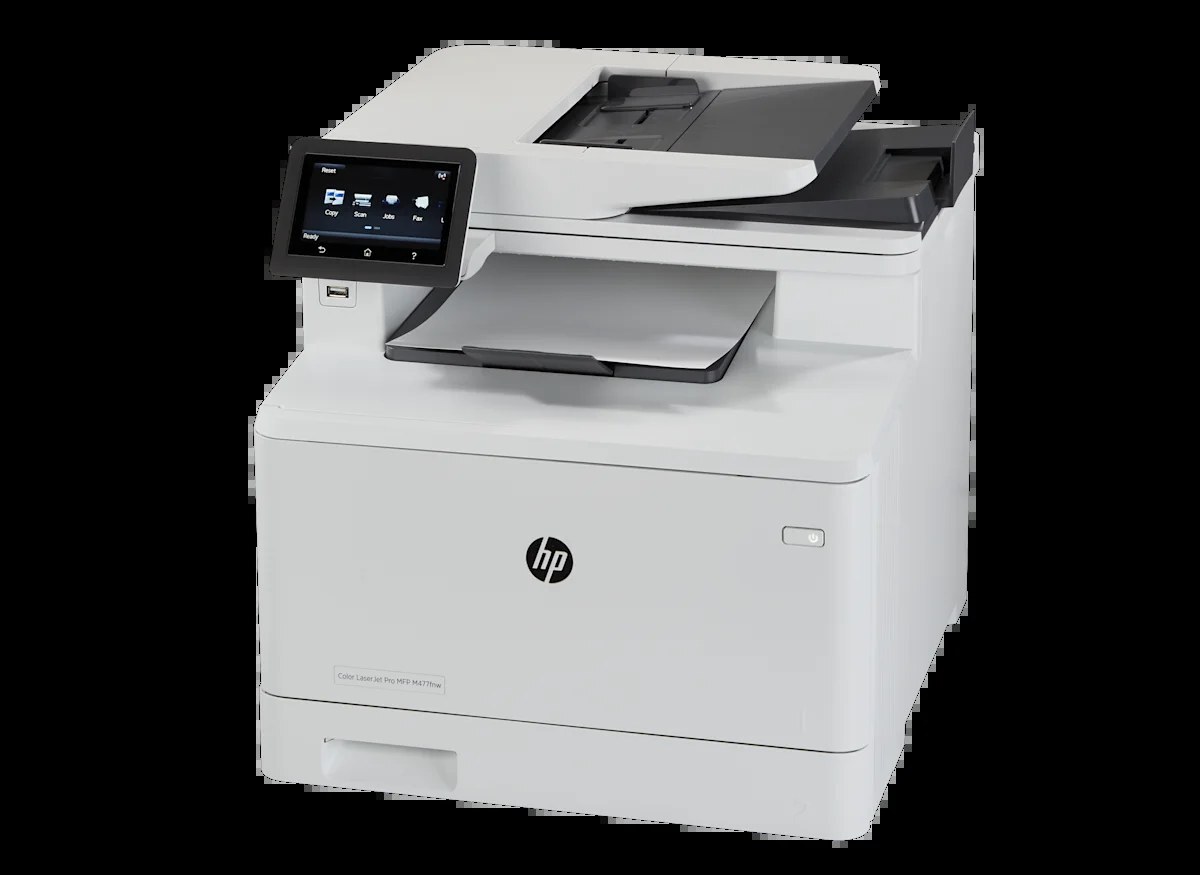
Fax, network, wireless — the Color LaserJet M477FNW is the mid-2010s color multifunction with the full connectivity set: print, scan, copy, and fax in color, reachable over Ethernet or Wi-Fi. The front-office color hub for businesses that still fax signed documents.
HP built it around the HP 410A cartridge family, so the CF410A black (and CF411A–CF413A colors) you stock are the same across the M452/M477 platform. Full connectivity, shared cartridge family. Named in full, the range between those endpoints also includes standard yellow CF412A, and the M477FNW's high-yield shelf adds black CF410X, cyan CF411X, yellow CF412X and magenta CF413X.
Toner Cartridges for Color LaserJet M477FNW
This printer works with the following toner cartridges:
- HP CF410A
- HP CF411A
- HP CF412A
- HP CF413A
- HP CF410X
- HP CF411X
- HP CF412X
- HP CF413X
More HP Printers
- Color LaserJet M377DW
- Color LaserJet M477FDW
- Color LaserJet Pro M377
- Color LaserJet Pro M452
- Color LaserJet Pro M452DN
- Color LaserJet Pro M452DW
- Color LaserJet Pro M452NW
- Color LaserJet Pro M477
- Color LaserJet Pro M477FDN
- Color LaserJet Pro M477FDW
- Color LaserJet Pro M477FNW
- Color LaserJet Pro MFP M377
- Color LaserJet Pro MFP M377DW
- Color LaserJet Pro MFP M477
- Color LaserJet Pro MFP M477FDN
- Color LaserJet Pro MFP M477FDW
- Color LaserJet Pro MFP M477FNW
- LaserJet M377dw
- LaserJet M477fdw
- LaserJet M477fnw
- LaserJet Pro M452
- LaserJet Pro M452
- LaserJet Pro M452dn
- LaserJet Pro M452dn
- LaserJet Pro M452dw
- LaserJet Pro M452nw
- LaserJet Pro M477
- LaserJet Pro M477fdn
- LaserJet Pro M477fdw
- LaserJet Pro M477fnw
- LaserJet Pro MFP M377
- LaserJet Pro MFP M377dw
- LaserJet Pro MFP M477
- LaserJet Pro MFP M477fdn
- LaserJet Pro MFP M477fdw
- LaserJet Pro MFP M477fnw
Frequently Asked Questions
What toner cartridges does the Color LaserJet M477FNW use?
The Color LaserJet M477FNW uses CF410A, CF411A, CF412A, CF413A, CF410X, CF411X, CF412X, CF413X. For heavier printing, the CF410X high-yield version of CF410A fits the same Color LaserJet M477FNW. Order by these exact codes — cartridges made for other HP families won't fit or won't be recognized.
Why won't my Color LaserJet M477FNW print after a cartridge change?
If the Color LaserJet M477FNW won't print after a cartridge change, confirm the new CF410A is fully seated and its sealing tape was removed. Read any message on the printer's display and follow its steps. Removing and reinserting the cartridge with the printer powered on usually clears recognition errors.
How do I reconnect my Color LaserJet M477FNW to Wi-Fi?
If the Color LaserJet M477FNW drops its wireless connection, restart the printer and your router, then rejoin the network from the printer's wireless setup menu. Moving the printer closer to the router often fixes repeat drops. Check HP's support site for updated firmware for the Color LaserJet M477FNW if the problem continues.