




LaserJet Pro M452dw
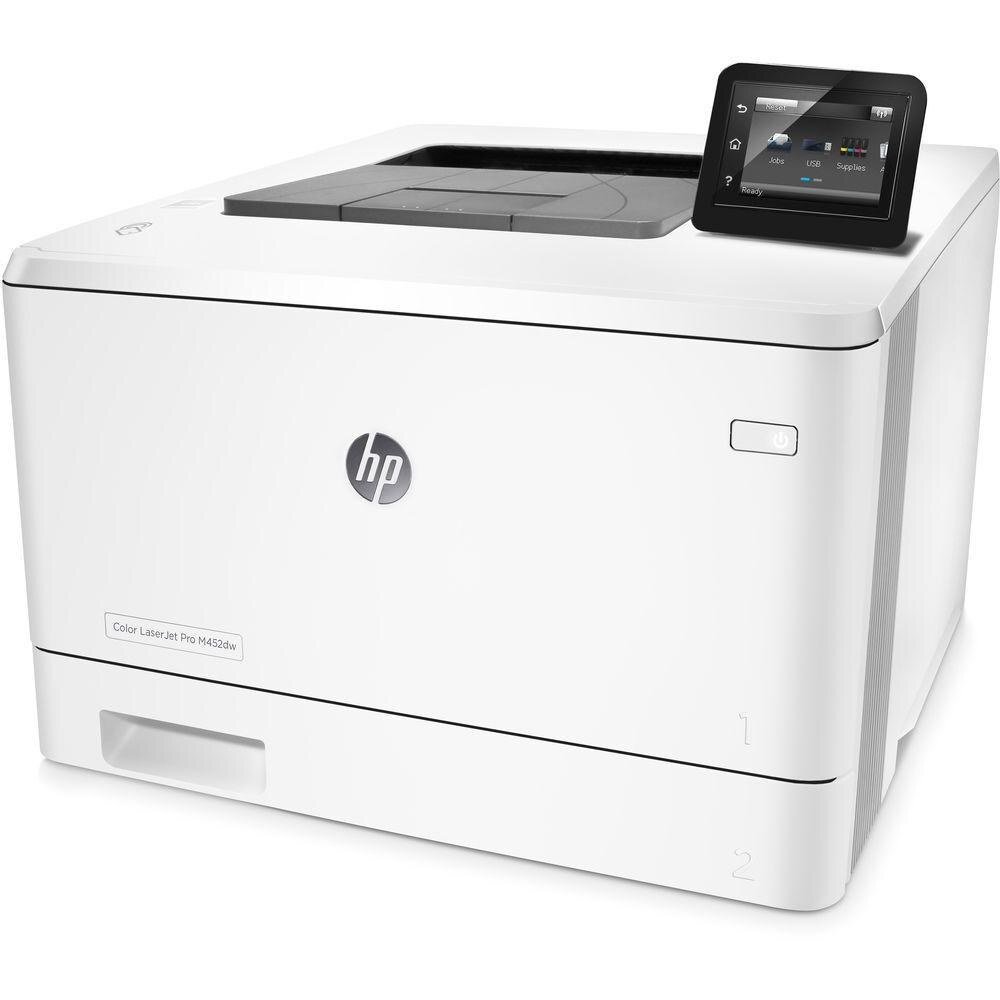
The HP LaserJet Pro M452dw combined wireless printing with automatic duplexing, a handy pairing for small offices where the printer sits in a hallway and everybody prints from laptops.
It takes the HP 410A family: CF410A black, CF411A cyan, CF412A yellow, and CF413A magenta, in standard yield or the longer-running high-yield X line. Ask for that X line by number and black answers as CF410X, cyan as CF411X, yellow as CF412X and magenta as CF413X — four high-yield cartridges that drop straight into the slots the M452dw already has.
Toner Cartridges for LaserJet Pro M452dw
This printer works with the following toner cartridges:
- HP CF410A
- HP CF411A
- HP CF412A
- HP CF413A
- HP CF410X
- HP CF411X
- HP CF412X
- HP CF413X
More HP Printers
- Color LaserJet M377DW
- Color LaserJet M477FDW
- Color LaserJet M477FNW
- Color LaserJet Pro M377
- Color LaserJet Pro M452
- Color LaserJet Pro M452DN
- Color LaserJet Pro M452DW
- Color LaserJet Pro M452NW
- Color LaserJet Pro M477
- Color LaserJet Pro M477FDN
- Color LaserJet Pro M477FDW
- Color LaserJet Pro M477FNW
- Color LaserJet Pro MFP M377
- Color LaserJet Pro MFP M377DW
- Color LaserJet Pro MFP M477
- Color LaserJet Pro MFP M477FDN
- Color LaserJet Pro MFP M477FDW
- Color LaserJet Pro MFP M477FNW
- LaserJet M377dw
- LaserJet M477fdw
- LaserJet M477fnw
- LaserJet Pro M452
- LaserJet Pro M452
- LaserJet Pro M452dn
- LaserJet Pro M452dn
- LaserJet Pro M452nw
- LaserJet Pro M477
- LaserJet Pro M477fdn
- LaserJet Pro M477fdw
- LaserJet Pro M477fnw
- LaserJet Pro MFP M377
- LaserJet Pro MFP M377dw
- LaserJet Pro MFP M477
- LaserJet Pro MFP M477fdn
- LaserJet Pro MFP M477fdw
- LaserJet Pro MFP M477fnw
Frequently Asked Questions
What toner cartridges does the LaserJet Pro M452dw use?
The LaserJet Pro M452dw uses CF410A, CF411A, CF412A, CF413A, CF410X, CF411X, CF412X, CF413X. For heavier printing, the CF410X high-yield version of CF410A fits the same LaserJet Pro M452dw. Order by these exact codes — cartridges made for other HP families won't fit or won't be recognized.
Is it worth using high-yield cartridges in the LaserJet Pro M452dw?
If the LaserJet Pro M452dw prints every day, the CF410X, CF411X, CF412X, and CF413X drop into the same slots as the standard CF410A, CF411A, CF412A, and CF413A and need swapping less often. For light use the standard cartridges are fine, but a busy LaserJet Pro M452dw spends less time on cartridge changes with the high-yield set.
What does the toner-low message on my LaserJet Pro M452dw mean?
The LaserJet Pro M452dw estimates toner from page counts rather than weighing the cartridge, so "low" means it's getting close — not that it's empty. Keep a spare CF410A on hand and swap it when print quality visibly fades. The warning usually clears on its own once the new cartridge is recognized.