




Color LaserJet Pro M477FDN
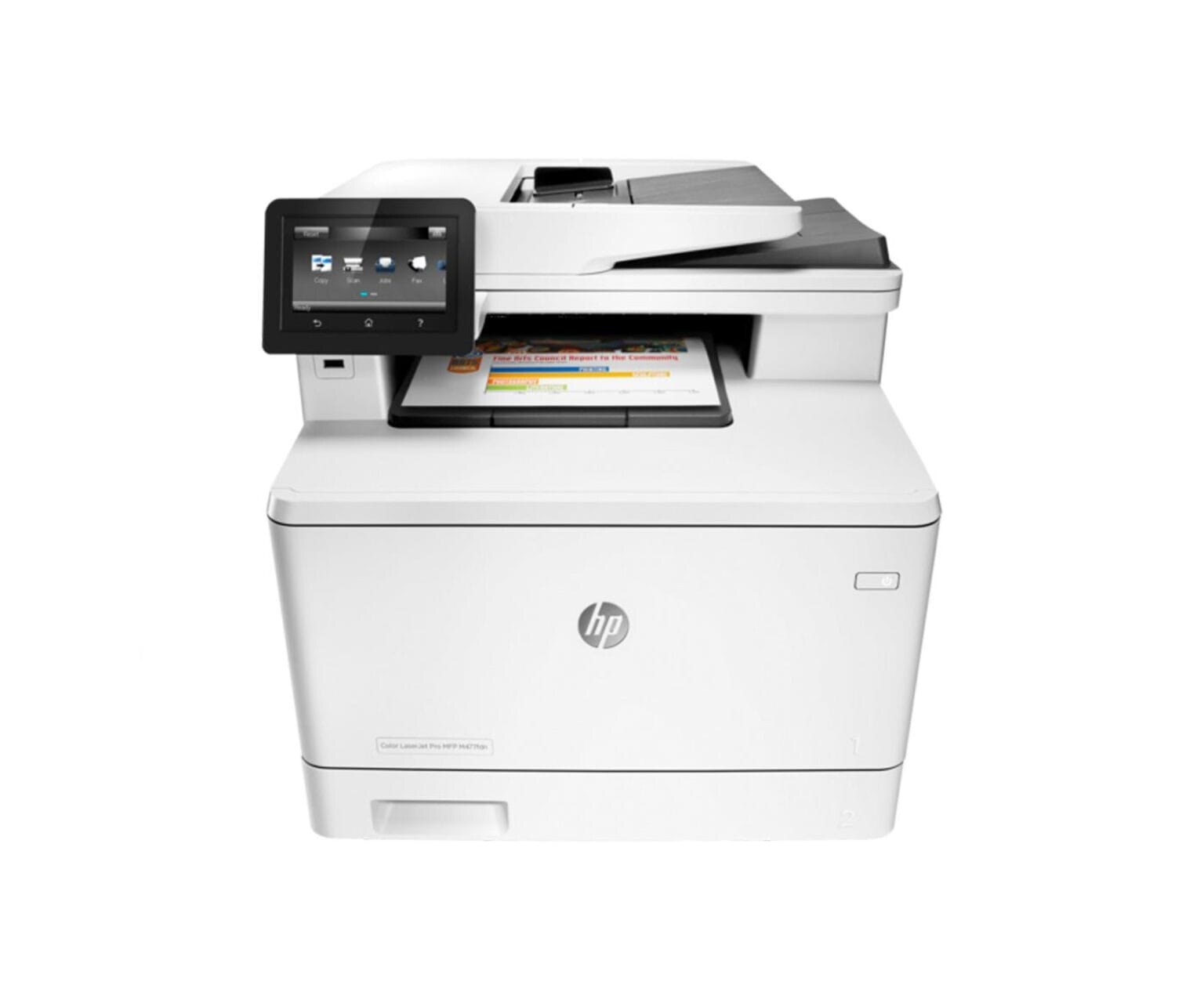
HP's mono range of the mid-2010s included the Color LaserJet Pro M477FDN, a single-function printer aimed at everyday office document printing rather than spec-sheet bragging rights. So many Color LaserJet Pro M477FDN units are still in service because everyday office document printing is exactly what this printer was designed for. The DN suffix on the Color LaserJet Pro M477FDN means duplex printing and networking come standard — two-sided output on a shared office printer.
HP built the Color LaserJet Pro M477FDN around the HP 410A cartridge family, so the CF410A you need is the same one 36 sibling models use. From the standard CF410A upward, our HP 410A selection keeps the Color LaserJet Pro M477FDN supplied — in genuine OEM or quality-compatible form.
Toner Cartridges for Color LaserJet Pro M477FDN
This printer works with the following toner cartridges:
- HP CF410A
- HP CF411A
- HP CF412A
- HP CF413A
- HP CF410X
- HP CF411X
- HP CF412X
- HP CF413X
More HP Printers
- Color LaserJet M377DW
- Color LaserJet M477FDW
- Color LaserJet M477FNW
- Color LaserJet Pro M377
- Color LaserJet Pro M452
- Color LaserJet Pro M452DN
- Color LaserJet Pro M452DW
- Color LaserJet Pro M452NW
- Color LaserJet Pro M477
- Color LaserJet Pro M477FDW
- Color LaserJet Pro M477FNW
- Color LaserJet Pro MFP M377
- Color LaserJet Pro MFP M377DW
- Color LaserJet Pro MFP M477
- Color LaserJet Pro MFP M477FDN
- Color LaserJet Pro MFP M477FDW
- Color LaserJet Pro MFP M477FNW
- LaserJet M377dw
- LaserJet M477fdw
- LaserJet M477fnw
- LaserJet Pro M452
- LaserJet Pro M452
- LaserJet Pro M452dn
- LaserJet Pro M452dn
- LaserJet Pro M452dw
- LaserJet Pro M452nw
- LaserJet Pro M477
- LaserJet Pro M477fdn
- LaserJet Pro M477fdw
- LaserJet Pro M477fnw
- LaserJet Pro MFP M377
- LaserJet Pro MFP M377dw
- LaserJet Pro MFP M477
- LaserJet Pro MFP M477fdn
- LaserJet Pro MFP M477fdw
- LaserJet Pro MFP M477fnw
Frequently Asked Questions
What toner cartridges does the Color LaserJet Pro M477FDN use?
The Color LaserJet Pro M477FDN uses CF410A, CF411A, CF412A, CF413A, CF410X, CF411X, CF412X, CF413X. For heavier printing, the CF410X high-yield version of CF410A fits the same Color LaserJet Pro M477FDN. Order by these exact codes — cartridges made for other HP families won't fit or won't be recognized.
When should I replace the toner in my Color LaserJet Pro M477FDN?
Swap the CF410A when prints from the Color LaserJet Pro M477FDN fade, streak, or the printer reports the cartridge as empty. "Toner low" warnings arrive earlier and still leave room to print, so keep a spare CF410A ready. Change it when quality visibly drops, not at the first warning.
How do I print on both sides with the Color LaserJet Pro M477FDN?
Look for the duplex or "print on both sides" option in the print dialog when printing from the Color LaserJet Pro M477FDN. You can set it as the default in the printer preferences to save paper automatically. If the option is missing, reinstall the driver for the Color LaserJet Pro M477FDN and check again.