




LaserJet 1000W
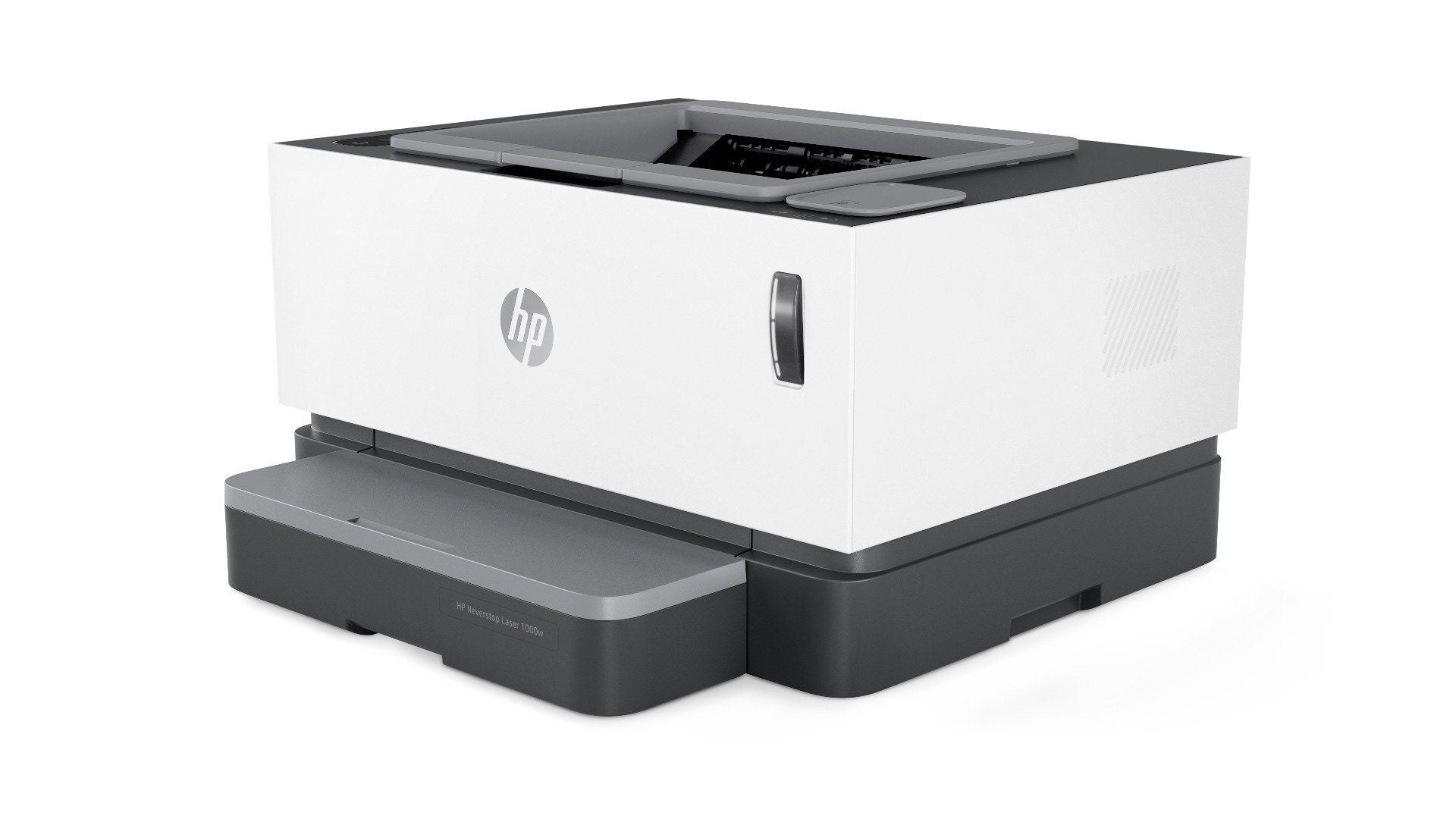
The LaserJet 1000W took HP's beloved 1000 personal laser — the affordable 2001-era monochrome printer that landed on countless home-office desks — and cut the cable, adding wireless connectivity so the printer could sit wherever the desk happened to be. Its appetite stayed as modest as the original: the standard cartridge is the C7115A (15A), and the C7115X (15X) is the high-yield fill that stretches further between changes. Everything on this shelf is a compatible version of one of those two cartridges.
A wireless personal laser tends to live a scattered life — a homework print here, a contract there, a boarding pass at the last minute. That pattern makes cartridge choice less about raw volume and more about not being caught empty at the wrong moment. The 1000W also shares its cartridge with a wide family of HP's small lasers from the same era, so owners who later add a second machine often find the same box of toner already covers it.
Toner Cartridges for LaserJet 1000W
| Cartridge | Color | Page Yield |
|---|---|---|
| C7115A | Black | See product page |
| C7115X high-yield | Black | See product page |
| LaserJet 1000W cartridge | Black | See product page |
| C7115A 2 Pack | Black | See product page |
| C7115A 3 Pack | Black | See product page |
| C7115A 5 Pack | Black | See product page |
| C7115A 10 Pack | Black | See product page |
| C7115A Premium Quality 5 Pack | Black | See product page |
| C7115A MICR | Black | See product page |
| C7115X 2 Pack | Black | See product page |
| C7115X 3 Pack | Black | See product page |
| C7115X 5 Pack | Black | See product page |
| C7115X 10 Pack | Black | See product page |
| C7115X MICR | Black | See product page |
| 15A 4 Black set | Black | See product page |
Which cartridge should you buy?
For the classic home-office pattern — a few pages most days, a burst now and then — the standard C7115A is the honest default, and a two- or three-pack keeps a spare within reach without tying up much money. If the printer serves a small business and prints daily, step up to the high-yield C7115X: it costs more per cartridge but less per page, and it halves how often you think about toner. The larger multipacks suit households or offices running several 15A-family machines off one shelf. Two listings deserve a word of explanation: the MICR cartridges use magnetic toner for printing checks, and the Premium Quality five-pack is aimed at buyers who compare output against factory cartridges. The model-named listing is the plain 15A cartridge carried under the printer's own name.
Chip, toner and everyday use
The toner indicator on a printer of this vintage triggers early, so treat the first warning as a prompt to check the shelf, not an emergency. Pages that come out pale are often just toner settled unevenly — take the cartridge out, rock it gently from side to side, and the print usually darkens again for a while. Only call a cartridge finished when output stays faint after redistribution. Keep spares sealed in a cool, dry drawer; a cartridge stored properly waits patiently for months. All yield figures for cartridges like these are estimates based on standard test coverage, so dense pages will always use more.
Frequently Asked Questions
Which toner does the LaserJet 1000W use?
It uses the HP 15A cartridge, code C7115A. The high-yield version is the C7115X (15X); both fit the same slot and install the same way, so the choice is purely about how much you print.
Can I keep printing after the toner light comes on?
Usually, yes. The indicator fires early on this family, and redistributing the toner in the cartridge typically restores solid output for a while. Swap in a fresh cartridge when pages stay pale even after a gentle rock.
What is the four-black listing on this shelf?
The 15A 4 Black set bundles four black cartridges of this same family in one listing — a stock-up option for owners who would rather reorder rarely. It is the same 15A/15X cartridge design, bought four at a time.
What warranty comes with these compatible cartridges?
They carry a 1-year warranty and 1-year returns, so a spare bought today is still covered when it finally goes into the printer.
More printers that use the same cartridges
The 15A cartridge family reaches well beyond this one model: HP C7115A, LASERJET 1001NW, LASERJET 1201NW, LASERJET 1202W, LaserJet 1000, LaserJet 1000, LaserJet 1005, LaserJet 1005W, LaserJet 1200, LaserJet 1200N, LaserJet 1200SE, LaserJet 1220, LaserJet 1220SE, LaserJet 3080, LaserJet 3300, LaserJet 3300MFP, LaserJet 3300N, LaserJet 3310, LaserJet 3310MFP, LaserJet 3320, LaserJet 3320MFP, LaserJet 3320N, LaserJet 3320NMFP, LaserJet 3330, LaserJet 3330F, LaserJet 3330MFP, LaserJet 3380, LaserJet LaserJet 3320.