




LASERJET 1202W
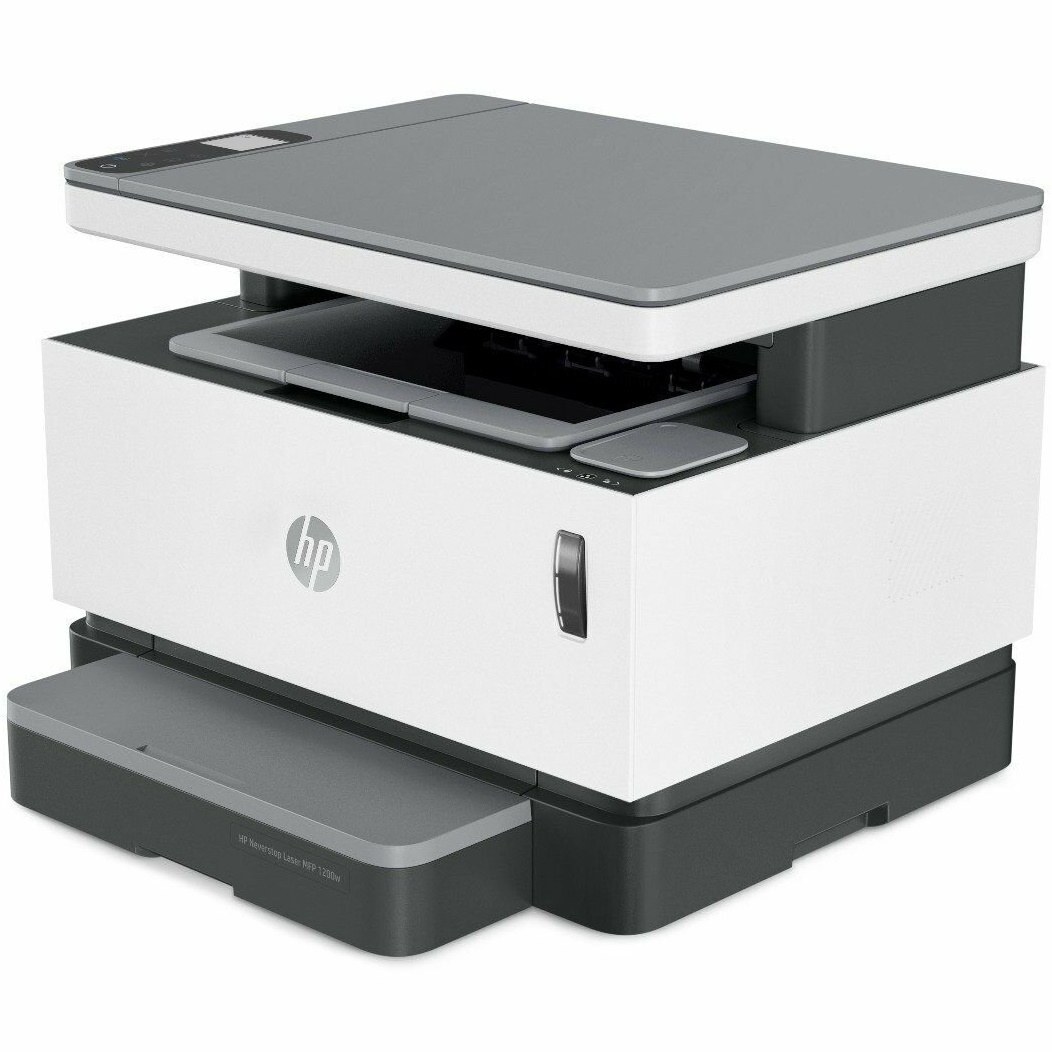
The LaserJet 1202W is HP's Neverstop multifunction laser for wireless-first homes and micro-offices — a print, scan and copy machine built around a refillable toner tank instead of swap-in cartridges. You top the tank up with the W1143A toner reload kit, a simple pour-in refill that keeps running costs low because you are buying toner, not a whole cartridge mechanism. This page stocks that reload in single, two-pack and four-pack listings, including the model-tagged listings below.
The 1202W suits a household or a two-desk office that prints steadily but hates the ritual of cartridge swaps: when the tank runs low you refill it and keep going, and because the machine lives on Wi-Fi, every computer and phone in the room shares the same tank and the same refill schedule. It is a monochrome machine, so the only supply decision is how many reloads to keep on hand.
Toner Cartridges for LaserJet 1202W
The shelf also carries HP's W1143AD twin-pack packaging in spirit — the two-black listings above are the same reload sold as a pair. The separate W1144A imaging drum, the unit that transfers toner to the page, is not among the listings on this page; a drum is an occasional replacement, not a routine one.
Which cartridge should you buy?
Start with the single W1143A reload if your tank is nearly empty and you print lightly — one kit restores printing and tells you how fast this household actually goes through toner. Steady printers do better with the two-pack: the second kit sits sealed in a drawer, so a refill never waits on a delivery. The four-pack listings fit homes that treat the 1202W as shared infrastructure and would rather stock up once. The model-tagged listings are the same reload presented under individual printer names, so pick whichever row you like — the toner inside is identical.
Chip, toner and everyday use
A Neverstop refill has no cartridge chip to argue with the printer — the kit's job is measured pouring, not electronics. Follow the kit instructions, pour slowly, and let the tank settle before you print a test page. Keep unopened kits sealed, flat and out of direct sun; loose toner hates humidity. If output ever looks patchy right after a refill, print a few dense pages to even out distribution before assuming anything is wrong with the machine.
Frequently Asked Questions
What is the difference between the W1143A and the W1144A on the LaserJet 1202W?
They are two different supplies. The W1143A is the toner itself — the reload kit that refills the tank. The W1144A is the imaging drum, the part that moves toner onto the paper. You will refill toner many times before the drum ever needs attention, and this page stocks the toner reloads.
How do I add toner to the LaserJet 1202W?
There is no cartridge to swap. When the tank level runs low, you pour a W1143A reload kit into the tank following the kit's steps, close everything up, and print. The whole point of the Neverstop design is that refilling takes minutes and produces no empty cartridge to store or recycle.
Can everyone in the house print to the LaserJet 1202W?
Yes. Once the 1202W joins your Wi-Fi network, each computer installs the driver, finds the printer on the network, and prints to the same shared tank. Nobody has their own cartridge — the whole household draws on one supply, which is why keeping a spare reload in the drawer matters.
Is there a high-yield version of the reload for heavier printing?
Neverstop does not split its reloads into standard and high-yield tiers the way cartridge families do. Heavier printing is handled by buying the reload in larger counts — the two-pack and four-pack listings on this page exist for exactly that.
More printers that use the same cartridges
The reload family is shared across HP's small Neverstop and compact LaserJet models — the full list of sibling category pages is below.
HP C7115A, LASERJET 1001NW, LASERJET 1201NW, LaserJet 1000, LaserJet 1000, LaserJet 1000W, LaserJet 1005, LaserJet 1005W, LaserJet 1200, LaserJet 1200N, LaserJet 1200SE, LaserJet 1220, LaserJet 1220SE, LaserJet 3080, LaserJet 3300, LaserJet 3300MFP, LaserJet 3300N, LaserJet 3310, LaserJet 3310MFP, LaserJet 3320, LaserJet 3320MFP, LaserJet 3320N, LaserJet 3320NMFP, LaserJet 3330, LaserJet 3330F, LaserJet 3330MFP, LaserJet 3380, LaserJet LaserJet 3320.