




Color LaserJet Pro M476DW
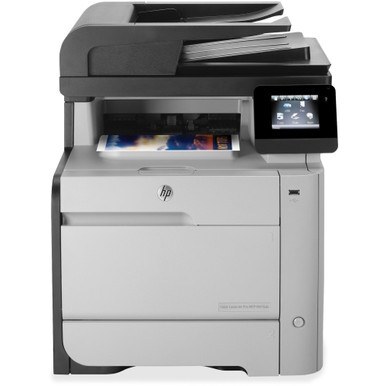
Among 2014-era lasers, the Color LaserJet Pro M476DW stands out as a color workgroup machine tuned for small workgroups. It does the fundamentals well: clean text, even coverage, no fuss. HP matched this printer with the HP 312A/312X cartridge series (CF380A, CF380X).
Choose from genuine OEM CF380A, CF380X toner or quality compatible alternatives — both engineered to work cleanly in the Color LaserJet Pro M476DW. Stocking up ahead of time beats a mid-week toner emergency.
Toner Cartridges for Color LaserJet Pro M476DW
This printer works with the following toner cartridges:
- HP CF380A
- HP CF380X
- HP CF381A
- HP CF382A
- HP CF383A
More HP Printers
- Color LaserJet M476
- Color LaserJet M476DN
- Color LaserJet M476DW
- Color LaserJet M476NW
- Color LaserJet Pro M476
- Color LaserJet Pro M476DN
- Color LaserJet Pro M476NW
- Color LaserJet Pro MFP M476
- Color LaserJet Pro MFP M476dn
- Color LaserJet Pro MFP M476dw
- Color LaserJet Pro MFP M476nw
Frequently Asked Questions
My old cartridge says CF380X — is that right for the Color LaserJet Pro M476DW?
Use CF380A, CF380X, CF381A, CF382A and CF383A in the Color LaserJet Pro M476DW. These are the codes listed for this printer, so any cartridge carrying one of them is the right type.
Why is my Color LaserJet Pro M476DW still showing a toner alert after I installed a new CF380A?
The Color LaserJet Pro M476DW normally clears the alert on its own once the new CF380A cartridge is detected. If the message persists, open and close the toner door or restart the printer to refresh the sensor.
Do CF380A cartridges for the Color LaserJet Pro M476DW go bad over time?
Toner powder stays usable for a long time, but cartridges kept for years can develop problems — install spares within a couple of years and leave them sealed until needed. The Color LaserJet Pro M476DW may flag a very old cartridge.