




A color Kyocera runs four toner containers at once, each with its own number, and the machine keeps track of them by slot. Kyocera’s own guides document how that tracking surfaces: the “Non-genuine Toner” alert and the key press that answers it on the ECOSYS line, and the regional message “Unknown Toner Installed. PC [C][M][Y][K]”, whose letters name the cyan, magenta, yellow and black containers themselves. On the TASKalfa color line, the same documentation pointedly records no override at all. This page quotes Kyocera at its documented strength, then walks all 18 of our color Kyocera families — fifteen with products you can buy, and three we will show you honestly empty.
Color doubles everything the monochrome shelf keeps simple. There are four containers in the machine, four different Kyocera numbers to match, and four slots the printer can name in its messages. What does not change is the manufacturer’s posture, because Kyocera is the one brand on this shelf whose Operation Guides print the whole exchange in its own words. The front matter reads: “We recommend the use of our genuine toner containers, which have passed rigorous quality control testing, to maintain quality. The use of non-genuine toner containers may cause failure. We will not be liable for any damages caused by the use of third party supplies in this machine.” Hold that wording at its exact strength — a recommendation, a caution, a liability limit — because everything else on this page is measured against it.
On the ECOSYS color line, Kyocera then documents the way past its own alert: a panel message, “Non-genuine Toner. Press [Help]”, and a printed corrective action that ends with an owner holding two keys down for three seconds. The key pair depends on the model line, so the decoder below keeps each variant attached to the machines it belongs to. On the TASKalfa color line — and a large share of the families below serve TASKalfa machines — gets a different entry in Kyocera’s current guide: the same event under the text “Non-genuine toner installed.”, answered by the liability sentence alone. No key press is documented there, and none will be lent to it here: each TASKalfa family below repeats that limit in its own section.
Our own shelf, audited before anything is recommended from it. The Kyocera catalog behind this page holds 512 listings, every one a toner container or a set of them: Kyocera sells no drum for these machines and neither do we. The word “chip” appears in 252 of the 512 descriptions, and every one of those 252 is the same repeated sentence listing the parts a container is built from — OPC drums, wiper blades, “a smart chip” and other internal parts. A parts list repeated from listing to listing is not evidence about any particular cartridge, no listing names a chip generation or tells you to move a chip between containers, and no family below is therefore presented as carrying a fitted chip. The last column of the table below records, family by family, which wording each family’s listings actually carry.
The word “firmware” appears in none of the 512 listings, and a search of Kyocera’s guides, FAQs and support pages found no Kyocera statement about firmware updates and third-party cartridges in either direction — everything written on that subject comes from chip vendors and retailers, not from Kyocera. So this page prints neither a firmware warning nor a firmware reassurance: where the manufacturer has not spoken, the honest entry is the silence itself.
Kyocera’s ECOSYS design separates the drum from the toner and builds the drum as a long-life part of the machine — described in Kyocera’s regional publications as running up to 300,000 pages in some devices, with the amorphous-silicon drum rated up to 500,000 pages on office models. On a color machine that design carries four photoconductors’ worth of duty inside the machine while the four toner containers — black, cyan, magenta, yellow — are the only parts an owner ever replaces. Our catalog mirrors the design exactly: 512 toner listings, zero drum listings. A drum unit in a basket for one of these machines is a part with nowhere to go — the machine never asks for it.
What identifies each container is the container itself. Kyocera’s current TASKalfa guide gives the mechanism its own section, “Radio Tag Technology”: “In some countries the radio tag technology used in this equipment to identify the toner container may be subject to authorization and the use of this equipment may consequently be restricted.” Kyocera’s anti-counterfeit material describes genuine containers carrying an RFID identifier the device reads, and its US FAQs hand the owner the matching test: check for the Kyocera hologram on the toner container. The “Non-genuine Toner” alert is that read reporting itself — on the ECOSYS line, an identification message with a documented acknowledgement at the panel.
The same identification read checks region, and on a color machine the message names the slot. Kyocera’s documented text is “Unknown Toner Installed. PC [C][M][Y][K]” — PC for the print cartridge, then the four color slots. Its checkpoint is “Does the installed toner container’s regional specification match the machine’s?”, and its corrective action is “Install the specified container.” The region system is written into Kyocera’s part numbers: US-spec containers end in US0 where the European equivalents end in NL0, and the US retail codes take the “…2” form — TK-5232, TK-5242, TK-5142 — against the “…0” form sold in Europe. A genuine Kyocera container bought for the wrong region is still the wrong container for a US machine, which is why this message belongs at the center of the color page: it is the one alert a color owner can meet with a genuine cartridge in the slot. Everything stocked below is US-spec, and our research captured no Kyocera-published table converting between the regional number sets, so none is printed.
Every color toner family on our Kyocera shelf, the fifteen we can sell you something from first and the three we cannot at the end. Every figure in the yield column carries the same label, because every figure has the same source: our store’s own Page Yield field. No Kyocera-published yield was captured for any family here, so nothing in the column is presented as a manufacturer specification — it compares our listings with each other, nothing more. The last column does the same duty for chips, recording what each family’s own product pages actually say, so a parts list is never dressed up as a claim.
| Family | Printer models | Page yield | What our product pages say about chips |
|---|---|---|---|
| TK-5152 | ECOSYS M6035cidn, M6535cidn, P6035cdn | Our store field: K 12,000 · Color 10,000 pages | The parts-list sentence on 12 of 20 listings |
| TK-5142 | ECOSYS M6035cidn, M6530cdn, M6535cidn, P6035cdn, P6130cdn | Our store field: K 7,000 · Color 5,000 pages | The parts-list sentence on 12 of 18 listings |
| TK-5232 | ECOSYS M5521cdw, P5021cdw | Our store field: K 2,600 · Color 2,200 pages | The parts-list sentence on every listing |
| TK-5242 | ECOSYS M5526cdw, P5026cdw, TASKalfa 2551ci | Our store field: K 4,000 · Color 3,000 pages | The parts-list sentence on every listing |
| TK-582 | ECOSYS P6021CDN, FS-C5150DN | Our store field: K 3,500 · Color 2,800 pages | Nothing about chips |
| TK-562 | ECOSYS P6030CDN, P7035CDN, FS-C5300DN, FS-C5350DN, FS-C5400DN | Our store field: K 12,000 · Color 10,000 pages | The parts-list sentence on 12 of 18 listings |
| TK-8507 | TASKalfa 4550ci, 4551ci, 5550ci, 5551ci + Copystar CS-4550CI, CS-5550CI | Our store field: K 30,000 · Color 20,000 pages | The parts-list sentence on 12 of 21 listings |
| TK-8309 | TASKalfa 3050ci, 3051ci, 3550ci, 3551ci, 4550ci, 4551ci, 5550ci, 5551ci | Our store field: K 15,000 · Color 15,000 pages | The parts-list sentence on 12 of 21 listings |
| TK-8307 | Copystar CS-3050CI, CS-3550CI | Our store field: K 25,000 · Color 15,000 pages | Nothing about chips |
| TK-8327 | TASKalfa 2551ci + Copystar CS-2551CI | Our store field: K 18,000 · Color 12,000 pages | Nothing about chips |
| TK-5197 | TASKalfa 306ci, 307ci, 308ci | Our store field: K 15,000 · Color 7,000 pages | Nothing about chips |
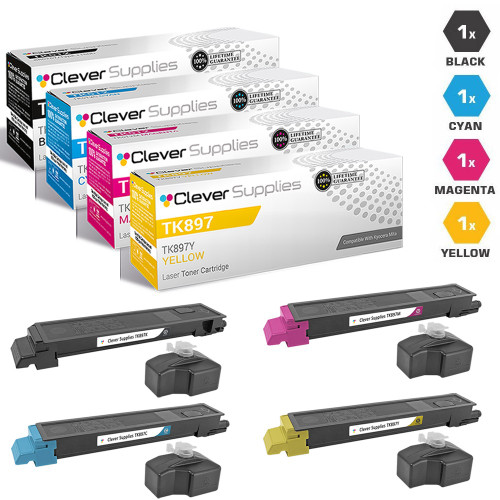
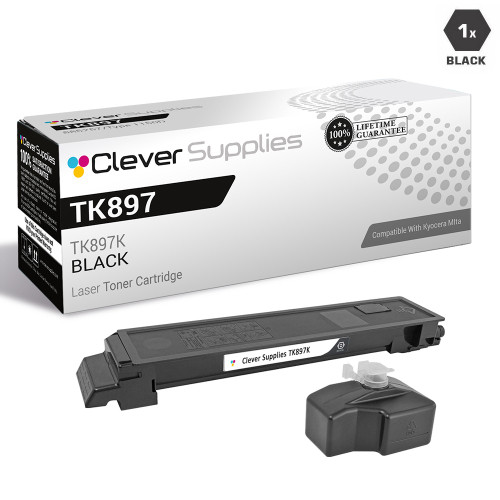
| TK-897 | FS-C8520MFP, FS-C8525MFP, FS-C8600DN, FS-C8650DN, TASKalfa 205c, 255c | Our store field: K 12,000 · Color 6,000 pages | The parts-list sentence on 12 of 14 listings |
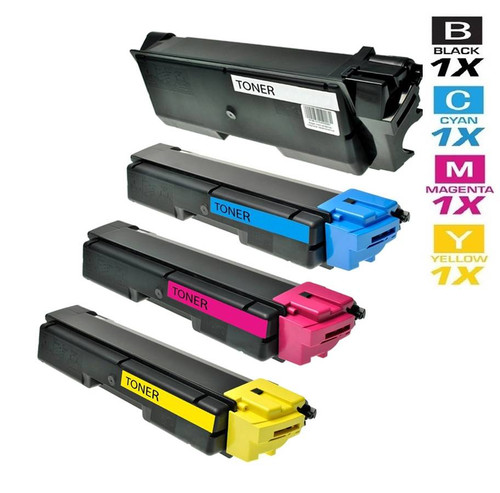
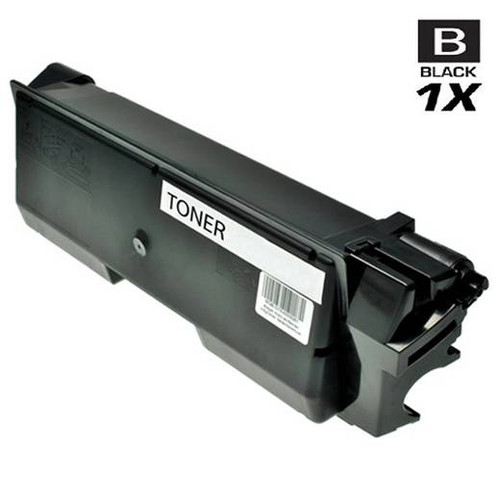
| TK-592 | FS-C2026MFP–C5250DN range, TASKalfa 400CI, 500CI, 552CI | Our store field: K 7,000 · Color 5,000 pages | The parts-list sentence on 12 of 21 listings |
| TK-542 | FS-C5100, FS-C5100DN, FS-C5200DN, FS-5100DN | Our store field: K 5,000 · Color 4,000 pages | The parts-list sentence on 12 of 18 listings |
| TK-552 | FS-C5200, FS-C5200DN, FS-C5300DN, FS-C5350DN | Our store field: K 7,000 · Color 6,000 pages | The parts-list sentence on 12 of 18 listings |
| TK-572 | ECOSYS P7035CDN, FS-C5400, FS-C5400DN — nothing purchasable | Our store field: K 16,000 · Color 12,000 pages | The parts-list sentence on 2 of 4 listings |
| TK-867 | TASKalfa 250CI, 300CI, 300i + Copystar CS-250CI, CS-300CI — nothing purchasable | Our store field: 12,000, all colors pages | The parts-list sentence on 2 of 4 listings |
| TK-8602 | Its only listing carries no printer field, so no models can be named from store data | Our store field: Not printed — see its section pages | Nothing about chips |
The model columns overlap on purpose, because our store fields overlap: the ECOSYS M6035cidn, M6535cidn and P6035cdn are named by both the TK-5152 and the TK-5142 families, the FS-C5300DN and FS-C5350DN by both TK-552 and TK-562, and the TASKalfa 2551ci by both TK-5242 and TK-8327. Two different Kyocera numbers reaching for the same machine name is exactly the situation the “Toner type mismatch” message exists for — where the fields overlap, the number on the container already in the machine is the one to match.
Six families for the ECOSYS color line — the machines most offices run today, and the line Kyocera’s documented override belongs to. When one of these printers shows “Non-genuine Toner. Press [Help]”, the ECOSYS guides’ answer is a two-key hold, and the pair depends on the generation: [OK] with [Stop] on current models, [OK] with [Cancel] on older ones, Mode Select with [Stop/Reset] where the Kyocera Client Tool manages the machine — the decoder below quotes the instruction in full. One family in this group also reaches onto the TASKalfa line; its section marks where the documentation changes.
TK-5152 is the cartridge family for Kyocera’s current mid-range ECOSYS color line: the M6035cidn and M6535cidn MFPs and the P6035cdn printer. Our store yield field rates it at 12,000 pages for black and 10,000 for each color — at the top of this group, matched only by TK-562 below — so these are containers an office changes a few times a year, not a few times a month.
The pricing is the tidiest on the page: all four singles cost exactly $30.62 each, and the four-color set at $74.25 works out to $18.56 per container, saving $48.23. One warning belongs to this family more than any other in the group: the same three machines are also named in the TK-5142 family’s store field, one digit away. The two numbers are different containers; the number on the container you remove decides which of the two families is yours. Twelve of this family’s twenty listings carry the repeated parts-list sentence; the rest say nothing about chips.
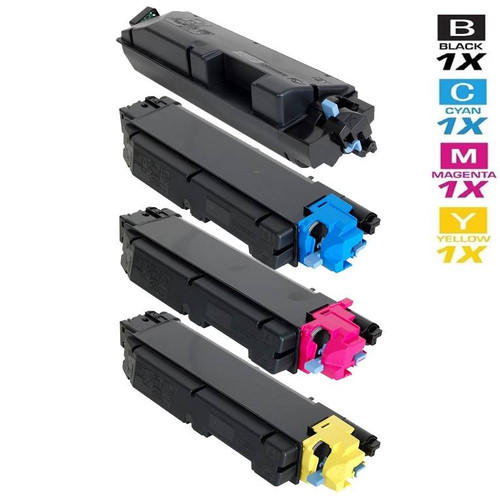
Printer model pages: ECOSYS M6035cidn, ECOSYS M6535cidn, ECOSYS P6035cdn
TK-5142 covers the wider ECOSYS color bench: the M6035cidn, M6530cdn and M6535cidn MFPs and the P6035cdn and P6130cdn printers, eighteen listings deep. Its store yield field — 7,000 pages black, 5,000 per color — sits a full tier below TK-5152’s, and the two families share three machine names between them, so the removed container’s number matters here as much as anywhere on the page.
The set at $100.03 prints a saving of $58.15 — the largest on this page, against a shelf where every other set saves between $48.22 and $48.25 — and the reason is sitting in the family’s own singles: the magenta single is priced at $55.31, against $34.05 for cyan, $33.80 for yellow and $35.02 for black. The saving is honest arithmetic — the four live single prices minus the set price — but it is one outlier single doing most of the work, and the card prints the true figure with the reason attached rather than letting it look like a deeper discount on the set.
One boundary belongs in this section: our store field also names the TASKalfa 352ci for this family. On that one machine the documentation changes sides — the TASKalfa guide’s entry for a non-genuine container carries the liability sentence and no documented override, so the ECOSYS key press quoted on this page is not offered for the 352ci.
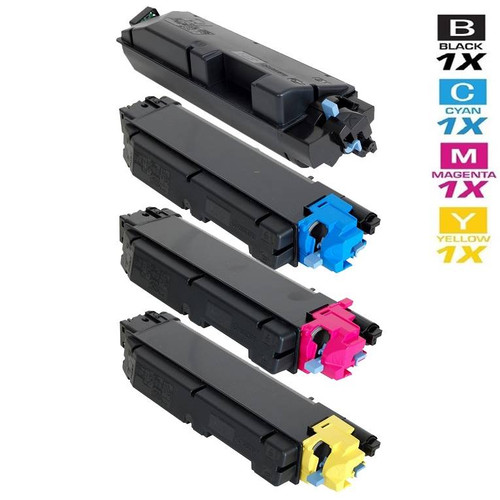
Printer model pages: ECOSYS M6035cidn, ECOSYS M6530cdn, ECOSYS M6535cidn, ECOSYS P6035cdn, ECOSYS P6130cdn
TK-5232 serves the entry ECOSYS color pair, the M5521cdw MFP and the P5021cdw printer. Its store yield field — 2,600 pages black, 2,200 per color — is the lowest figure anywhere on this page, and it sets the buying rhythm: these are small containers for light color duty, and a busy small office will change them often.
The four-color set at $56.79 is the cheapest set on the page ($14.20 per container), and its saving prints at $48.22 — the same set pattern as the rest of the shelf, a cent under the usual band. The parts-list sentence appears on all twelve of this family’s listings; it is still only a parts list, and the header above records it as one.
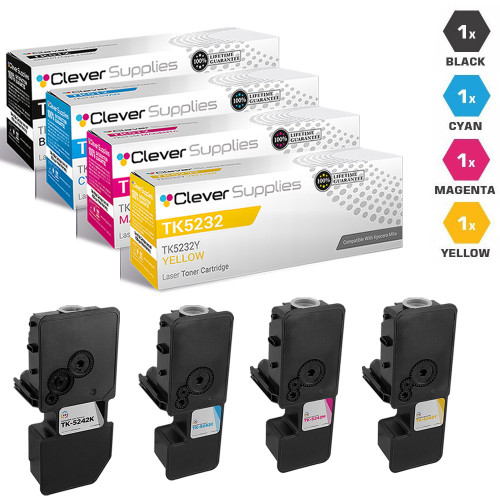

Printer model pages: ECOSYS M5521cdw, ECOSYS P5021cdw
TK-5242 serves the ECOSYS M5526cdw and P5026cdw, and its store field also names the TASKalfa 2551ci. Its yield field is 4,000 pages black and 3,000 per color, and its black single at $26.08 is the lowest black-single price in this group.
This is the family where the page’s central distinction stops being abstract. For the two ECOSYS machines, Kyocera documents the panel override for the non-genuine alert. For the TASKalfa 2551ci, the governing document is the TASKalfa guide, which records the message and the liability sentence and no override — so the same cartridge family carries two different documented answers depending on which machine is in front of you, and this page keeps them apart rather than averaging them. The 2551ci is also named by TK-8327 in Group B; the removed container’s number decides between the two families.
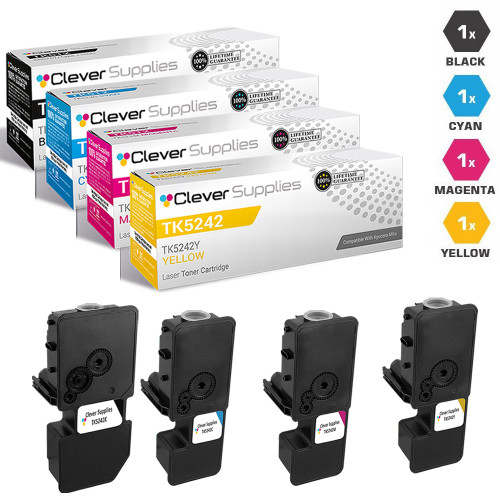
Printer model pages: ECOSYS M5526cdw, ECOSYS P5026cdw, TASKalfa 2551ci
TK-582 feeds the ECOSYS P6021CDN and the same compact printer filed in our store data under its FS badge as the FS-C5150DN. The store yield field is 3,500 pages black and 2,800 per color: a small-office cartridge, sized for occasional color rather than production runs.
The set is $58.19 ($14.55 per container) against singles at $26.57 to $26.72. None of this family’s twelve listings mentions chips in any form — its descriptions belong to the newer, quieter generation on the shelf, and the header above records that plainly.
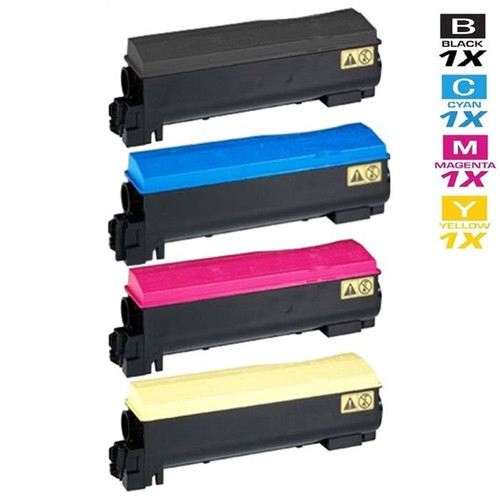
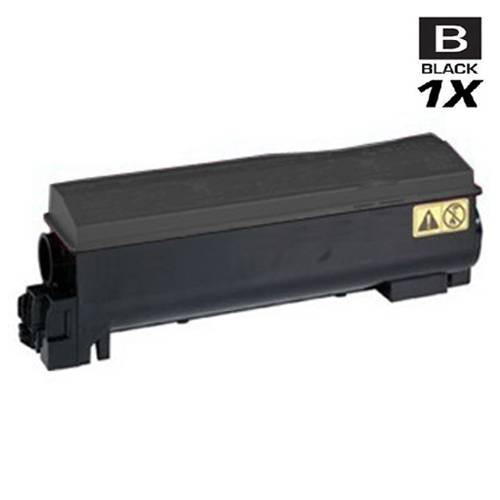
Printer model pages: ECOSYS P6021CDN, FS-C5150DN, P6021CDN
TK-562 spans the ECOSYS P6030CDN and P7035CDN printers and the FS-C5300DN, FS-C5350DN and FS-C5400DN. Its store yield field — 12,000 pages black, 10,000 per color — matches TK-5152 at the top of this group, across a wider and older set of machines.
The set at $144.02 is the most expensive in the group, and its four singles sit within a few cents of each other around $48.16, so the $48.24 saving is the pattern figure with no outlier inside it. Two overlaps to hold onto: the FS-C5300DN and FS-C5350DN are also named by TK-552 in Group C, and the P7035CDN is also named by the TK-572 family at the end of this page, which has nothing purchasable to sell. Where the fields overlap, the removed container’s number is the arbiter.
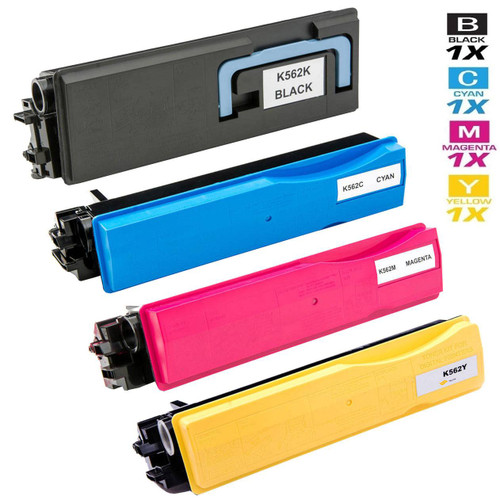
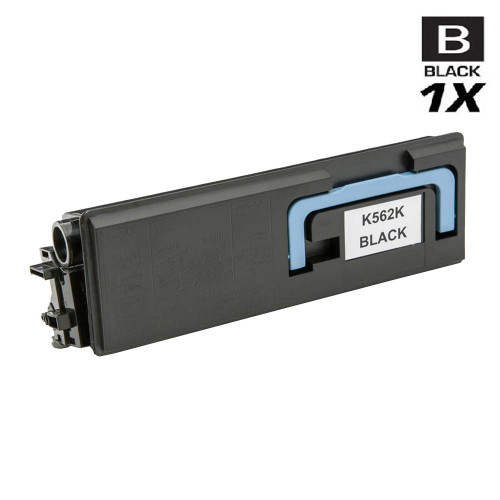
Printer model pages: ECOSYS P6030CDN, ECOSYS P7035CDN, FS-C5300DN, FS-C5350DN, FS-C5400DN
The six families below run the TASKalfa color MFPs and their Copystar-badged twins — and they are where this page’s most important limit lives, so it is stated before the families, not after. The key-press override quoted in the decoder is an ECOSYS document. In Kyocera’s current TASKalfa Operation Guide the same event is entered under a different message text, “Non-genuine toner installed.”, and its table’s only corrective action is the liability sentence. No key press is documented for TASKalfa. Each family below carries that limit in its own section instead of letting the ECOSYS answer drift across the range.
TK-8507 is the shared container family for Kyocera’s departmental TASKalfa color generation — the 4550ci, 4551ci, 5550ci and 5551ci — and for the same machines sold through Kyocera’s US dealer channel under the Copystar nameplate, as the CS-4550CI and CS-5550CI: the container number is the platform’s, whichever badge the front panel wears. The store yield field — 30,000 pages black, 20,000 per color — is the largest black figure anywhere on this page.
The set at $349.61 is the most expensive on the page ($87.40 per container), and inside the singles the yellow, at $109.82, is priced a little above the black at $108.46 — the reverse of the usual order, printed as the shelf presents it. And the limit from this group’s introduction governs the whole family: on current TASKalfa documentation these machines get the message and the liability sentence, with no override documented behind them.
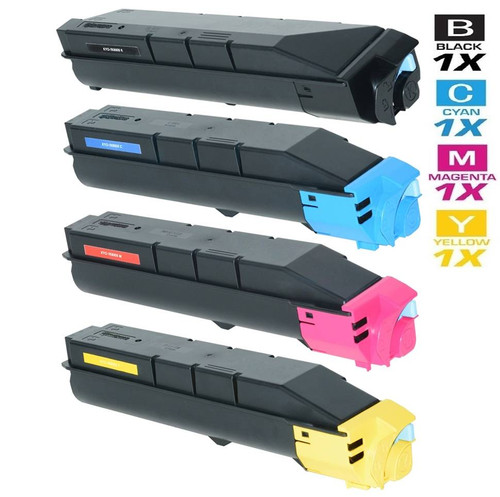
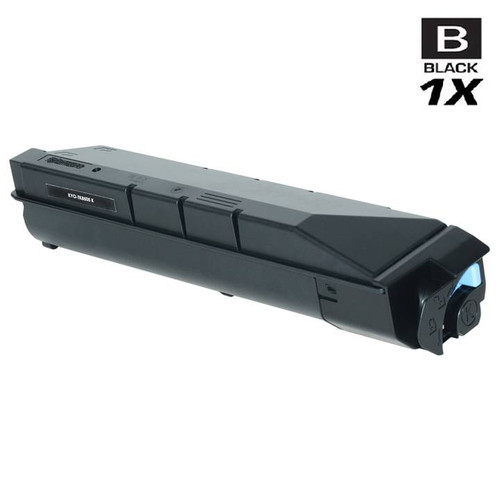
Printer model pages: CS-4550CI, CS-5550CI, TASKalfa 4550ci, TASKalfa 4551ci, TASKalfa 5550ci, TASKalfa 5551ci
TK-8309 serves the wide middle of the TASKalfa color range: eight models from the 3050ci through the 5551ci. Its store yield field is the only one on this page that rates black and colors identically — 15,000 pages for each of the four containers — which makes its per-page arithmetic the simplest in this group.
One shelf note, stated plainly because it affects what you can buy: part of this family’s listings — its TK-titled generation — is currently switched off in our store. The set and the black single carded below are from the family’s live, orderable generation, verified as such on the date given in the disclosure. The TASKalfa documentation limit from this group’s introduction applies unchanged: no override is documented for these machines.
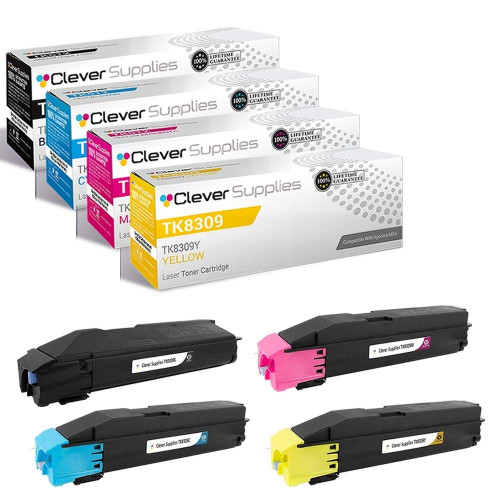
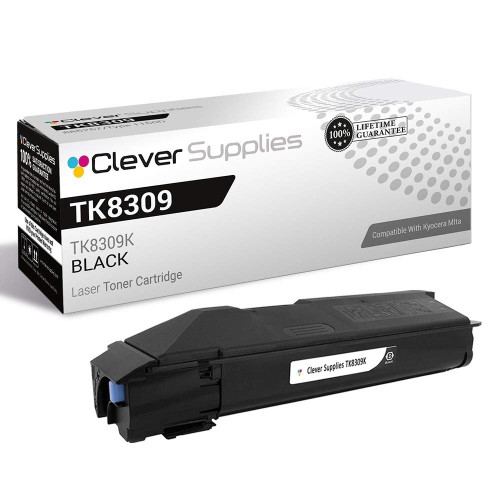
Printer model pages: TASKalfa 3050ci, TASKalfa 3051ci, TASKalfa 3550ci, TASKalfa 3551ci, TASKalfa 4550ci, TASKalfa 4551ci, TASKalfa 5550ci, TASKalfa 5551ci
TK-8307 is the smallest family in this group: six listings whose store field names only the Copystar-badged CS-3050CI and CS-3550CI — the dealer-nameplate face of the TASKalfa platform, so the TASKalfa documentation limit in this group’s introduction is the one that governs them. Its store yield field is 25,000 pages black and 15,000 per color.
Its headline prices coincide with TK-8309’s — a set at $258.20 and a black single at $68.37 — but 8307 and 8309 are different numbers carrying different containers, one digit apart. If your machine wears a Copystar badge, this family is the one our store data names for it; either way, the number on the container you remove outranks any resemblance. None of this family’s six listings mentions chips in any form.
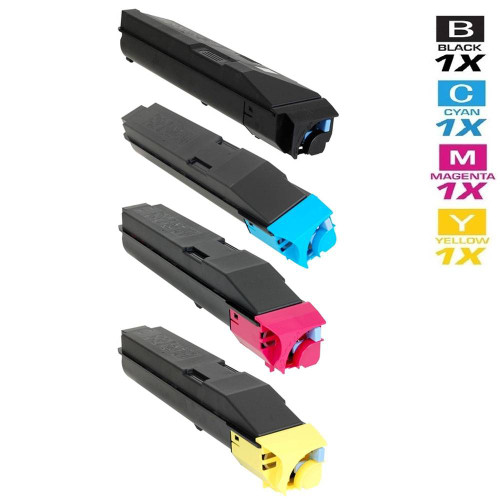
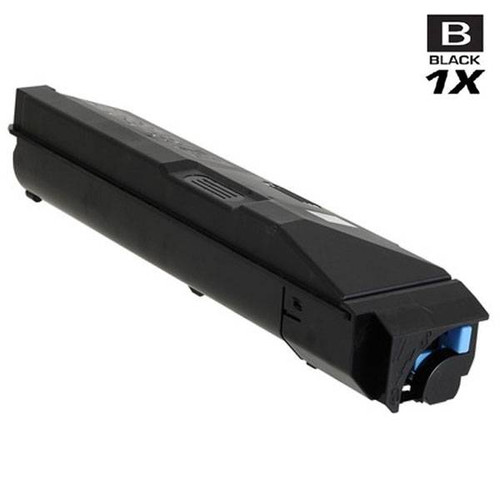
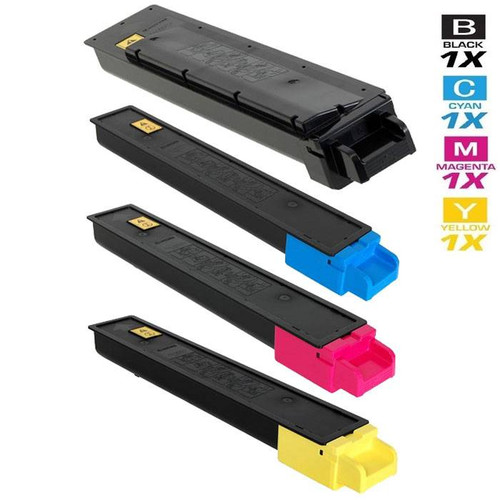
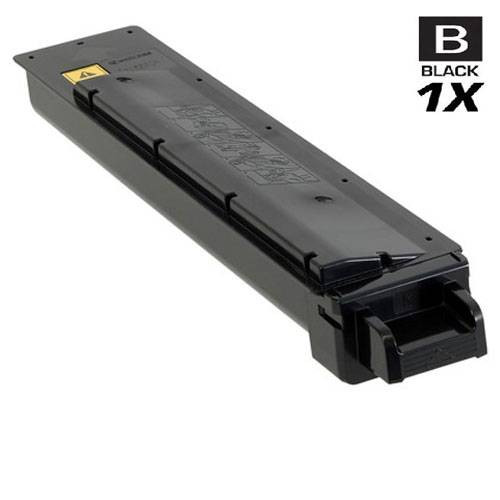
TK-8327 serves the TASKalfa 2551ci and its Copystar twin, the CS-2551CI, with a store yield field of 18,000 pages black and 12,000 per color. Eleven listings carry the family.
The 2551ci is the machine this page’s overlap warning fits best: it is named here and in TK-5242’s field in Group A. The two families are not interchangeable — the number on the container you remove decides — and their documented positions differ too: the ECOSYS models in the TK-5242 family carry the documented override, while this family’s TASKalfa machines sit under TASKalfa documentation, which records no override. The set is $267.65; none of this family’s listings mentions chips.
Printer model pages: CS-2551CI, TASKalfa 2551ci
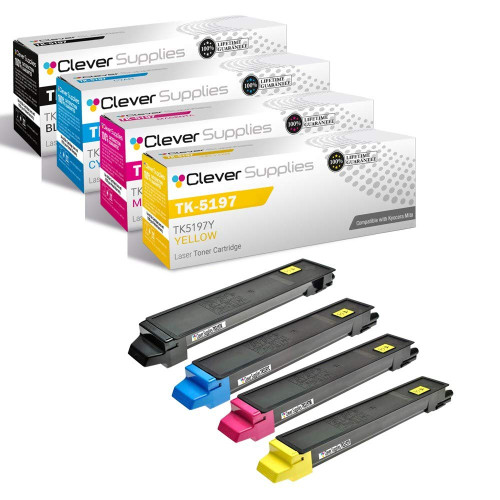
TK-5197 serves the compact TASKalfa color MFPs: the 306ci, 307ci and 308ci. Its store yield field is 15,000 pages for black and 7,000 per color — a black container rated at better than twice the life of each color, which matches how these machines are usually worked.
The singles invert the usual order: the black costs $56.21 while each color single costs $64.63. The set at $201.85 ($50.46 per container) is therefore worth more to a color-heavy office than the black-led arithmetic of most families here. None of its eight listings mentions chips, and the TASKalfa documentation limit applies to all three of its machines.

Printer model pages: TASKalfa 306ci, TASKalfa307ci, TASKalfa308ci
TK-897 spans six departmental machines: the FS-C8520MFP and FS-C8525MFP MFPs, the FS-C8600DN and FS-C8650DN printers, and the TASKalfa 205c and 255c. Its store yield field is 12,000 pages black and 6,000 per color.
The set is $266.41; its black single, at $96.54, is the expensive one of the four, with the three color singles flat at $72.70. Because the family mixes two machine lines, its documentation splits the same way TK-5242’s did: the TASKalfa 205c and 255c sit under the TASKalfa limit stated in this group’s introduction, and this page does not extend the ECOSYS override to them. The parts-list sentence appears on twelve of this family’s fourteen listings.
Printer model pages: FS-C8520MFP, FS-C8525MFP, FS-C8600DN, FS-C8650DN, TASKalfa 205c, TASKalfa 255c
The FS-C printers below are the long-serving office color machines, and their families are among the deepest on the shelf. The group ends with three families documented rather than sold: TK-572, TK-867 and TK-8602 have no purchasable listing in our store at all. They are kept on the page — with their incompleteness stated in plain words — because the machines that take them are still in offices and their numbers still get searched for; dropping them silently would leave exactly the buyers who most need a straight answer without one.
TK-592 is the biggest color family in our Kyocera catalog: twenty-one listings serving the FS-C2026MFP, FS-C2126MFP, FS-C2526MFP and FS-C2626MFP MFPs (standard and Plus variants), the FS-C5250DN printer, and three TASKalfa models, the 400CI, 500CI and 552CI. Its store yield field is 7,000 pages black and 5,000 per color.
The set at $92.91 works out to $23.23 per container — the lowest per-container set price in this group — against a black single at $39.67 and color singles a few dollars under it. For the three TASKalfa models named in this family’s field, the TASKalfa documentation limit stated in Group B’s introduction applies; the FS-C machines are the family’s center of gravity.
Printer model pages: FS-C2026MFP, FS-C2026MFP Plus, FS-C2126MFP, FS-C2126MFP Plus, FS-C2526MFP, FS-C2626MFP, FS-C5250DN, TASKalfa 400CI, TASKalfa 500CI, TASKalfa 552CI
TK-542 serves the FS-C5100, FS-C5100DN and FS-C5200DN, with the FS-5100DN also named in its store field. The yield field is 5,000 pages black and 4,000 per color, and the family runs eighteen listings deep — an established shelf for an established generation.
Inside the singles, the yellow stands apart: $48.34 against $38.64 each for cyan and magenta and $40.19 for black. An office that burns through yellow will feel this family’s set — $117.57, saving $48.24 — sooner than the others. The parts-list sentence appears on twelve of its eighteen listings.
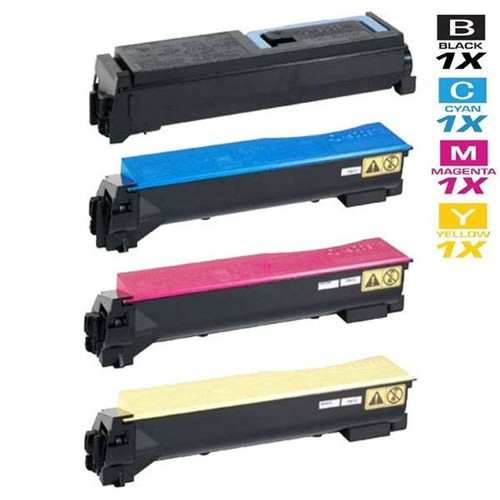
Printer model pages: FS-5100DN, FS-C5100, FS-C5100DN, FS-C5200DN
TK-552 covers the FS-C5200 and FS-C5200DN and the FS-C5300DN and FS-C5350DN above them. Its store yield field — 7,000 pages black, 6,000 per color — gives it the strongest color rating in this group, a step above the TK-542 generation it overlaps.
The set is $107.55 ($26.89 per container). The overlap to watch: the FS-C5300DN and FS-C5350DN are also named by TK-562 in Group A, whose yield field is higher — two numbers reaching for the same two machines from different catalog generations. The container you remove carries the number your machine has been running; reorder that one.
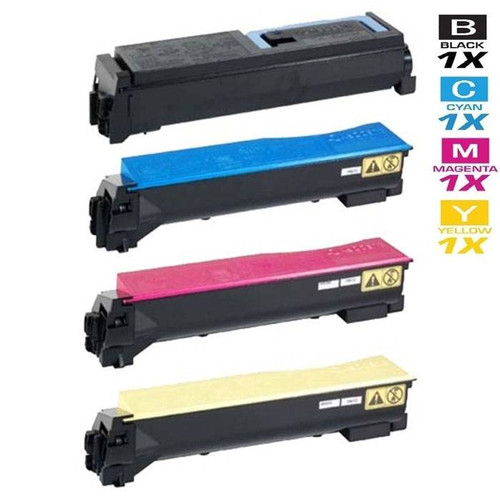
Printer model pages: FS-C5200, FS-C5200DN, FS-C5300DN, FS-C5350DN
TK-572 is named in our store data for the ECOSYS P7035CDN and the FS-C5400 and FS-C5400DN — the P7035CDN also appears in TK-562’s field in Group A. Its store yield field reads 16,000 pages black and 12,000 per color, figures printed here for identification only, because there is nothing behind them to buy.
The honest state of this family: our store has only ever listed two of its four cartridges — the black and the magenta singles — in two listing generations, and every one of those listings currently shows as unavailable to buy. No cyan, no yellow and no four-color set has ever been listed. This section therefore carries no cards and no saving figure: there is nothing in this family we can sell you today. If your machine takes TK-572, the number still matters for identification — it is simply a number our shelf does not currently stock in purchasable form.
Printer model pages: ECOSYS P7035CDN, FS-C5400, FS-C5400DN
TK-867 belongs to the TASKalfa 250ci generation — the 250CI and 300CI and the 300i, with Copystar-badged CS-250CI and CS-300CI twins. Machines of that era are still in offices, which is why the family is on this page at all.
What our shelf holds for it is two cartridges: a cyan single and a magenta single, in two listing generations — and both generations currently show as unavailable to buy. No black, no yellow and no set was ever listed; this family entered our own family map without a flagship product, and it still has none. There are no cards here because there is nothing to put on them. The TASKalfa documentation limit would govern these machines, but with nothing purchasable in the family, the practical fact comes first: our store cannot supply TK-867 today.
Printer model pages: CS-250CI, CS-300CI, TASKalfa 250CI, TASKalfa 300CI, TASKalfa 300i
TK-8602 exists in our catalog as exactly one listing: a single magenta cartridge. That listing currently shows as unavailable to buy, and it is the whole family.
Its limits are worth stating precisely, because they are the limits of this page’s evidence. The listing carries no Compatible Printers field at all, so store data cannot name even one machine this number serves — and no model list will be guessed into the gap. The yield figure that single listing carries has no second source behind it, so this page prints no yield for TK-8602 either. What can be said is the number itself, and the shape of the shelf behind it: if TK-8602 is the number on the container you removed, our store holds one listing for it, in one color, not currently purchasable.
Color gives the panel more to report: it can name the state and the slot in the same message. What follows are the five cartridge texts Kyocera documents for these machines, quoted from its Operation Guides with the remedy each guide attaches to it — and a sixth entry for the message Kyocera never wrote.
On the ECOSYS line this is what the panel shows after the radio-tag read finds a container that is not Kyocera’s own brand. The guides’ checkpoint asks the question directly — “Is the installed toner container our own brand?” — and then print the remedy, in full: “The manufacturer assumes no responsibility for damage caused by a non-genuine toner. We recommend that you only use genuine toner containers. When you want to use the toner container currently installed, select the [OK] key and the [Stop] key simultaneously for 3 seconds or more.” Which two keys your machine wants depends on its generation, and the variant is part of the instruction: [OK] + [Stop] on current ECOSYS models; [OK] + [Cancel] in older ECOSYS guides (the P3150dn and P7240cdn among them); Mode Select + [Stop/Reset] where the Kyocera Client Tool manages the machine. On a color machine the indication can point at one slot; the container in that slot is the one the acknowledgement covers. Read the alert for what it is — an identification report with a documented response. Kyocera’s ECOSYS text nowhere describes a lockout.
Same event, different book. The message table in the current TASKalfa Operation Guide — published on Kyocera’s own US site — enters this text with the ECOSYS checkpoint (“Is the installed toner container our own brand?”) and then stops short: the only corrective action it prints is “We will not be liable for any damage caused by the use of third party supplies in this machine.” No key combination follows it. Six of the eighteen families on this page run on TASKalfa machines wholly or partly, and this page will not carry the ECOSYS key press across to them on inference. What Kyocera documents for TASKalfa is the sentence above; the missing override is a documentation gap, and it is reported as one.
Uniquely among the messages here, this one can be raised by a genuine Kyocera container — it concerns region, not genuineness. Kyocera’s checkpoint is “Does the installed toner container’s regional specification match the machine’s?”, answered by “Install the specified container.” The bracketed letters are the machine naming its own slots: PC for the print cartridge, then C, M, Y and K for cyan, magenta, yellow and black — so a color machine tells you which of its four containers is the foreign-region one. The region is coded into Kyocera’s part numbers themselves (US0 endings for the United States, NL0 for Europe), which is why a container bought abroad can be genuine, correct for the model, and still wrong for a US machine. The shelf behind this page is stocked entirely in US-spec form.
Kyocera asks, in its checkpoint, “Does the type of toner you have match the model?” and answers with “Please install correct toner.” On the color shelf this is the trap with the most doors into it: TK-5152 and TK-5142 stand one digit apart and both name the M6035cidn; TK-8307 and TK-8309 stand one digit apart at the same headline prices; two families, TK-552 and TK-562, both name the FS-C5300DN. A wrong container is caught at the slot by the machine — or earlier, and cheaper, at the desk, by matching the number on the container that came out.
Do not let the plain wording fool you into skipping it: this entry is about seating, and Kyocera’s remedy is to take the container out and refit it. The color version of the message points at one slot — power the machine down, pull that container, seat it again firmly. A container that still draws the message after a firm reseat earns suspicion; the message itself, as documented, says nothing about where the container came from.
Two subjects this decoder deliberately leaves blank, because Kyocera leaves them blank. No guide we could find prints a panel message reporting a cartridge’s chip state as a fault, and none prints one reporting a firmware state. The word “firmware” appears in none of our 512 Kyocera listings, and no Kyocera statement connecting firmware to third-party cartridges turned up in its guides, FAQs or support pages. A screen that seems to blame a chip or an update is, on the documented evidence, one of the five texts above wearing a worse interpretation. The vocabulary decoded here is the vocabulary Kyocera publishes; nothing has been added to it.
There is no drum change in a Kyocera color cartridge change, because there is no owner-changed drum. The drum side of these machines is built into the machine for the long term — Kyocera’s regional publications put drum life at up to 300,000 pages in some devices and the amorphous-silicon drum at up to 500,000 on office models — while the four toner containers are the whole consumable story. Our shelf follows the design: 512 Kyocera listings, all toner, zero drums. Replacing a color container replaces that color’s toner and nothing else — there is no second part to add to the order.
The answer is printed in Kyocera’s own ECOSYS guides, and the decoder above quotes it in full: hold [OK] and [Stop] together for three seconds or more to go on using the container that is installed. Three variants of the pair exist — [OK] + [Cancel] in older ECOSYS guides, Mode Select + [Stop/Reset] on models the Kyocera Client Tool manages, [OK] + [Stop] on current machines — so match the pair to your model line before you need it. The guides set the liability sentence next to the instruction; the key press itself is Kyocera’s documented response, not a trick the internet found.
On the documentation, no. The TASKalfa guide’s table gives the event a different text — “Non-genuine toner installed.” — and a single corrective action, the liability sentence, with no key press anywhere in the entry. The ECOSYS hold is documented for ECOSYS machines. Group B of this page serves mostly TASKalfa machines, and its sections repeat this limit family by family rather than letting an ECOSYS instruction stand in for a TASKalfa one that Kyocera has not published.
Read it as a region report that names its slot. PC marks the print cartridge; the letters after it are the four slots — cyan, magenta, yellow, black — so the machine is telling you which container’s regional specification is not its own. Kyocera’s checkpoint asks whether the installed container’s regional specification matches the machine’s, and its remedy is to install the specified container. The coding sits in the part numbers: US0 endings here, NL0 in Europe — which is why a genuine container bought abroad can raise the message on a US machine. Every family on this page is stocked in US-spec form.
Because of one listing, and the family’s section shows the arithmetic rather than letting the number pose. Set savings across this page sit in a tight band — $48.22 to $48.25 — because they are computed the same way everywhere: the four live single prices minus the set price. TK-5142 breaks the band because its magenta single is priced at $55.31 against roughly $34 for its cyan and yellow siblings; the saving is real against today’s singles, but it is the outlier single doing the work, not a deeper discount on the set itself, which at $100.03 is priced in line with its platform. Whether the bigger figure benefits you depends on which singles you would otherwise be buying.
Nobody at Kyocera has said — in either direction. The Operation Guides do not address it, the FAQs do not address it, and the support pages we searched do not address it; nor does the word “firmware” appear in any of our 512 Kyocera listings. The confident writing on the subject comes from chip vendors and retailers, whose claims are not Kyocera’s position. This page accordingly prints no firmware warning, no advice to refuse updates, and no assurance that updates are safe: there is no documented position to pass on.